Buying a retro handheld should be simple. One chip is faster, so the handheld using that chip should be better. The Allwinner H700 and Rockchip RK3566 make that logic a little uncomfortable. RK3566 has newer Cortex-A55 CPU cores, a faster Mali-G52 GPU, better I/O, and an NPU. H700 uses older Cortex-A53 cores, weaker Mali-G31 graphics, and was originally designed as a low-cost multimedia processor. So RK3566 wins… except that many people shopping for an inexpensive handheld don’t actually need everything it wins at. The real question isn’t whether RK3566 is faster – it is. The question is whether that extra performance changes the games you want to play enough to justify a more expensive device, potentially higher power consumption, and a product whose software may still matter more than its processor. H700 vs RK3566 specifications The hardware difference is larger than the similar four-core layout suggests. H700 combines Cortex-A53 with Mali-G31 graphics. RK3566 moves to Cortex-A55 and Mali-G52, while adding features useful beyond handheld gaming. Feature Allwinner H700 Rockchip RK3566 CPU 4× Cortex-A53 4× Cortex-A55 Common maximum clock Around 1.5 GHz in handhelds Up to 1.8 GHz GPU Multicore Mali-G31 Mali-G52 2EE Graphics architecture Bifrost Bifrost Video decoding Up to
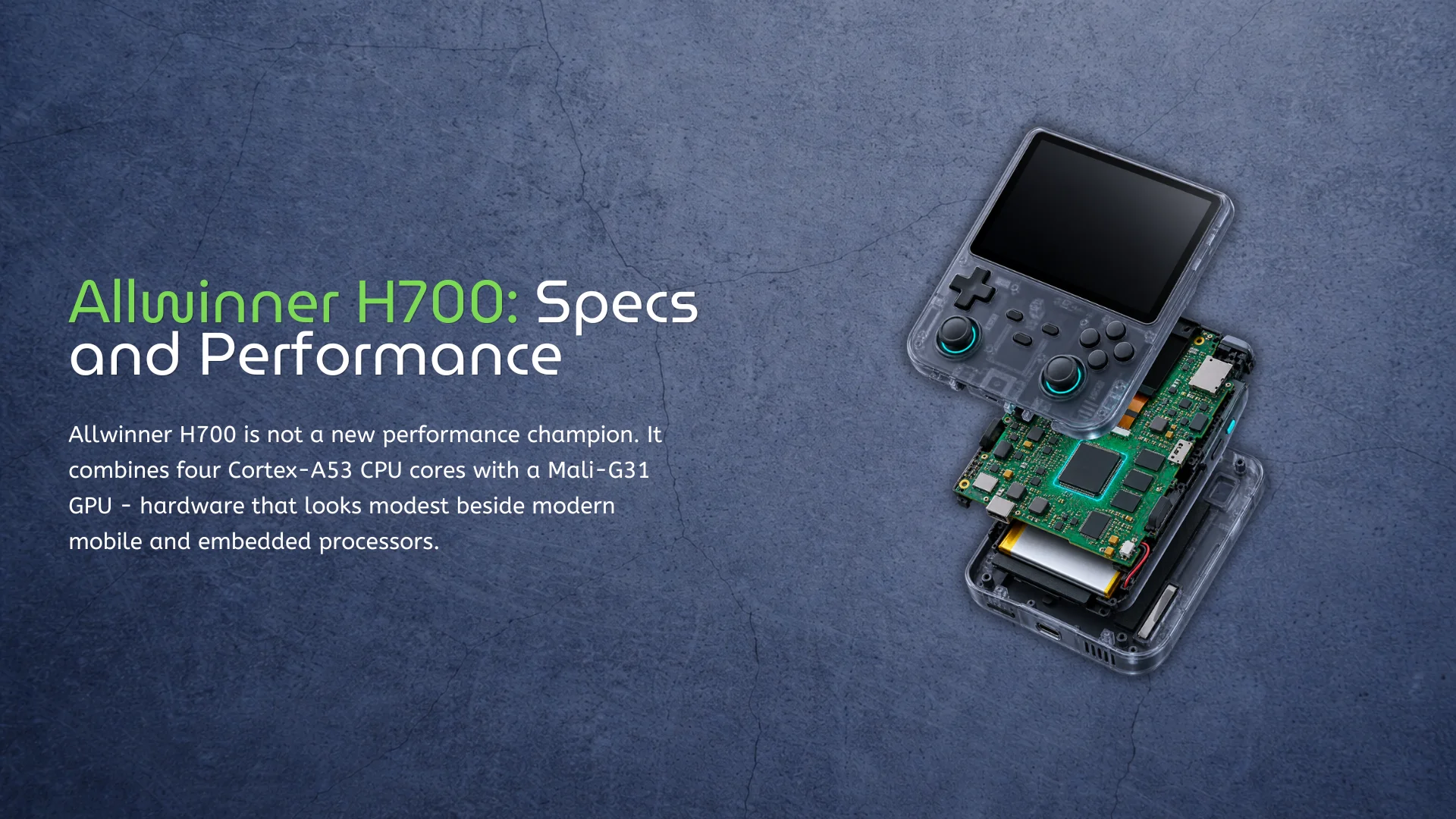
Allwinner H700 is not a new performance champion. It combines four Cortex-A53 CPU cores with a Mali-G31 GPU – hardware that looks modest beside modern mobile and embedded processors. For a broader Allwinner vs Rockchip comparison, see our detailed guide. Yet the chip has become remarkably common in affordable Linux gaming handhelds. This is not a case of an old processor being secretly fast. H700 succeeds because retro gaming has very different requirements from Android tablets, desktop Linux, or current-generation games. It offers enough CPU performance for older console emulation, a considerably newer GPU than many inexpensive Cortex-A53 platforms, and a capable multimedia subsystem without pushing device prices higher. That balance matters more than an impressive benchmark result. Allwinner H700 specifications Allwinner originally positioned H700 as a multimedia processor rather than a gaming-specific SoC. Its four 64-bit Cortex-A53 cores are paired with a multicore Mali-G31 GPU based on Arm’s Bifrost architecture. Feature Allwinner H700 CPU 4× Arm Cortex-A53 CPU architecture 64-bit Armv8-A Typical handheld clock Up to approximately 1.5 GHz GPU Multicore Arm Mali-G31 Graphics APIs OpenGL ES 3.2 and Vulkan 1.1 Video decoding Up to 4K at 60 fps, 10-bit Display interfaces HDMI 2.0, dual-link LVDS, RGB and CVBS
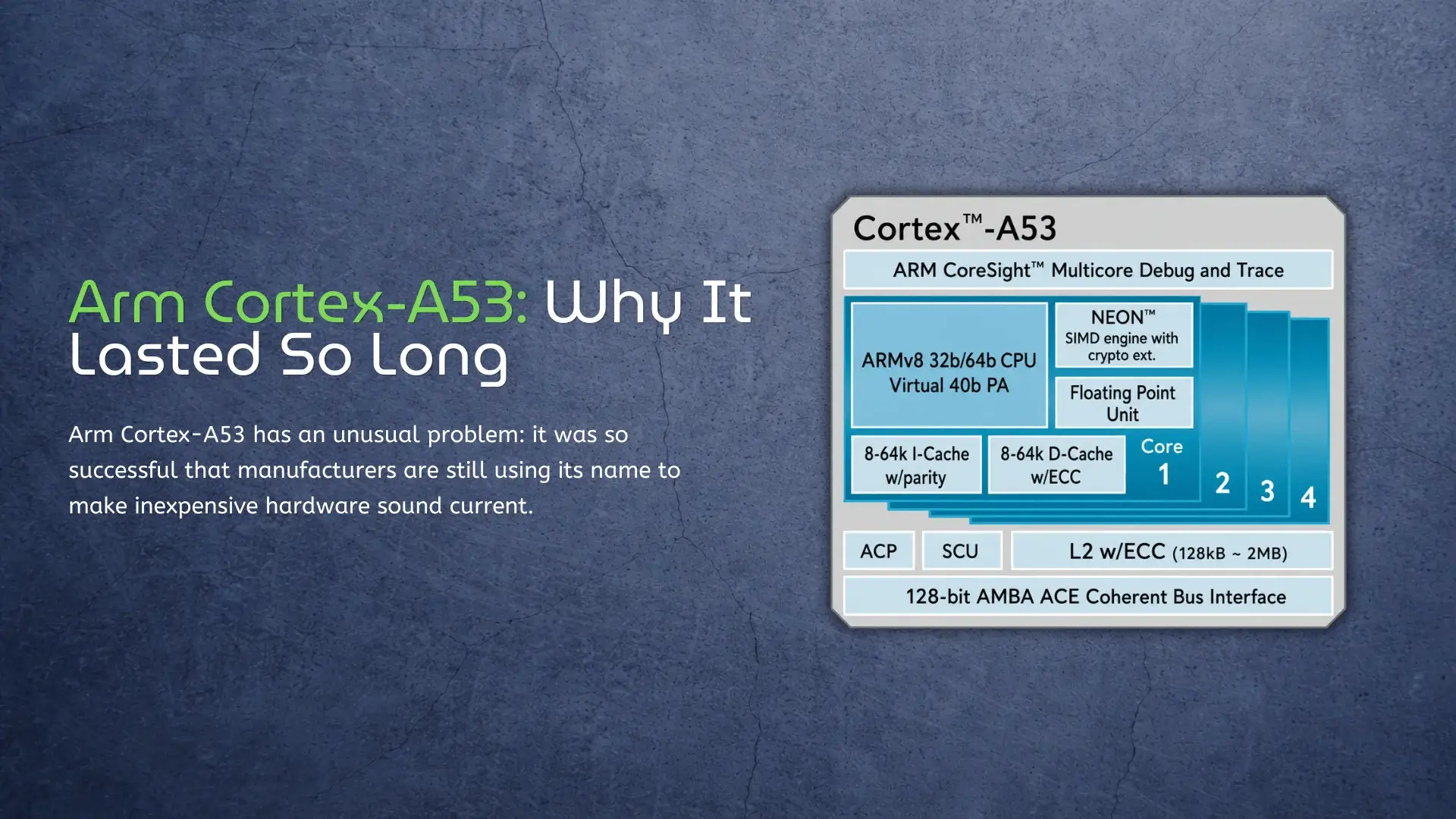
Arm Cortex-A53 has an unusual problem: it was so successful that manufacturers are still using its name to make inexpensive hardware sound current. A specification such as octa-core 64-bit CPU remains persuasive on a product page, even when all eight cores are Cortex-A53 designs from an earlier generation. This marketing tactic often blurs the line between ARM and x86, a topic we clarify in our ARM vs x86 Architecture explained guide. That does not make Cortex-A53 a bad CPU. Its small size, low power requirements, 64-bit support, and mature software ecosystem made it one of the most useful Arm cores ever designed. But its strengths are now very specific. Cortex-A53 still works well when a device has a narrow job and dedicated hardware handles the demanding parts; it is much less convincing when the CPU itself must provide a responsive desktop or run modern applications. Cortex-A53 is a core, not a complete processor The first source of confusion is the name. Cortex-A53 is CPU intellectual property licensed by Arm, not a finished system-on-chip. A chip designer combines it with memory controllers, a GPU, media engines, networking, and other components, then chooses the clock speed and manufacturing process. This is why
The Rockchip RK3568 is a difficult processor to sell with benchmark charts in 2026. It has four Cortex-A55 cores, a small Mali-G52 GPU, and none of the Cortex-A76 cores that make newer Rockchip boards feel noticeably faster. But CPU performance is only half the story. The RK3568 has PCIe, SATA, dual Gigabit Ethernet support, multiple display interfaces, optional ECC memory, and a small NPU. That combination explains why it continues to appear in industrial computers, network appliances, NVRs, and storage devices. It isn’t a good choice for a performance-focused desktop. For a product that needs useful I/O without the cost, heat, and complexity of an RK3588, it can still make sense. Four Cortex-A55 Cores Are Enough-Sometimes The RK3568 uses four Arm Cortex-A55 cores running at up to 2.0 GHz. Cortex-A55 is an efficient Armv8.2-A core, but it was designed for efficiency rather than strong single-threaded performance. The chip handles Linux services, network traffic, device control, media playback, and basic Android applications reasonably well. The limitations become obvious with heavier workloads. Large web pages, software compilation, CPU-based emulation, and complex desktop applications benefit from larger out-of-order cores. Even the older chip with Cortex-A72 cores can be faster in some CPU tasks
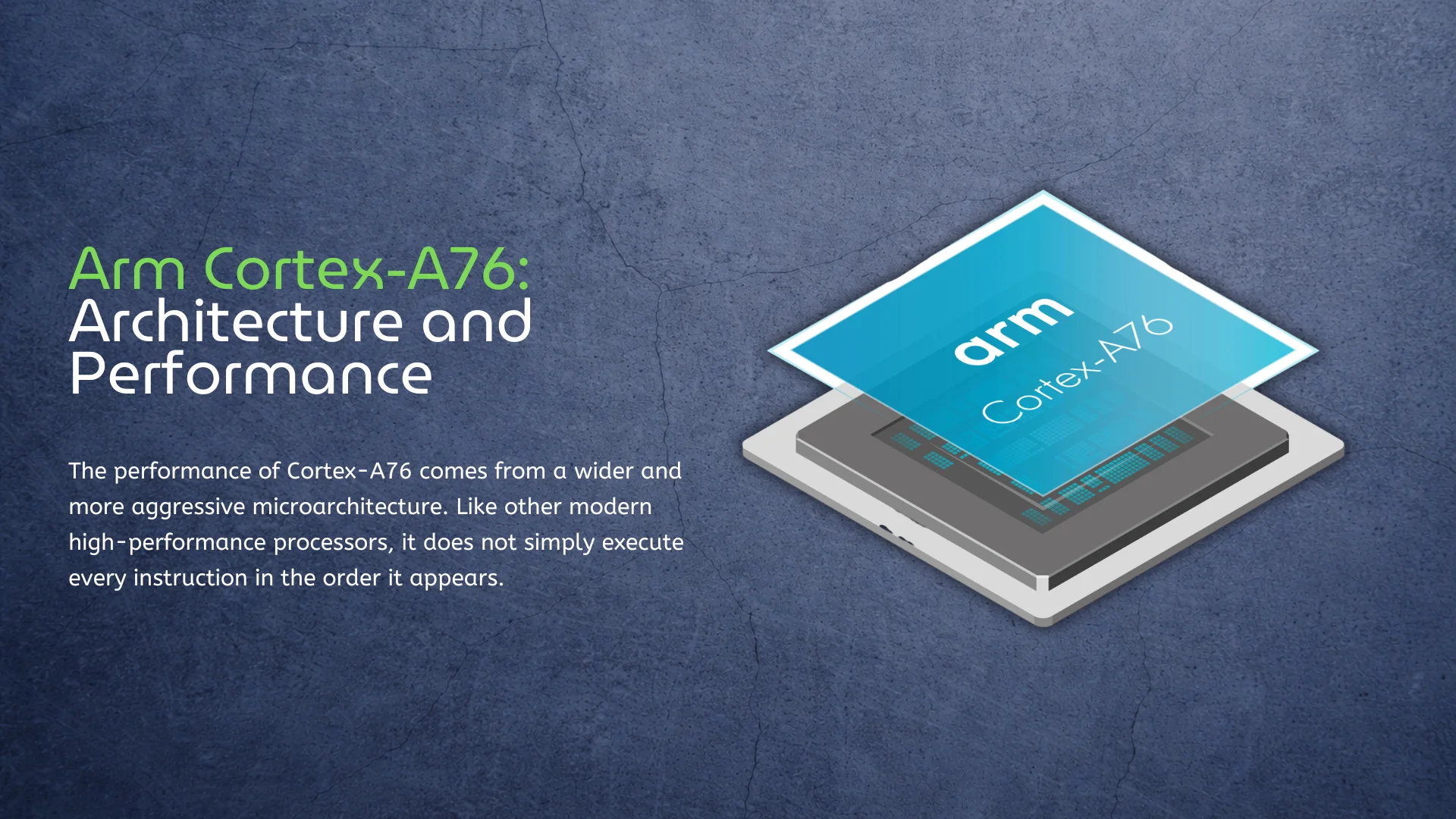
Cortex-A76 Architecture Explained The performance of Cortex-A76 comes from a wider and more aggressive microarchitecture. Like other modern high-performance processors, it does not simply execute every instruction in the order it appears. The core predicts which instructions will be needed next, identifies operations that do not depend on each other, and sends them to different execution units in parallel. This allows the CPU to continue working even when one part of the instruction stream is waiting for data. Software does not need to be written specifically for out-of-order execution. The processor handles it automatically, although well-optimized applications and modern compilers are generally better at providing enough independent work to use the available hardware effectively. Wider Instruction Processing Cortex-A76 can decode up to four instructions per clock cycle, compared with three on Cortex-A72. It also has more execution resources for integer calculations, floating-point operations, memory access, and branch processing. The advantage is most visible in complex workloads such as browsers, code compilation, databases, compression, and operating-system tasks. This is why clock speed alone does not provide a reliable comparison between Arm processors. A Cortex-A76 running at 2.2 GHz can be considerably faster than a Cortex-A72 at a similar frequency because the
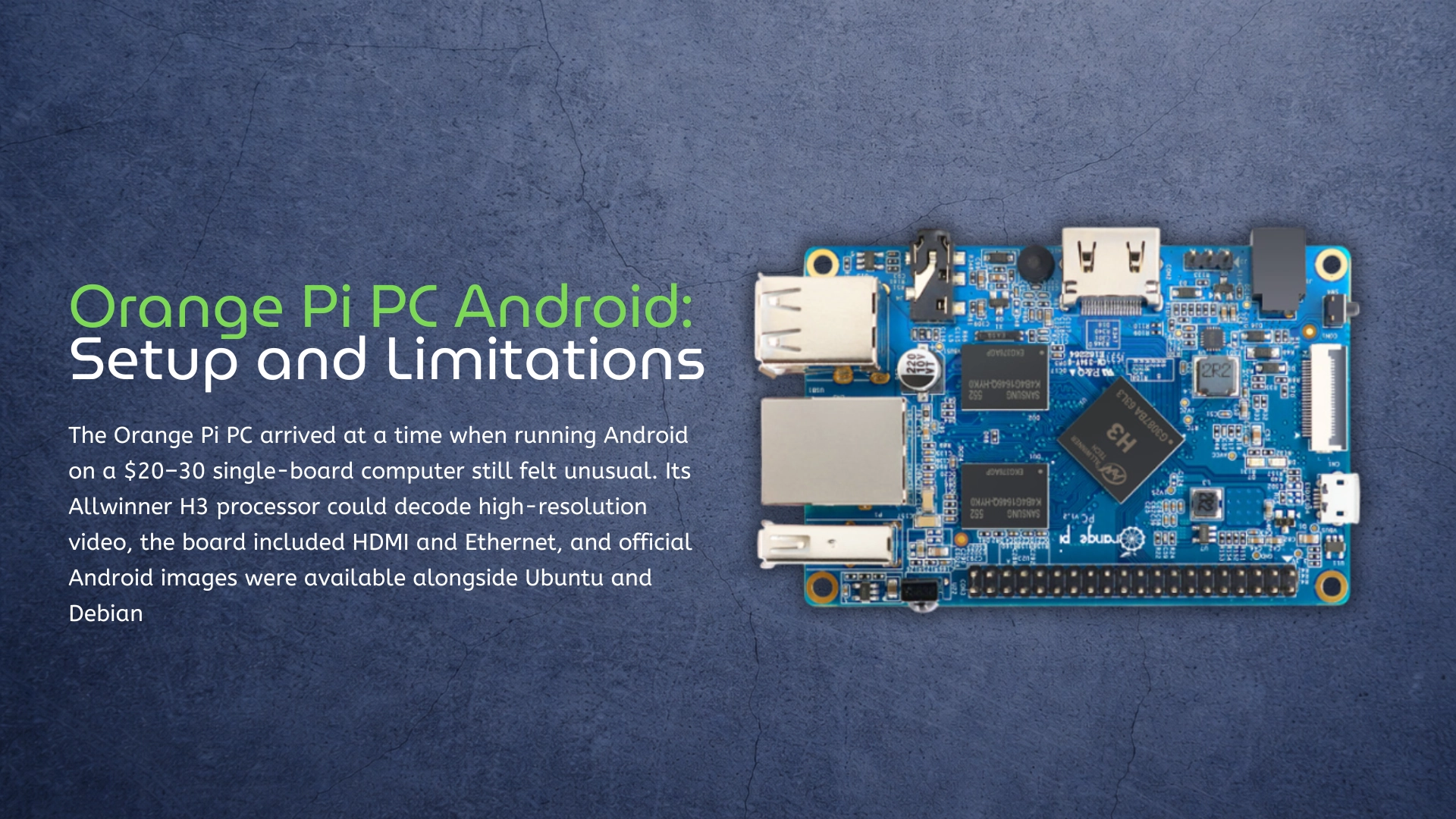
The Orange Pi PC arrived at a time when running Android on a $20–30 single-board computer still felt unusual. Its Allwinner H3 processor could decode high-resolution video, the board included HDMI and Ethernet, and official Android images were available alongside Ubuntu and Debian. For media players, simple displays, and low-cost experiments, that was an appealing combination. The hardware hasn’t changed, but Android has. The official image for the Orange Pi PC is based on Android 4.4, while most current applications expect a much newer operating system, more memory, and faster graphics. Community images extend the board’s useful life, but they don’t remove its fundamental limitations. That makes the Orange Pi PC an interesting Android platform for experimentation rather than a sensible starting point for a new product. It can still handle a few practical tasks, especially if you already own the board, but modern SBCs based on processors such as the Rockchip RK3588 operate in an entirely different class. Before looking at those alternatives, however, it’s worth understanding what the original Orange Pi PC can actually run. Orange Pi PC Was Built for a Different Android Era The name can be slightly confusing. Orange Pi PC isn’t a general description
The Rockchip RK3399 was released in 2016, which should make it ancient by ARM processor standards. It uses a 28 nm process, has only two high-performance CPU cores, and predates the current habit of adding an NPU to practically every embedded processor. Yet RK3399 boards are still being manufactured, sold, documented, and used in commercial products. You can now buy Rockchip processors with better power efficiency, faster graphics, and dedicated AI acceleration. Some of them don’t even cost more. But the RK3399 has something newer chips cannot immediately reproduce: almost a decade of hardware designs, Linux development, community fixes, and deployed products. For example, the Rockchip K3562 is a newer chip with a 1 TOPS NPU and Mali-G52 GPU, but it lacks the extensive ecosystem that the RK3399 has built over the years. That history doesn’t automatically make the RK3399 a good choice in 2026. It does make it more difficult to dismiss than its age suggests. Rockchip RK3399 Specifications Rockchip took a different approach with the RK3399 than it did with many of its lower-cost processors. Instead of using four or eight identical efficiency cores, the company combined two Cortex-A72 performance cores with four smaller Cortex-A53 cores. Component Rockchip
Not every processor needs to be a flagship, while hardware announcements often focus on higher benchmark scores, faster CPU cores, and increasingly powerful AI accelerators, many successful embedded processors are built around a simpler idea: deliver enough performance at the right price and power level, as our Allwinner vs Rockchip comparison shows. The Rockchip RK3566 is a good example; since its introduction, it has appeared in single-board computers, retro gaming handhelds, e-readers, industrial controllers, smart displays, and many other embedded Linux devices. It rarely attracts the same attention as Rockchip’s higher-end chips, but it has become one of the company’s most widely used platforms. Its specifications are modest by current standards. The chip uses four Cortex-A55 CPU cores, Mali-G52 graphics, and an integrated 1 TOPS NPU. It cannot compete with the Rockchip RK3576 or Rockchip RK3588 in demanding AI, desktop, or multimedia workloads, but that was never really the point. The newer, though less powerful, Rockchip RK3562 Specs NPU operates with a similar approach, focusing on particular embedded applications with a 1 TOPS NPU and Cortex-A53 cores. RK3566 became popular because it offers a practical balance of cost and power efficiency. For many embedded products, that matters more than peak
There was a time when Rockchip’s product lineup was relatively easy to understand. If you needed an entry-level processor, there was the Rockchip RK3566. For more demanding industrial systems and higher-end single-board computers, the RK3568 became the obvious choice. And if performance mattered above everything else, the RK3588 quickly established itself as the flagship. RK3576 changes that picture a bit. At first glance, it doesn’t look like a replacement for any existing Rockchip processor. It isn’t faster than the RK3588, and it isn’t intended to be. Instead, it fills a gap that has become increasingly important as edge AI applications move from the cloud to local devices. Many embedded systems don’t need the sheer computing power of an RK3588, but they still require modern multimedia capabilities, an integrated neural processor, and enough CPU performance to run multiple workloads simultaneously.For a detailed comparison, see our RK3576 and RK3588 comparison guide. That’s exactly where RK3576 fits. It combines four Cortex-A72 performance cores with four Cortex-A53 efficiency cores, integrates a 6 TOPS NPU for AI inference, supports modern Linux distributions, and includes hardware capable of decoding 8K video. More importantly, it does all of this while maintaining a considerably lower power envelope than
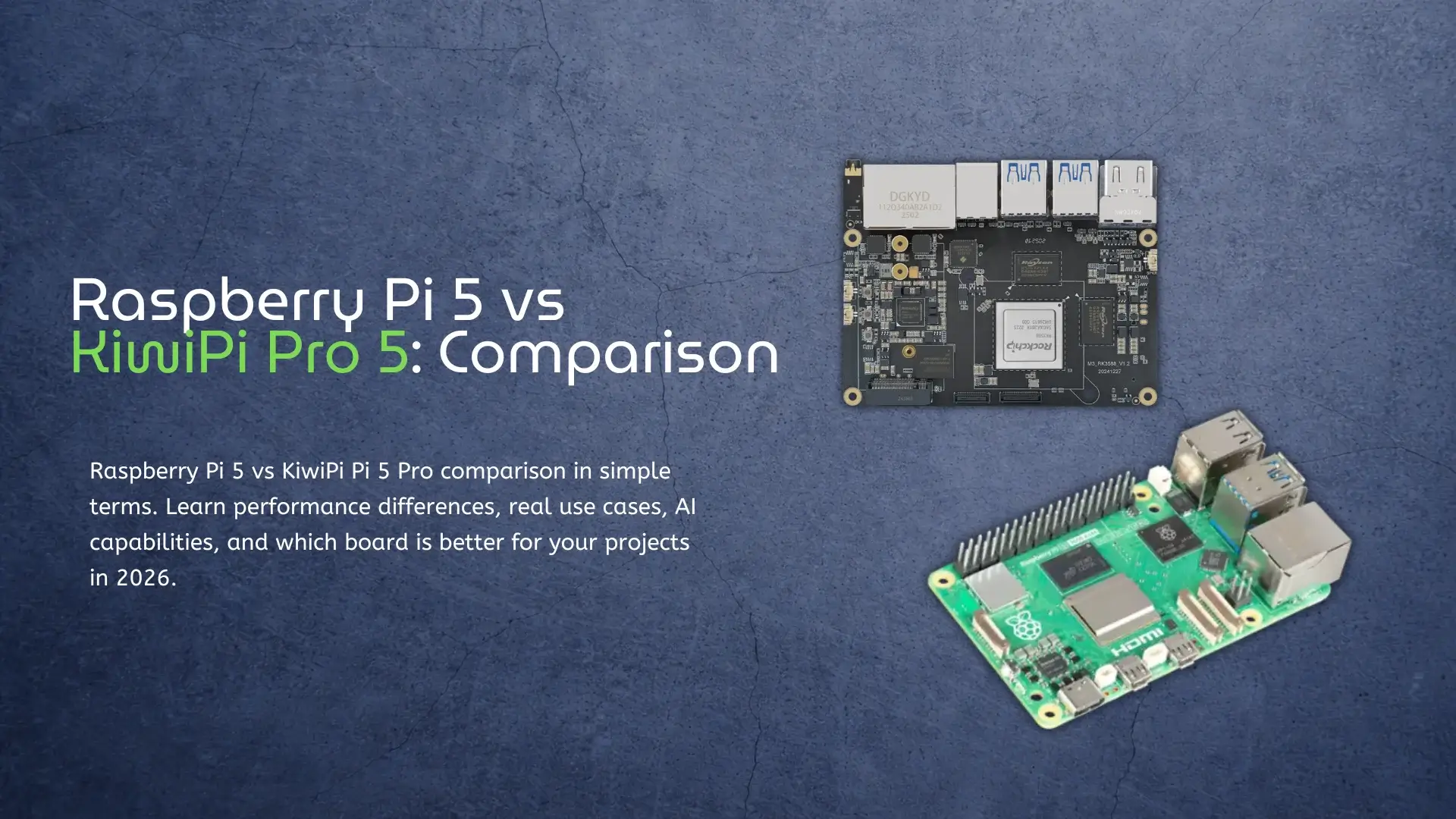
Which board should you choose for real projects in 2026 A clear and simple look at Raspberry Pi 5 and KiwiPi Pi 5 Pro performance If you are choosing between Raspberry Pi 5 and KiwiPi 5 Pro, you are really deciding what kind of work you want to do. Both are small computers, but they are built for slightly different purposes. One is simple and widely supported. The other is more powerful and focused on heavy tasks like AI and advanced processing. Raspberry Pi 5 is the most popular option for beginners and hobby projects. It is easy to set up, has a huge community, and works well for learning, coding, and simple servers. KiwiPi 5 Pro, on the other hand, is built around a stronger chip. It is made for people who need more performance, especially for things like AI, video processing, and edge computing. Understanding the basic difference The Raspberry Pi 5 uses a quad-core ARM Cortex-A76 processor. It is fast compared to older Raspberry Pi models, and it handles everyday tasks well. You can browse the web, write code, and run lightweight applications without problems. The KiwiPi 5 Pro uses a much more powerful chip based on
When I first started looking into new single-board computers and AI devices, I kept seeing the Rockchip RK3588 everywhere. At some point it felt like every second board was using it. And yes, there’s more information about the Rockchip company. At first I didn’t pay much attention – just another chip name. But after digging into a few devices and testing some of them, it became pretty obvious why so many companies are building around it. What the Rockchip RK3588 actually is The RK3588 itself is a system-on-chip. In simple terms, it means most of the important parts of a computer are packed into one chip. You don’t have separate pieces for CPU, graphics, and AI – it’s all inside. That’s why devices based on it can stay relatively small and still be pretty capable. If you think about it in a simple way, the RK3588 is like a compact “brain” that can run a full device – whether it’s a mini PC, a smart display, or one of the top 5 AI boxes of 2026. What I found interesting is that it doesn’t really try to specialize in just one thing. Some chips are strong in graphics but weak
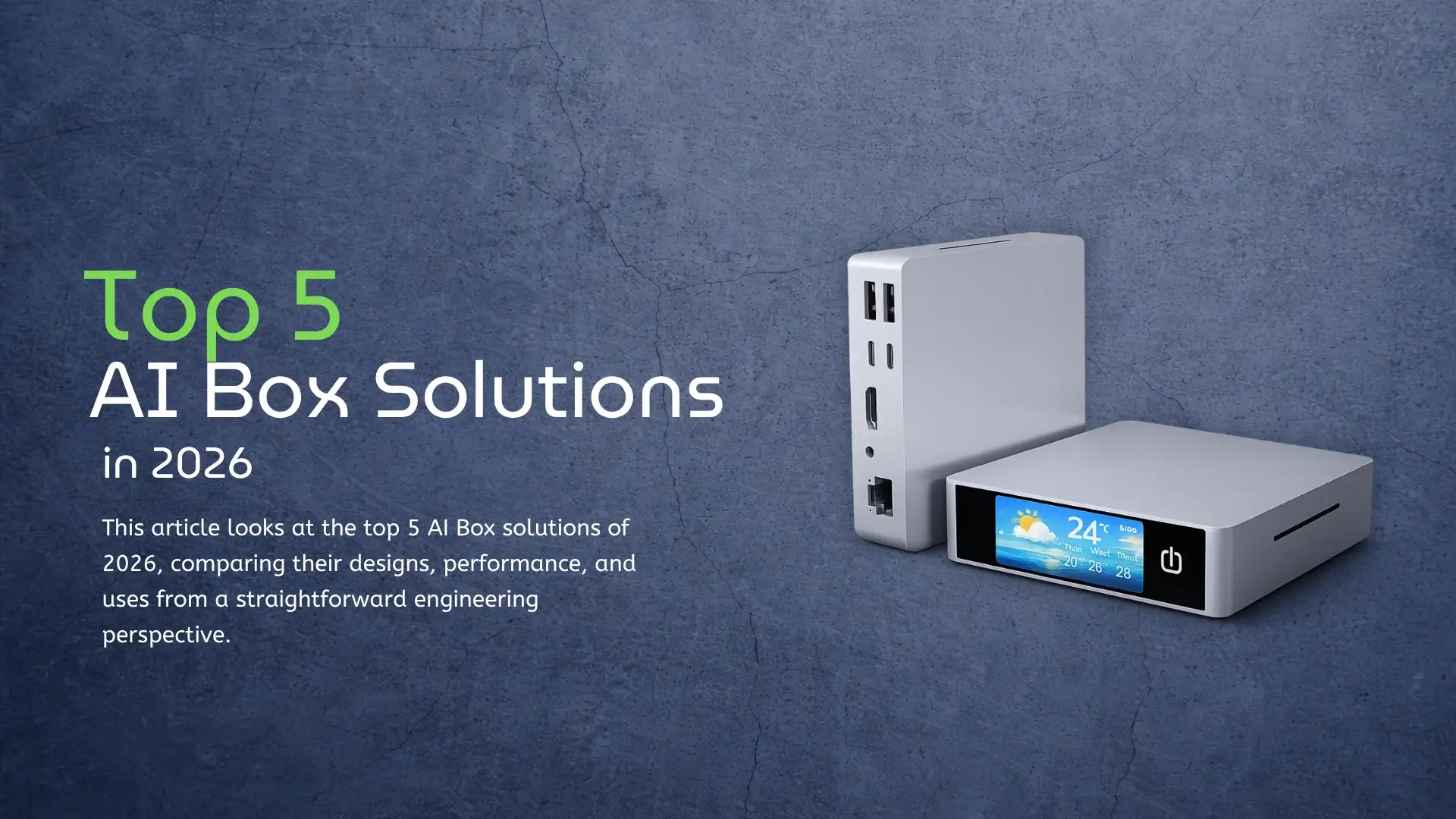
Now, I want to tell you something new about Smart Box systems. Do you want to know what a Smart AI Box is? In 2026, the AI Box, also called a Smart Box, has become an important technology for real-time data processing, automation, and making decisions at the edge. These small systems handle data locally, which helps reduce delays, protect privacy, and support critical applications like smart cities, retail analysis, robotics, and industrial automation. This article looks at the top 5 AI Box solutions of 2026, comparing their designs, performance, and uses from a straightforward engineering perspective.By the way, if you want to follow how AI boxes are evolving in real-world applications, you can also check the latest edge AI and robotics news updates. Is AI Box the same as Smart Box? Actually, yes, you can call any AI box a Smart box. Most modern solutions integrate GPU-accelerated modules such as NVIDIA Jetson, enabling real-time computer vision, natural language processing, and multi-sensor data fusion. The importance of Smart solutions comes from three main benefits: The first is low latency, which is crucial for robotics, autonomous systems, and industrial control. Second, data privacy ensures sensitive data stays on the device. Third,