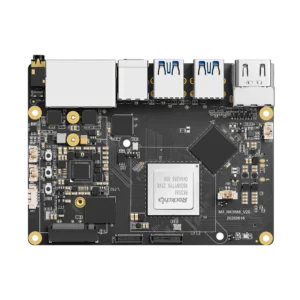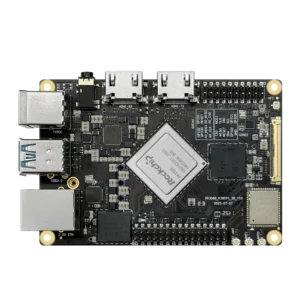


When I first started looking into new single-board computers and AI devices, I kept seeing the Rockchip RK3588 everywhere. At some point it felt like every second board was using it. And yes, there’s more information about the Rockchip company.
At first I didn’t pay much attention – just another chip name. But after digging into a few devices and testing some of them, it became pretty obvious why so many companies are building around it.
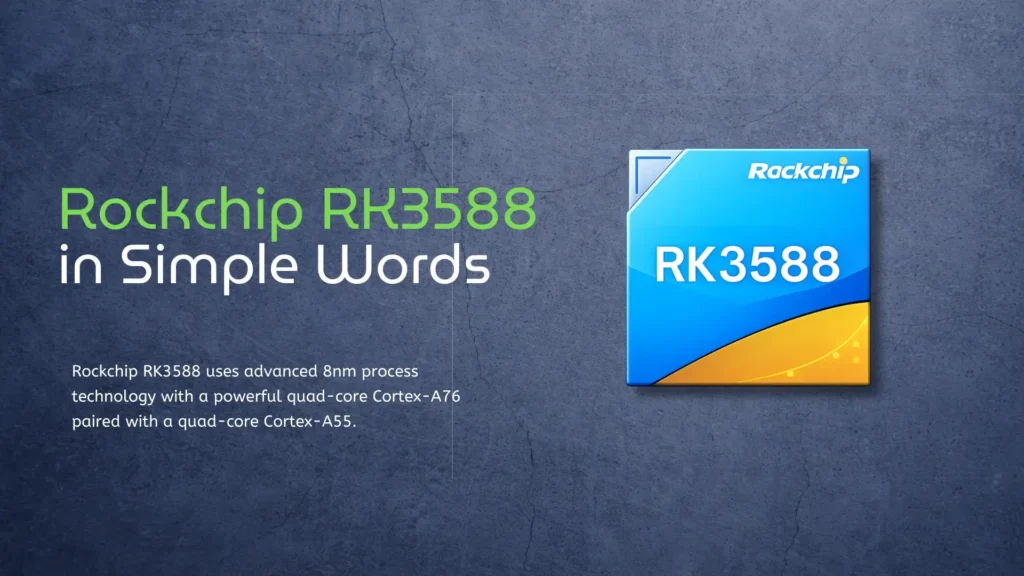
What the Rockchip RK3588 actually is
The RK3588 itself is a system-on-chip. In simple terms, it means most of the important parts of a computer are packed into one chip. You don’t have separate pieces for CPU, graphics, and AI – it’s all inside. That’s why devices based on it can stay relatively small and still be pretty capable.
If you think about it in a simple way, the RK3588 is like a compact “brain” that can run a full device – whether it’s a mini PC, a smart display, or one of the top 5 AI boxes of 2026.
What I found interesting is that it doesn’t really try to specialize in just one thing. Some chips are strong in graphics but weak in AI, others are fine for basic tasks but start to struggle once the load increases. The RK3588 feels more balanced. It has enough CPU power, decent graphics, built-in AI, and good video support – all at the same time.
That’s probably the main reason it shows up in so many devices that are expected to do more than just basic stuff.
RK3588 Performance and everyday experience
When I started paying attention to performance, the first thing I looked at was the CPU. The RK3588 uses a mix of fast cores and more efficient ones, so it doesn’t just brute-force everything. It handles heavier tasks when needed, but for normal use it stays pretty efficient.
In practice, it just feels smooth. Opening apps, switching between things – nothing feels slow or laggy. It’s obviously not meant to replace a high-end desktop, but that’s not really the point here. For most real use cases, it’s more than enough. You can browse, run dev tools, or even use it as a small server, and it holds up just fine.
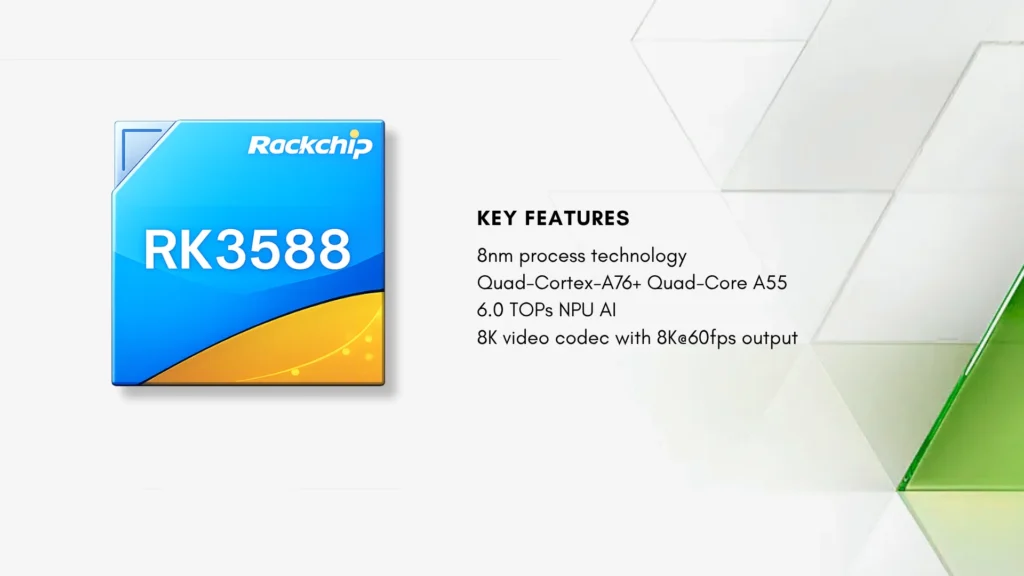
Graphics was another thing I noticed pretty quickly. Compared to older chips, the RK3588 just feels smoother overall. The GPU is more modern, so the interface doesn’t lag, and animations don’t feel choppy.
It sounds like a small thing, but even basic actions like scrolling or opening apps depend on this. If the GPU is weak, you feel it immediately. Here it’s not really an issue. It can even handle some light 3D work, which is enough for visual apps or simple creative tasks.
One thing I did notice though – it depends a lot on the actual board. Not every device is tuned the same way, so performance can vary. If you want to see how that looks in practice, this RK3588 SBC comparison shows the difference between boards.
AI and video – the biggest advantages
The part that really makes the RK3588 stand out right now is AI. It has its own NPU, so a lot of machine learning stuff can run directly on the device. When I tested similar setups, the biggest difference was that you don’t need to send everything to the cloud anymore.
Things like image recognition or object detection can run locally, which makes everything faster and more stable. There’s no delay waiting for a server, and it also feels more reliable overall. That’s exactly why this chip shows up so often in edge AI systems.
Video support is another area where it feels overbuilt in a good way. The RK3588 can handle high-resolution video, even 8K decoding. Realistically, most people won’t use 8K every day, but it shows there’s plenty of headroom.
For media boxes, digital signage, or anything related to streaming, this matters a lot. And it also means the device won’t feel outdated too quickly, since video requirements only keep going up.
Connectivity and flexibility
Comparison with other Rockchip chips
To better understand where the RK3588 stands, it helps to compare it with other chips from the same family.
| Feature | Rockchip RK3588 | Rockchip RK3566 | Rockchip RK3399 |
| CPU | 8 cores (A76 + A55) | 4 cores (A55) | 6 cores (A72 + A53) |
| Frequency | up to ~2.4 GHz | up to ~1.8 GHz | up to ~2.0 GHz |
| GPU | Mali-G610 | Mali-G52 | Mali-T860 |
| AI support | Yes, up to 6 TOPS | No | No |
| Video | up to 8K | up to 4K | up to 4K |
| Process | 8nm | 22nm | 28nm |
After using it for a while, it becomes pretty clear that the RK3588 is built for heavier tasks. It’s not just a small upgrade – performance, video, and AI are all on a different level compared to older chips. If you compare it to the RK3566, the gap is obvious, and next to the RK3399 it honestly feels like a completely new generation.
The Cortex-A76 cores are basically the “strong side” of the CPU. These are the cores that kick in when you need real performance, handling the heavier tasks while the rest of the system takes care of lighter work.
Real devices based on RK3588
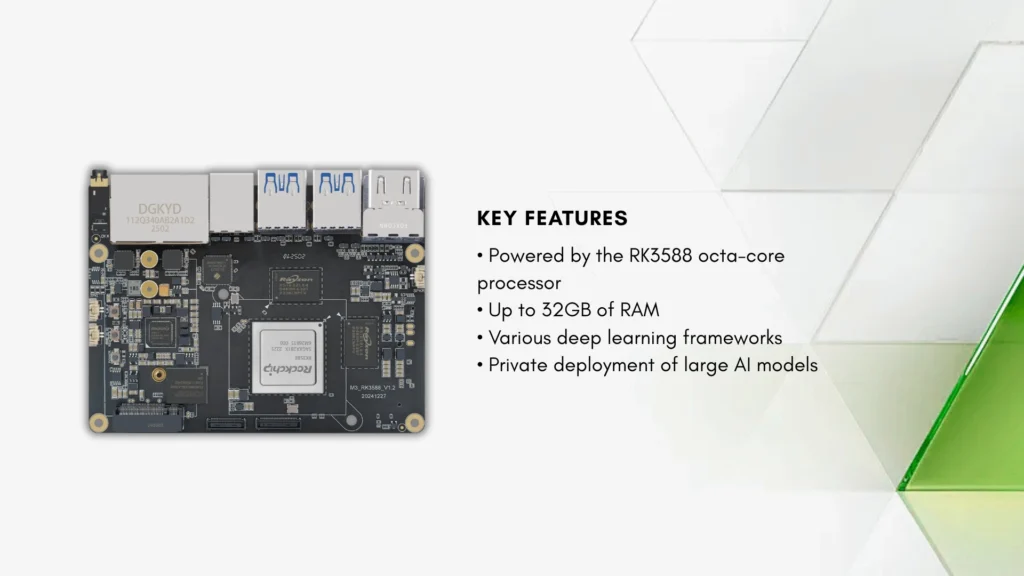
Another area where I’ve seen the RK3588 used a lot is AI systems. Since it can handle AI workloads locally, it fits well into devices that need fast, real-time responses. Things like security cameras, recognition systems, or automation setups are a good example. If you want to see how this is evolving in practice, you can check latest edge AI robotics updates. A lot of these systems don’t rely on the cloud anymore – they just run on the device itself, which makes them faster and more reliable.
Media devices are also a pretty natural use case. With the video capabilities RK3588 has, streaming and playback just work without issues. It fits well into home media setups, digital signage, or interactive displays. Smooth high-resolution video is one of the things it handles really well, and you can notice it right away when using it.
Things to keep in mind
Of course, it’s not perfect. One thing I noticed is that the software side still feels a bit rough in places. It works, but sometimes you have to figure things out yourself instead of just expecting everything to run perfectly.
Power consumption can also be higher compared to simpler chips, especially under load. But in most cases, these are things you can work around, and for what the RK3588 offers, they don’t feel like major drawbacks.
Conclusion
After spending some time with it, it’s pretty easy to see why the RK3588 got so popular. It doesn’t try to be the absolute best at one thing – it just does a lot of things well at the same time.
It has enough performance for heavier tasks, but it’s still small and efficient enough to be used in embedded devices without overcomplicating things. It kind of sits in that middle ground between simple chips and full desktop CPUs, and that’s exactly why it fits into so many modern devices.
If you need something that can handle AI, video, and regular computing all at once without constantly hitting limits, the RK3588 just makes sense.
Sources
Rockchip Resources – https://rockchips.net/datasheets/
Rockchip Wikipedia Page – https://en.wikipedia.org/wiki/Rockchip
FAQ
Is the Rockchip RK3588 good for everyday use? Yes, it is strong enough for daily tasks like browsing, development work, and running applications on Linux or Android, and it feels smooth in most situations.
Can RK3588 be used for AI projects?
Yes, this is one of its main strengths, since it has a built-in NPU that allows it to run AI models directly on the device.
How does RK3588 compare to older Rockchip chips?
It is much more powerful and modern, especially because of its AI support, better CPU cores, and improved video capabilities.
What devices use RK3588?
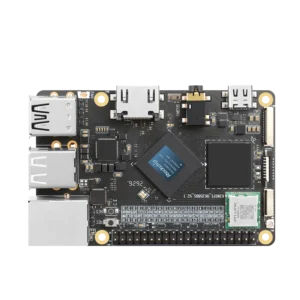
It is used in single-board computers, AI boxes, media players, and industrial systems, including boards like KiwiPi 5B and KiwiPi 5 Pro.
Can RK3588 replace a desktop computer?
It can handle many basic tasks like browsing and light work, but it is still not a full replacement for a high-end desktop in heavy workloads.
Stay updated with us:
- RKDevTool Guide for KiwiPi 5
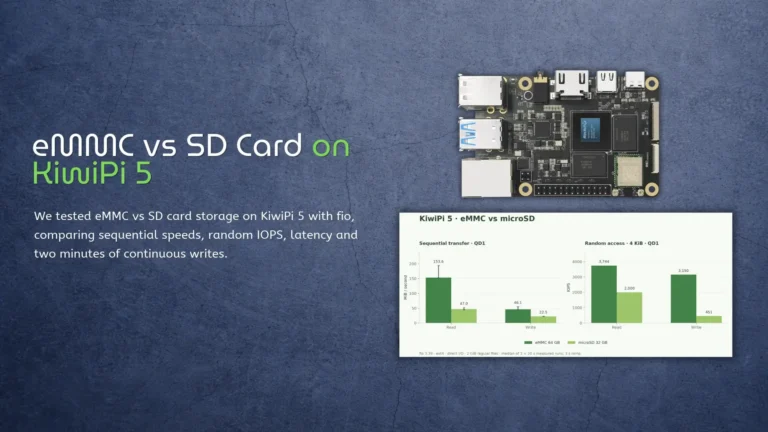
- eMMC vs SD Card on KiwiPi 5
- KiwiPi 5 as a Single-Board Server
- How to Use Rockchip Batch Tool
- KiwiDrop: File Sharing for Windows and Linux
- How to Check Disk Space in Linux
- How to Check CPU Temperature in Linux