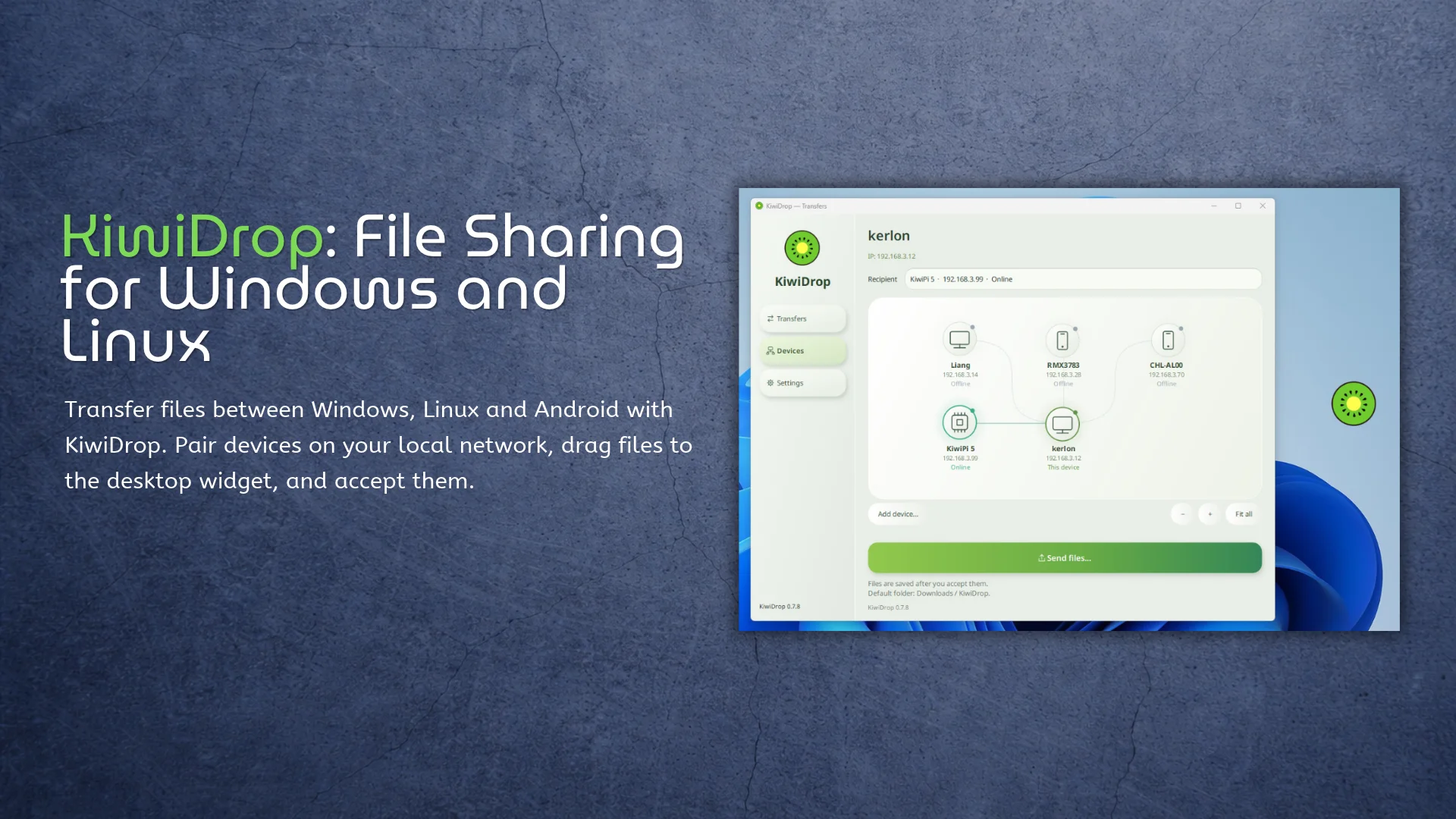
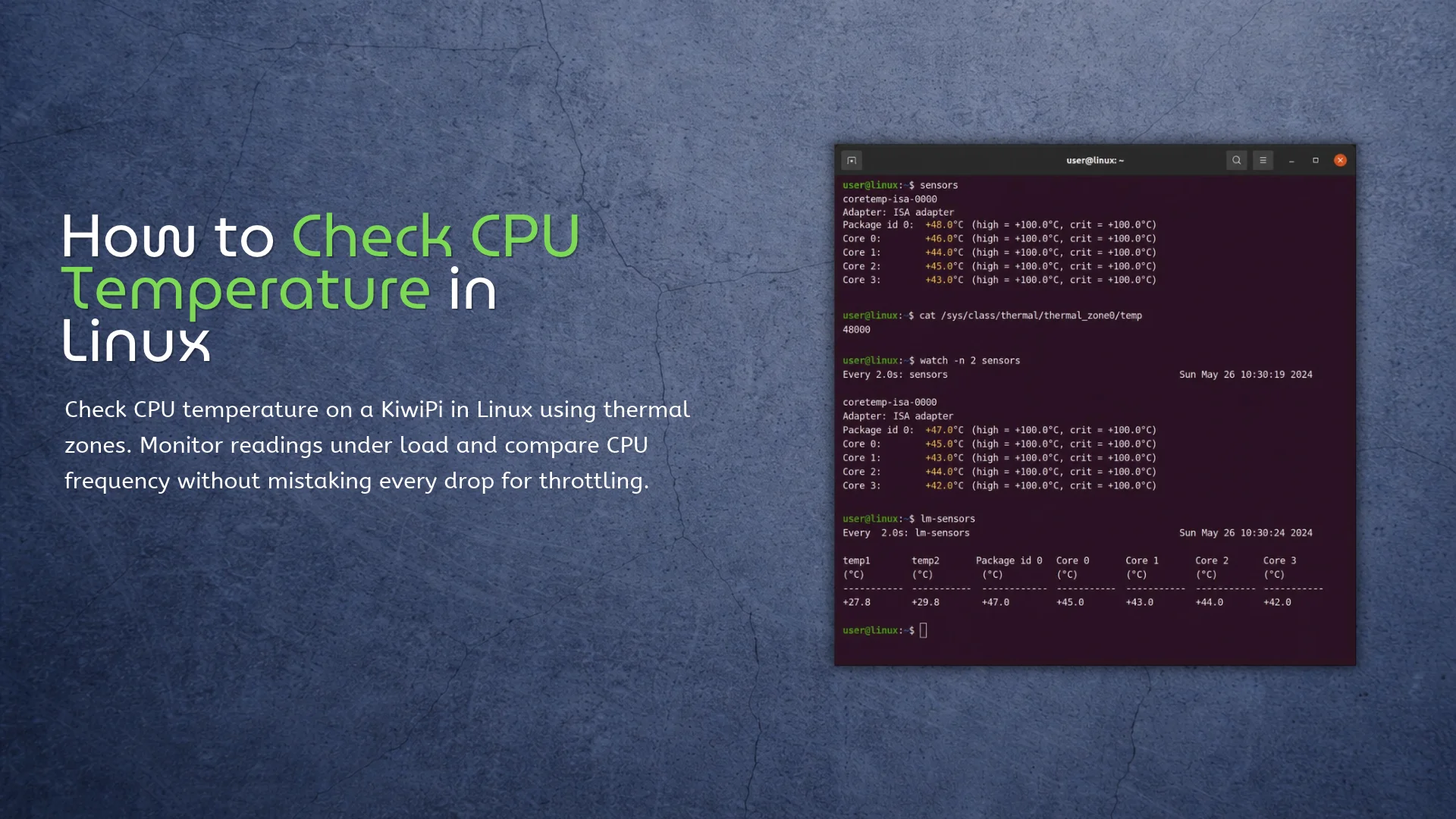
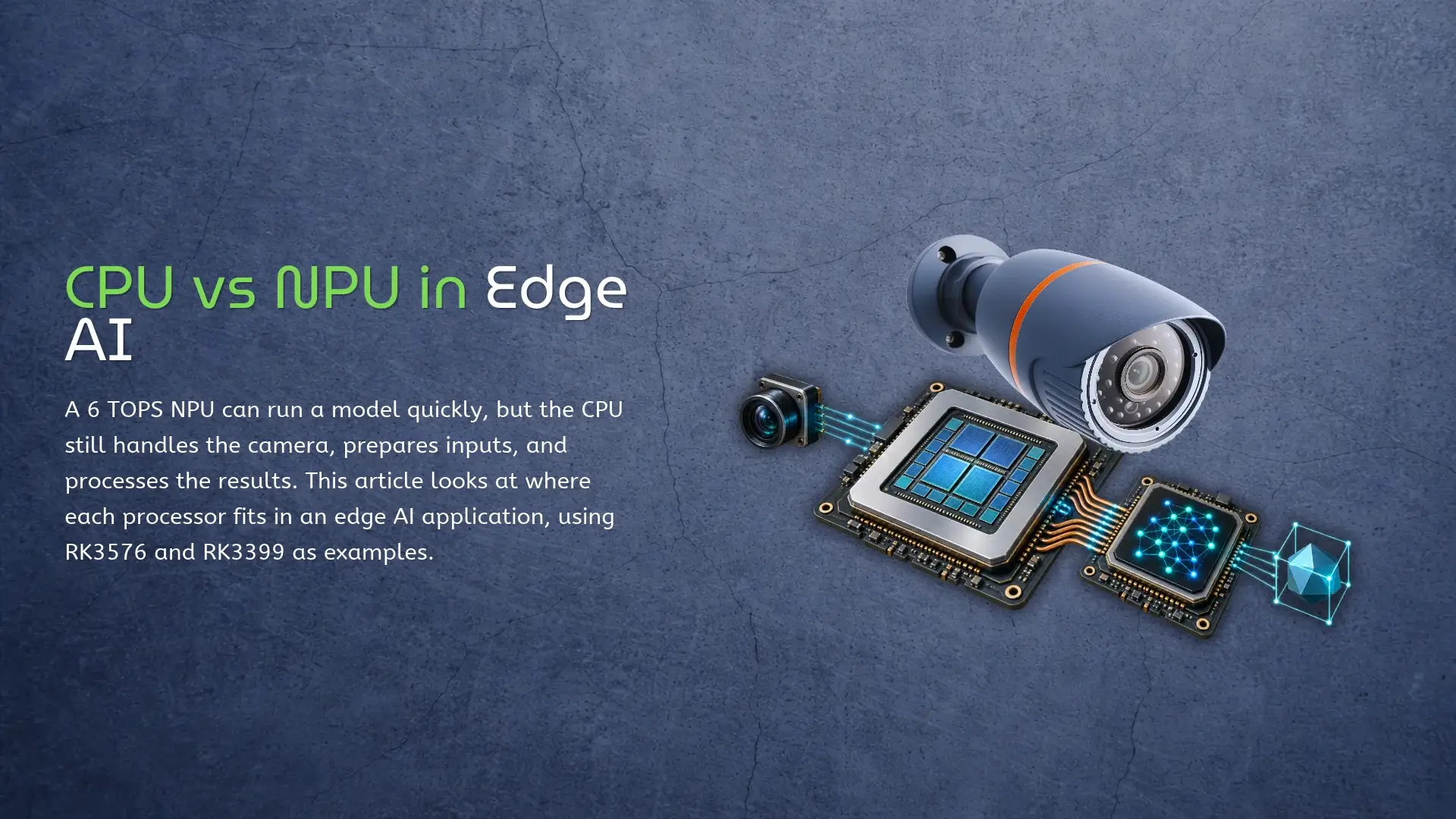
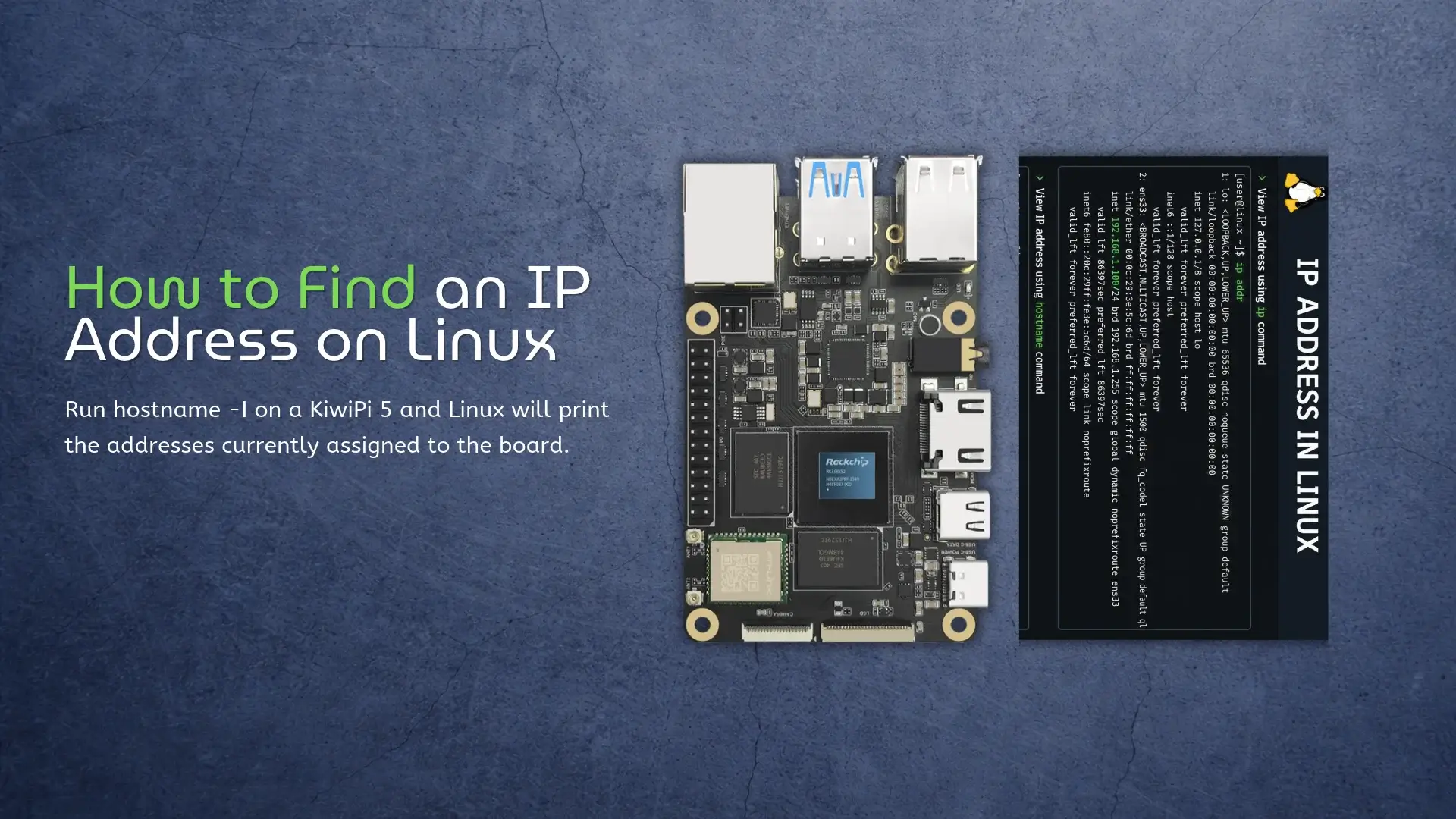
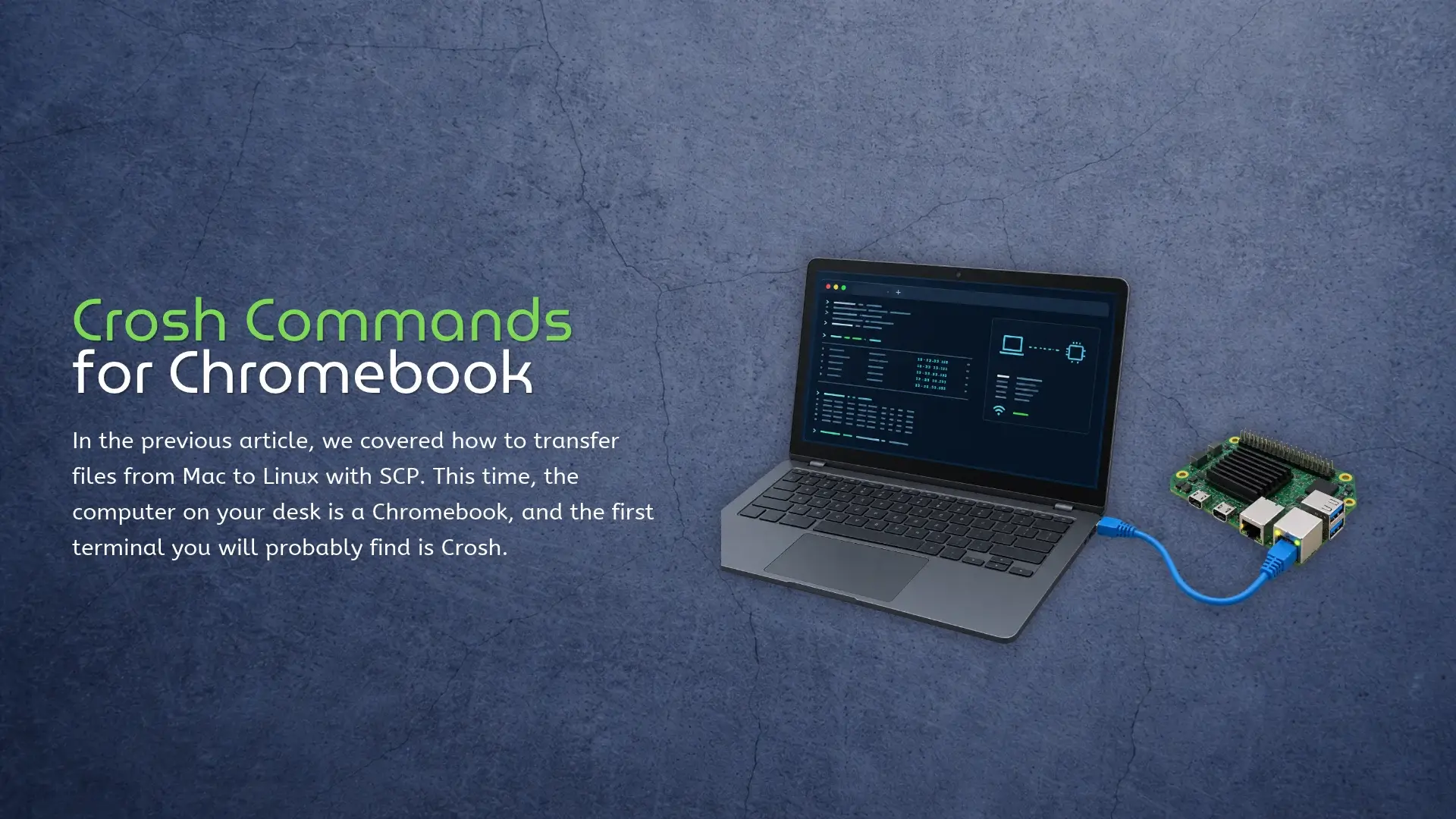
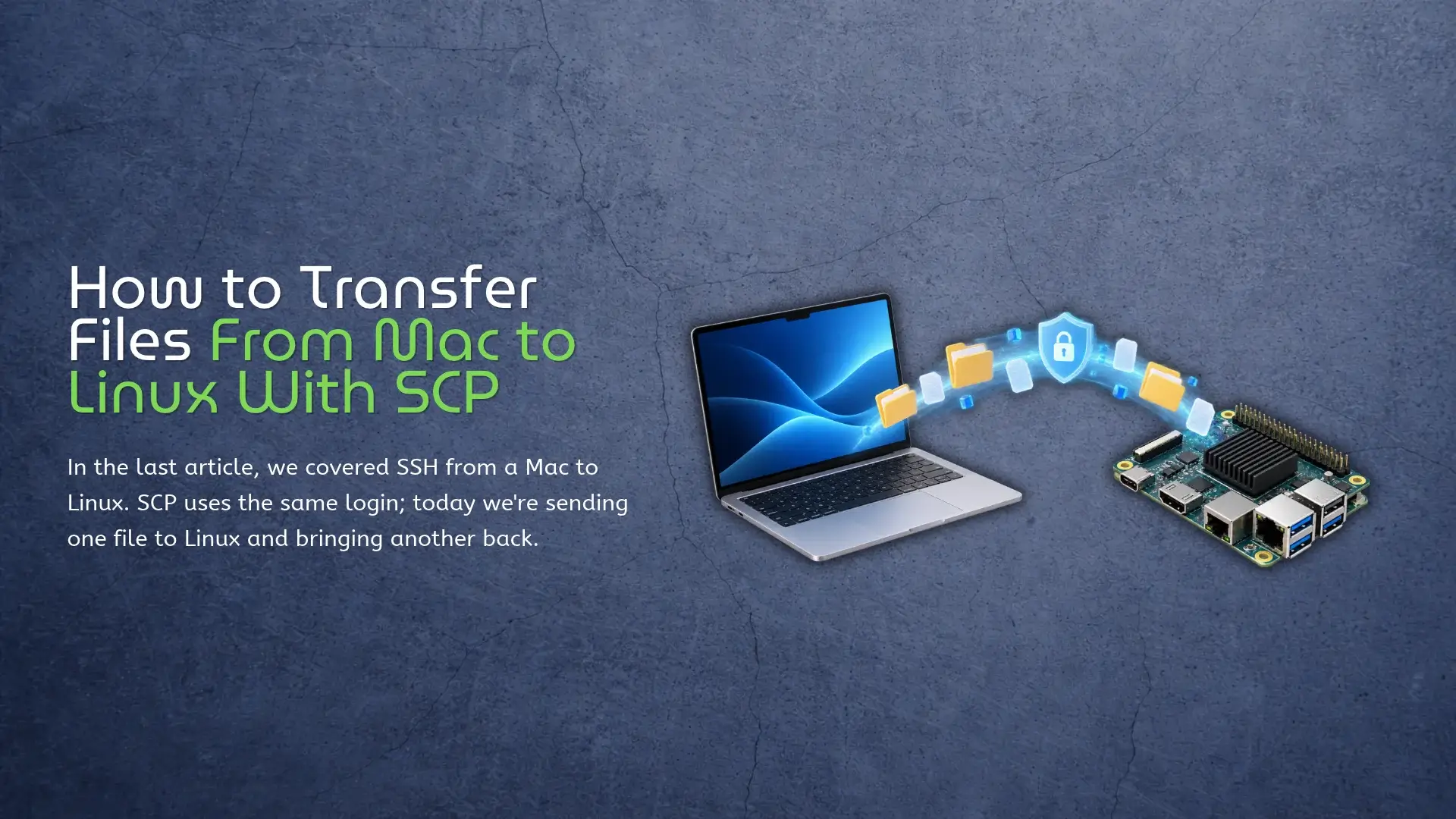
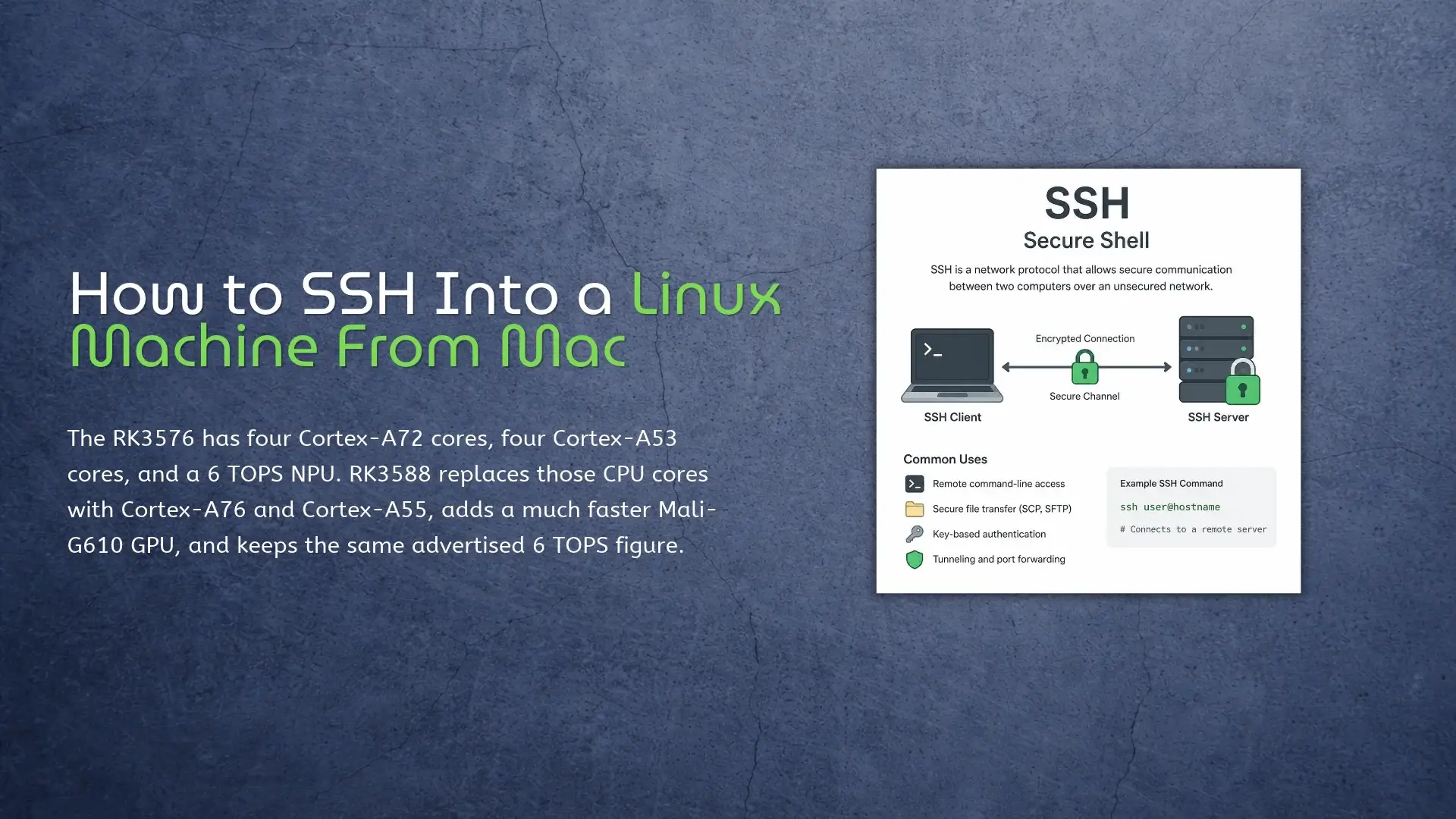
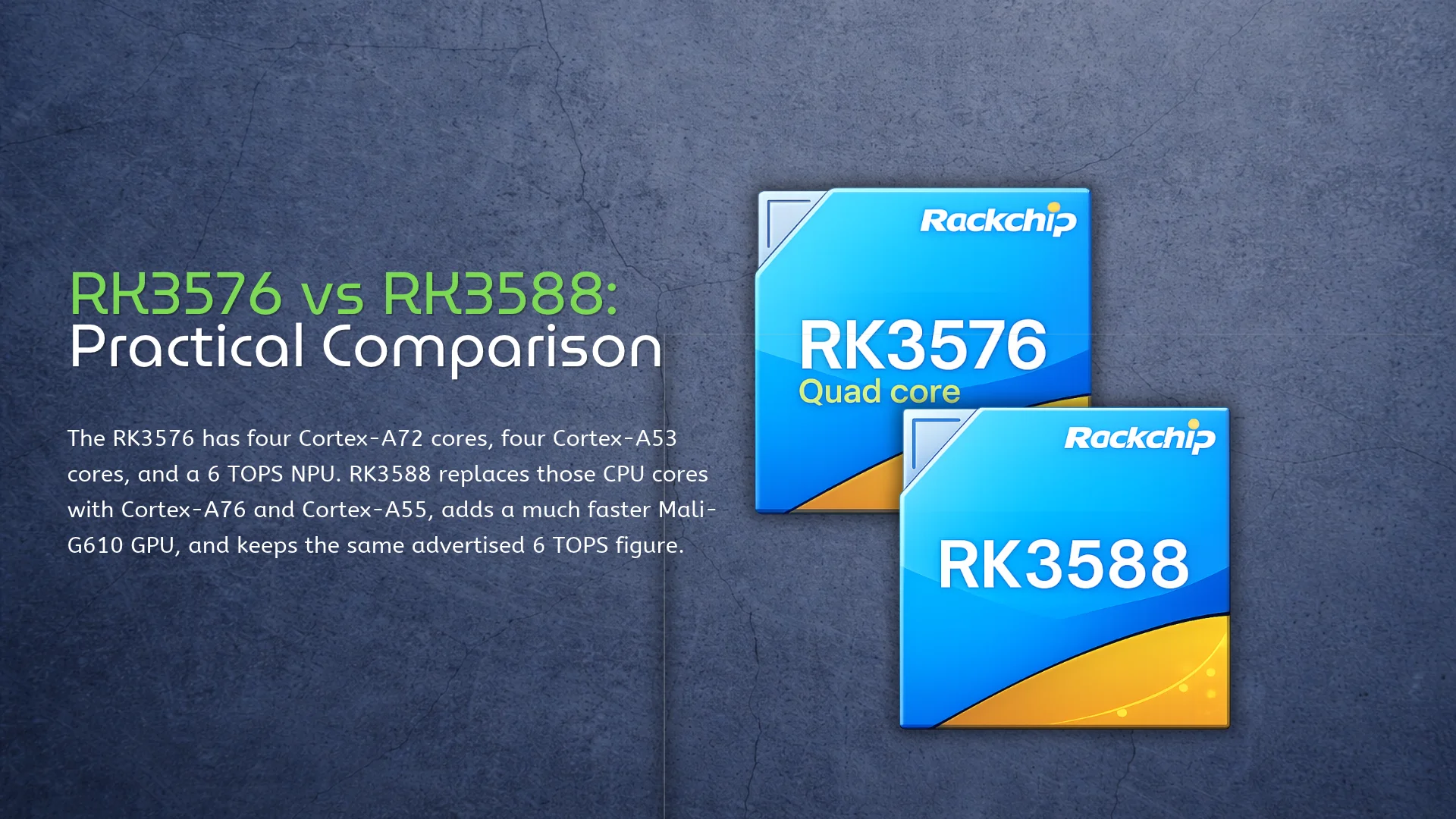
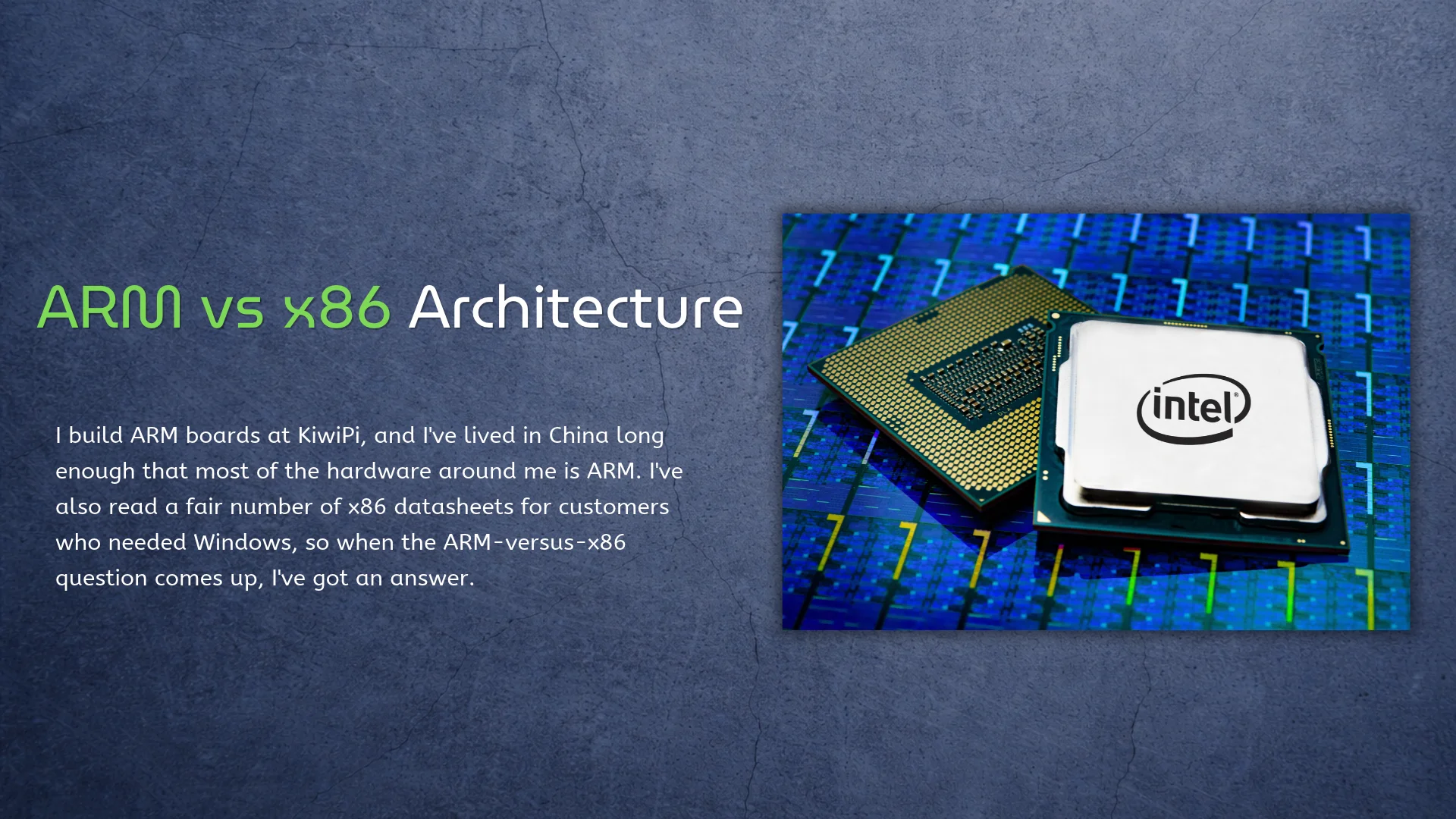
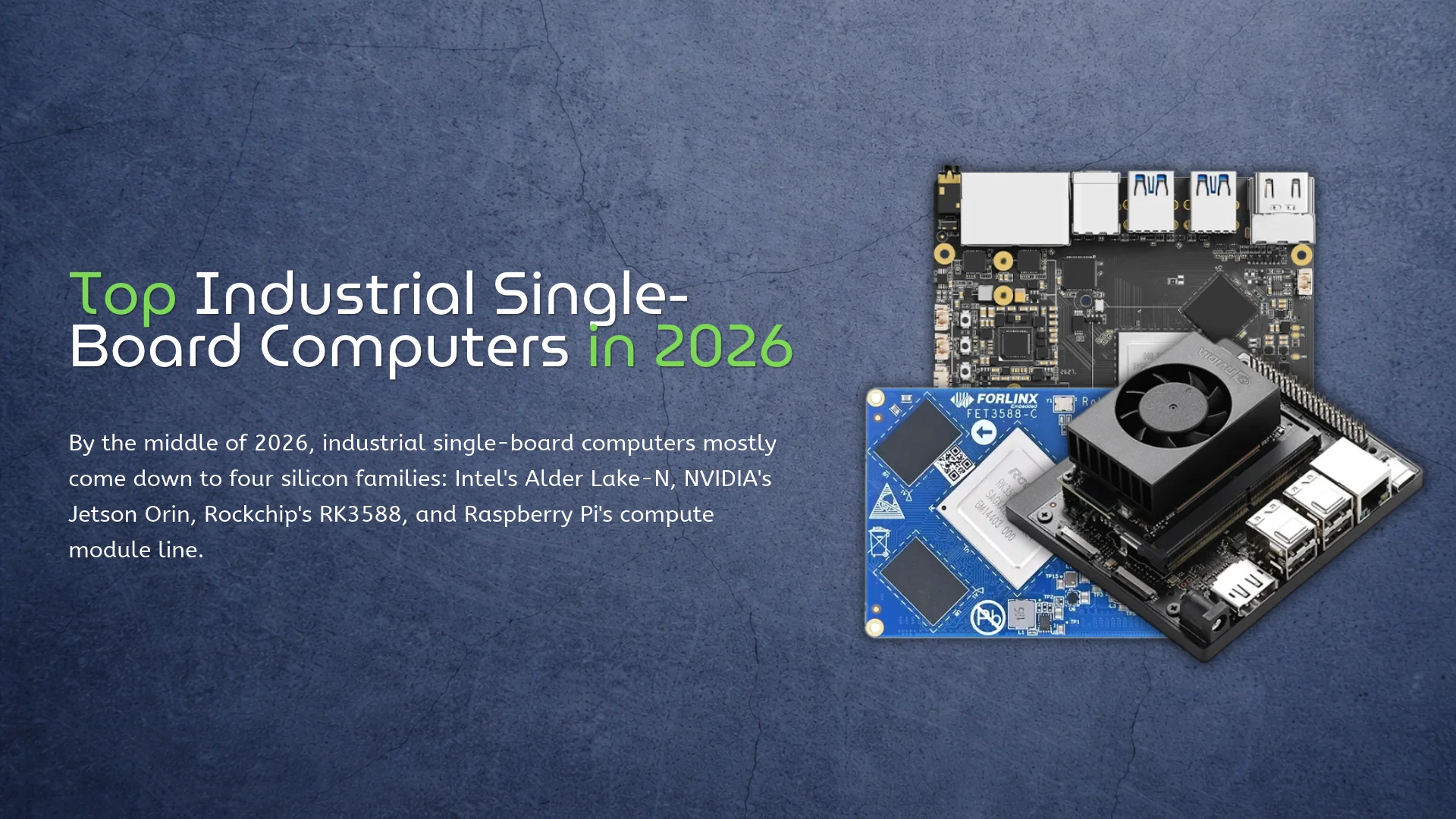
All Comparison AI KiwiPi Series Others Benchmark Test KiwiDrop: File Sharing for Windows and Linux KiwiDrop lets you transfer files between Windows and Linux over a local network. It also has an Android app for phones running Android 10 or later, with device pairing and a desktop widget for sending files. Say you’ve built an application on the Windows PC and want to send its archive to a KiwiPi. Select the paired board, drop the archive onto the kiwi widget, and accept it on the board. The repository’s screenshots show that setup with a Windows desktop and a KiwiPi 5 running Linux. KiwiDrop is still a test version. The screenshots below show desktop version 0.7.8; download the current package from the project’s releases rather than looking for that particular version. Send a file from the desktop The floating kiwi widget gives you a small drop target without keeping the main window in front of your work. Once you’ve selected a recipient, drag a file onto it to send it to that device. For a build archive or a few saved frames, that’s a useful bit of interface to have within reach. Its context menu opens the transfer list, recipients, devices, settings, and downloads folder. You can also hide the widget when you don’t need it. October 13, 2026 Others How to Check Disk Space in Linux Run df -h / to check free space on the filesystem containing the Linux root directory. The Avail column shows how much space remains available for ordinary users. On a KiwiPi running Ubuntu 24.04.3 LTS, you can run it in a local terminal or connect to Linux from macOS and check over SSH. If you’re about to copy files with SCP, check the destination first. An archive needs room for the download and, if you’re extracting it on the board, the extracted files too. Check free space with df df -h / Read Size, Used, Avail, and Use% together. Mounted on identifies the mountpoint, which is / for this check. The -h option gives you readable units such as M and G; you don’t have to work through a long block count to see whether another model or disk image will fit. You can also give df a directory. For example, this checks the filesystem holding your home directory, then a possible data directory: df -h “$HOME” df -h /mnt/data That second command requires an existing /mnt/data directory. And the number belongs to its containing filesystem. It doesn’t tell you how much data sits inside the folder—use du for that. October 9, 2026 Others How to Check CPU Temperature in Linux On a KiwiPi running Linux, you can read the kernel’s thermal sensors through /sys/class/thermal/thermal_zone*/temp. Each zone also has a type file, and that name matters: the first zone in the directory isn’t automatically the CPU. The names depend on the board image and its device tree. Your KiwiPi 5 and KiwiPi 5 Pro may expose different zone labels from another RK3588 board, even though the command to list them is the same. Find the CPU thermal zone Start with this in a terminal on the board: for zone in /sys/class/thermal/thermal_zone*; do[ -r “$zone/temp” ] || continueprintf ‘%s %s %sn’ “$(basename “$zone”)” “$(cat “$zone/type”)” “$(cat “$zone/temp”)”done The three fields are the zone directory, its type, and the raw temperature. A reading of 59000 means 59°C; Linux reports these values in millidegrees Celsius (see the kernel’s thermal sysfs interface documentation). Find the zone labeled for the CPU or SoC before you use it as a processor reading. You can also try sensors, the command supplied by the lm-sensors package. On the KiwiPi Ubuntu 24.04.3 LTS image, install it if the command is missing: sudo apt updatesudo apt install lm-sensorsThen read the sensors once or refresh them every two seconds:sensorswatch -n 2 sensors September 29, 2026 Benchmark Test CPU vs NPU in Edge AI Rockchip’s RK3576 has eight CPU cores and a dedicated NPU rated at 6 TOPS for INT8, with a sparsity footnote attached to that figure. An application still uses the CPU to feed that NPU, handle its output, and run the rest of the system. The 6 TOPS figure doesn’t cover the rest of that work. The NPU runs supported parts of a neural network; it doesn’t take over the camera driver, Linux, or all the code around the model. The model is one part of the job Take an object detector connected to a camera. The application has to get a frame into memory and prepare an input the model accepts – often a particular size, color order, and pixel format. Some boards can offload parts of that work to an image processor or a 2D engine. The CPU still organizes the job and deals with anything those blocks don’t handle. Then the NPU runs the model. This is the part a figure like 6 TOPS describes, under the conditions Rockchip used for that rating. It isn’t the frame rate of the finished camera application. Our guide to interpreting NPU TOPS ratings explains what that number measures. The model might September 23, 2026 Comparison, AI, Others Find Your IP Address on Linux: 5 Methods Run hostname -I on a KiwiPi 5 and Linux will print the addresses currently assigned to the board. On a typical home network, the result might look like this: hostname -I 192.168.1.50 That 192.168.1.50 address is the one you would normally use for SSH, SCP file transfers, or a web interface from another device on the same network. You may get two or three results instead. Linux can hold several addresses at once, and a KiwiPi connected over both Ethernet and Wi-Fi will usually have a separate address for each interface. Check the Address on KiwiPi hostname -I is convenient because it leaves out most of the interface detail. It also leaves you to decide which result matters. For the full view described by the Linux IP address manual, use: ip address show Look for an inet line under the active Ethernet or Wi-Fi interface. Names vary between images, but end0, eth0, and wlan0 are common. Ignore 127.0.0.1 under lo, since another computer cannot reach it. There is a shorter version that hides interfaces which are down: ip -br address show up Its output is easier to read when both Ethernet and Wi-Fi are enabled. If they show 192.168.1.50/24 and September 21, 2026 KiwiPi Series, Others Crosh Commands for Chromebook: What Actually Works In the previous article, we covered how to transfer files from Mac to Linux with SCP. This time, the computer on your desk is a Chromebook, and the first terminal you will probably find is Crosh. Press Ctrl + Alt + T on a Chromebook and Crosh opens in a browser tab. Start with help. It prints the commands available on that Chromebook, which is more useful than copying a list written for a different ChromeOS release. The official Crosh command reference makes the same point: the available tools vary by release, channel, device policy, and Developer Mode. Crosh is a small troubleshooting console, not Bash or a Chromebook version of Windows Command Prompt. Many online lists mix standard Crosh, the Developer Mode shell, and Linux Terminal. A copied command may return unknown command simply because it does not exist on your build. Start With Your Crosh Commands List Open Crosh and run: help help_advanced The first shows common commands; the second includes less frequently used ones. ChromeOS releases, device policies, channels, and hardware can change the result, so the list on the screen wins. Tab completion works, while help battery_test shows the syntax for one command. Network Commands Worth September 18, 2026 Others How to Transfer Files From Mac to Linux With SCP In the last article, we covered SSH from a Mac to Linux. SCP uses the same login; today we’re sending one file to Linux and bringing another back. Say model.onnx is sitting in Downloads on the Mac, and the Linux user is alex at 192.168.1.50, which is the address of the machine you want to reach. Run this in Terminal on the Mac: scp ~/Downloads/model.onnx alex@192.168.1.50:/home/alex/ That’s it. Enter the same password you use for SSH, and model.onnx lands in /home/alex/. One surprisingly common point of confusion: you don’t SSH into the board first. The command runs on the computer that has the local file – in this case, the Mac. Where SCP Puts the File SCP reads from left to right. The first path is the source, and the second is where it goes: scp source destination The colon after the IP address is doing most of the work here. Everything before it identifies the Linux login; everything after it is a path on that Linux machine. Without the colon, you’ve written two local paths and scp has no remote host to contact. You can also give the copied file a new name: scp ~/Downloads/model.onnx alex@192.168.1.50:/home/alex/detector.onnx The original file September 16, 2026 Others, KiwiPi Series How to SSH Into a Linux Machine From Mac Open Terminal on the Mac and enter: ssh alex@192.168.1.50 Replace alex with the Linux account name and 192.168.1.50 with the address of the machine you want to reach. There is no SSH client to install on the Mac. macOS already includes OpenSSH, although Apple’s Terminal connection guide also describes a menu-based connection method. For a KiwiPi 5 Linux board, the easiest setup is to put the Mac and the board on the same local network. Ethernet removes a few variables during the first boot. Wi-Fi is fine once the board has joined the correct network. Prepare the Linux Machine Install the SSH server The Mac already has an SSH client. The Linux machine needs the server half. Debian and Ubuntu images use the openssh-server package. Some board images include it; others don’t. Run this on the Linux machine: sudo apt update sudo apt install openssh-server sudo systemctl enable –now ssh Then check the service instead of assuming the package installer started it: systemctl status ssh –no-pager Look for: Active: active (running) Other distributions may call the service sshd. That difference is worth checking before spending half an hour debugging the network. The Ubuntu OpenSSH server documentation uses ssh.service for current September 14, 2026 Others How to Change File Permissions in Linux chmod u+x deploy.sh is probably the command you need when a copied script returns Permission denied. It gives the file’s owner execute permission and leaves the other mode bits alone. This often happens after copying files to a Linux machine with SCP, since SCP preserves the original file mode. That’s the easy case. Before changing anything, run ls -l and check whether the problem is actually the mode, the owner, or the filesystem. Throwing 777 at all three is how a small permissions issue turns into a weird security issue. Check the File First Start with the file itself: Bashls -l deploy.sh Output-rw-r–r– 1 user user 842 Sep 10 10:20 deploy.sh Here’s the useful part. The first character says what the entry is (- means a regular file), and the next nine characters come in three groups: rw- for the owner, r– for the group, and r– for everyone else. So the owner can read and edit this file. Nobody can execute it. The letters are exactly what they look like: r is read, w is write, and x is execute. The selectors are nearly as simple. u means owner, g means group, o means other users, and a means September 10, 2026 Others RK3576 vs RK3588 in KiwiPi Boards Today we take a closer look at the differences between the RK3576 and RK3588, and how they shape the experience on the KiwiPi 4 and KiwiPi 5 boards:1) The KiwiPi 4 runs Rockchip’s RK3576 and comes with 3GB of RAM and 64GB of UFS storage. It’s an 85 × 56mm board with Gigabit Ethernet and connections for cameras and a display. 2) The KiwiPi 5 Pro uses RK3588, with up to 32GB of RAM, four USB 3.0 host ports, two 2.5GbE ports, and an M.2 slot for a 2280 NVMe SSD. Both processors have eight CPU cores and an advertised 6 TOPS NPU. I compared the documentation for these boards, including KiwiPi 5 and 5B. There are no side-by-side benchmarks here, so I won’t put a percentage on the performance difference. USB and NVMe connections You can connect a USB 3.0 drive to KiwiPi 4 and still have its two USB 2.0 ports available for a keyboard and mouse. For a small computer running off its onboard UFS, that’s a fairly useful arrangement. The USB drive can hold recordings or backups without taking over the system disk. KiwiPi 4 single-board computer powered by the Rockchip RK3576 September 9, 2026 Comparison, KiwiPi Series ARM vs x86 Architecture I build ARM boards at KiwiPi, and I’ve lived in China long enough that most of the hardware around me is ARM. I’ve also read a fair number of x86 datasheets for customers who needed Windows, so when the ARM-versus-x86 question comes up, I’ve got an answer. It’s not really CISC versus RISC anymore, that fight is settled anyway. The real choice is software and power. Origins x86 is ancient. The instruction set goes back to 1978, it never broke compatibility, and it still runs inside every Intel and AMD chip. AMD added 64-bit in 2003 as x86-64, and Intel followed. Intel 8086 (1978): the instruction set that never stopped. Photo: Thomas Nguyen / Wikimedia Commons, CC BY-SA 4.0 ARM went the other way. A small team in 1985 bet on cheap, low-power silicon for a British desktop, and by 1990 that design was a licensing company. ARM never made chips; it sold the idea, so Apple builds its own, Qualcomm builds its own, and others build their own. Even Rockchip does, following a path from MP3 players to SBCs. AArch64 went 64-bit in 2011, and Apple moved the Mac over in 2020. [caption id=”attachment_10485″ align=”aligncenter” September 4, 2026 Comparison, Others Top Industrial Single-Board Computers in 2026 By the middle of 2026, industrial single-board computers mostly come down to four silicon families: Intel’s Alder Lake-N, NVIDIA’s Jetson Orin, Rockchip’s RK3588, and Raspberry Pi’s compute module line. The boards around that silicon differ in ways a CPU table can’t show. Full transparency, because it changes how you read the rest: I work at KiwiPi, and our KiwiPi 5 Pro shows up below. Everything here is written from datasheets and vendor documentation. I haven’t benchmarked a single one of these boards, including our own. Temperature, Longevity, and Software A consumer board is happy in a room. Put that same board in a machine cabinet, an outdoor box, or an unheated depot, and the spec sheet starts telling the truth. Operating temperature, how many years the vendor keeps selling the same board, and whether the Linux image still receives fixes are what separate industrial hardware from desk toys. CPU speed has very little to do with it, whatever the marketing says. Software decides more of these purchases than the silicon does. x86 runs Windows and dependable, boring Ubuntu; a Jetson module means CUDA and TensorRT; a Rockchip NPU means the RKNN runtime and a vendor image that actually exposes the September 3, 2026 Comparison, KiwiPi Series, Others No posts found 1 2 3 4