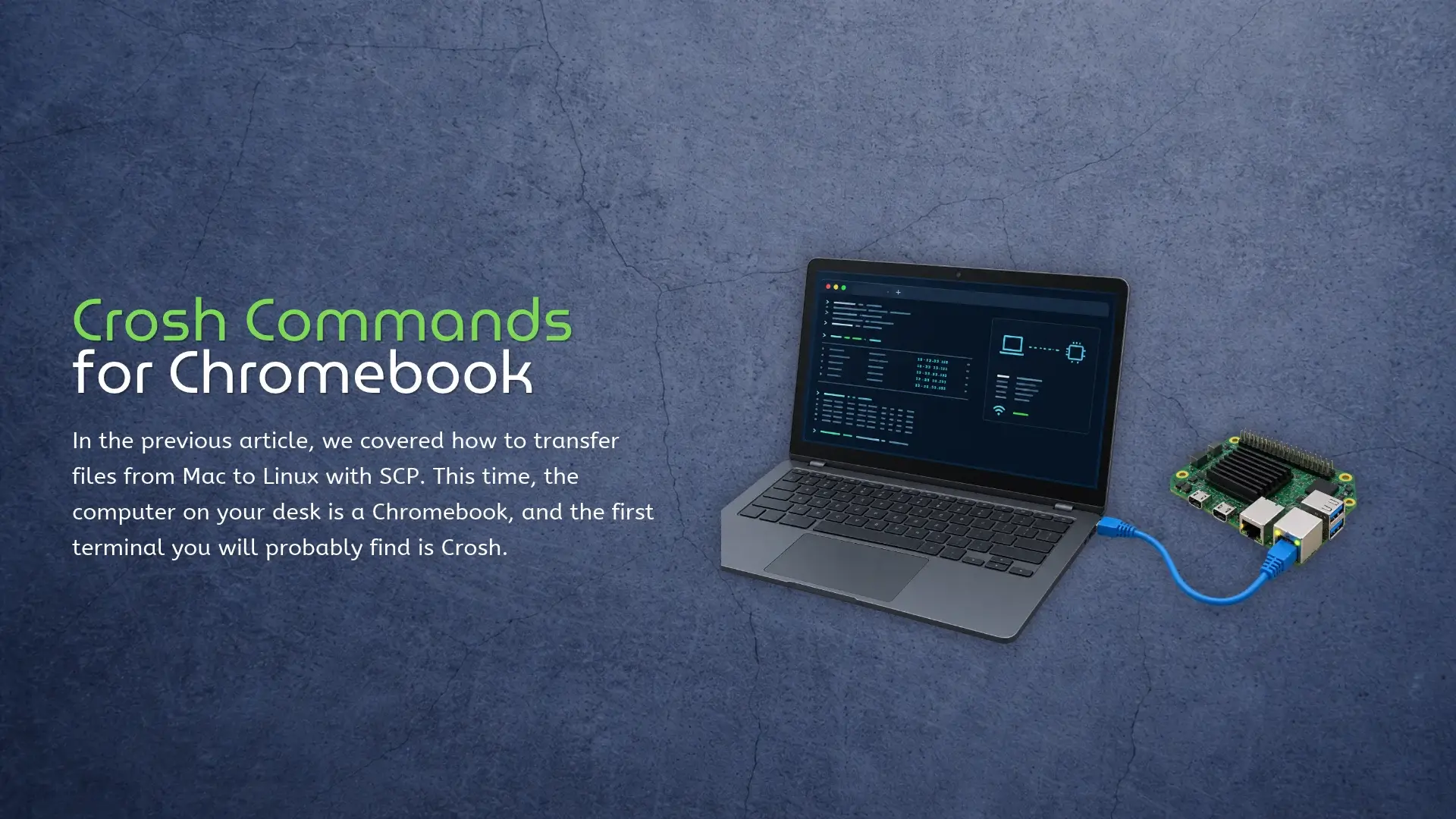
In the previous article, we covered how to transfer files from Mac to Linux with SCP. This time, the computer on your desk is a Chromebook, and the first terminal you will probably find is Crosh. Press Ctrl + Alt + T on a Chromebook and Crosh opens in a browser tab. Start with help. It prints the commands available on that Chromebook, which is more useful than copying a list written for a different ChromeOS release. The official Crosh command reference makes the same point: the available tools vary by release, channel, device policy, and Developer Mode. Crosh is a small troubleshooting console, not Bash or a Chromebook version of Windows Command Prompt. Many online lists mix standard Crosh, the Developer Mode shell, and Linux Terminal. A copied command may return unknown command simply because it does not exist on your build. Start With Your Crosh Commands List Open Crosh and run: help help_advanced The first shows common commands; the second includes less frequently used ones. ChromeOS releases, device policies, channels, and hardware can change the result, so the list on the screen wins. Tab completion works, while help battery_test shows the syntax for one command. Network Commands Worth
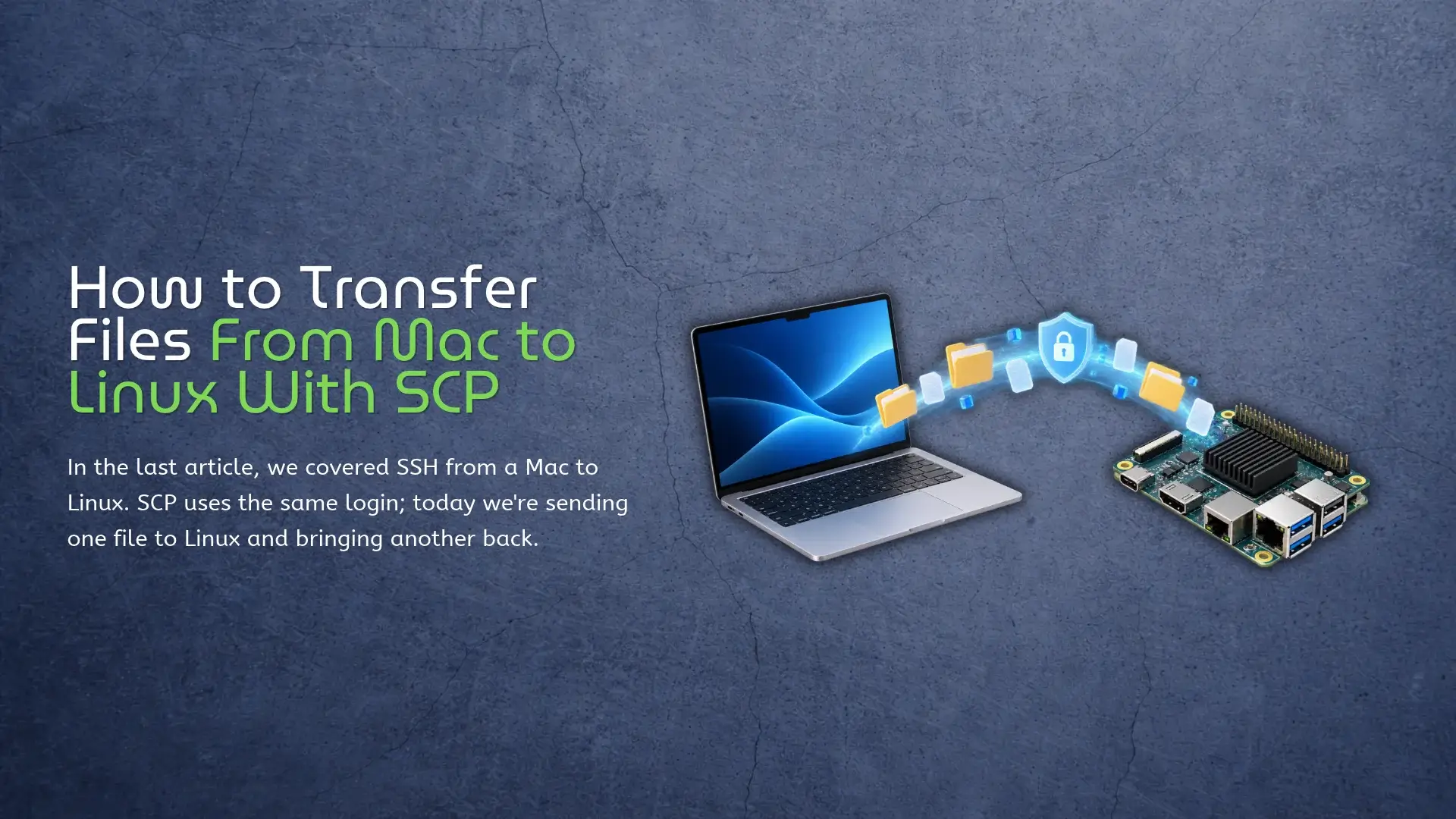
In the last article, we covered SSH from a Mac to Linux. SCP uses the same login; today we’re sending one file to Linux and bringing another back. Say model.onnx is sitting in Downloads on the Mac, and the Linux user is alex at 192.168.1.50. Run this in Terminal on the Mac: scp ~/Downloads/model.onnx alex@192.168.1.50:/home/alex/ That’s it. Enter the same password you use for SSH, and model.onnx lands in /home/alex/. One surprisingly common point of confusion: you don’t SSH into the board first. The command runs on the computer that has the local file – in this case, the Mac. Where SCP Puts the File SCP reads from left to right. The first path is the source, and the second is where it goes: scp source destination The colon after the IP address is doing most of the work here. Everything before it identifies the Linux login; everything after it is a path on that Linux machine. Without the colon, you’ve written two local paths and scp has no remote host to contact. You can also give the copied file a new name: scp ~/Downloads/model.onnx alex@192.168.1.50:/home/alex/detector.onnx The original file stays named model.onnx on the Mac. Only the remote copy becomes
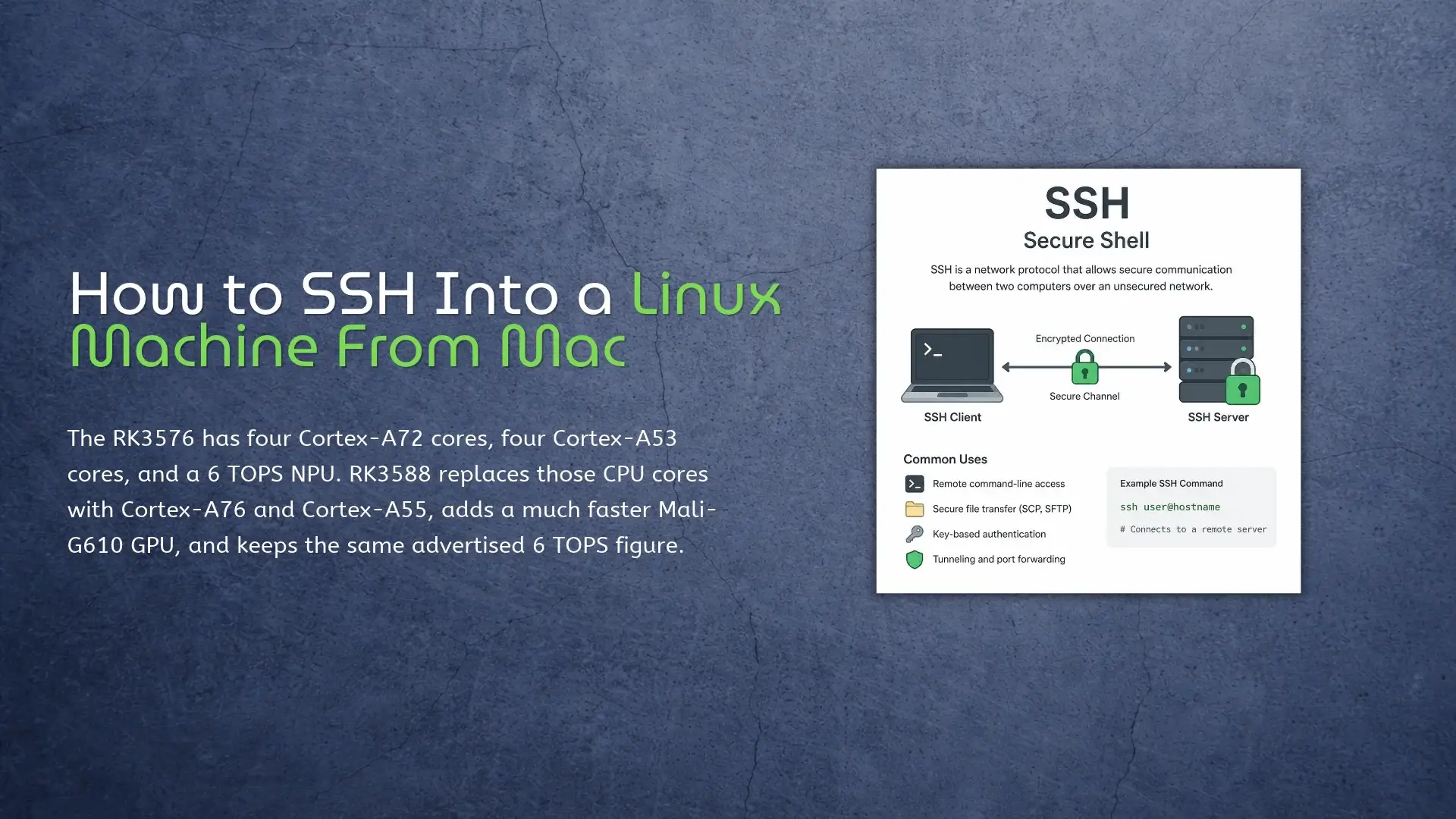
Open Terminal on the Mac and enter: ssh alex@192.168.1.50 Replace alex with the Linux account name and 192.168.1.50 with the address of the machine you want to reach. There is no SSH client to install on the Mac. macOS already includes OpenSSH, although Apple’s Terminal connection guide also describes a menu-based connection method. For a KiwiPi 5 Linux board, the easiest setup is to put the Mac and the board on the same local network. Ethernet removes a few variables during the first boot. Wi-Fi is fine once the board has joined the correct network. Prepare the Linux Machine Install the SSH server The Mac already has an SSH client. The Linux machine needs the server half. Debian and Ubuntu images use the openssh-server package. Some board images include it; others don’t. Run this on the Linux machine: sudo apt update sudo apt install openssh-server sudo systemctl enable –now ssh Then check the service instead of assuming the package installer started it: systemctl status ssh –no-pager Look for: Active: active (running) Other distributions may call the service sshd. That difference is worth checking before spending half an hour debugging the network. The Ubuntu OpenSSH server documentation uses ssh.service for current
chmod u+x deploy.sh is probably the command you need when a copied script returns Permission denied. It gives the file’s owner execute permission and leaves the other mode bits alone. This often happens after copying files to a Linux machine with SCP, since SCP preserves the original file mode. That’s the easy case. Before changing anything, run ls -l and check whether the problem is actually the mode, the owner, or the filesystem. Throwing 777 at all three is how a small permissions issue turns into a weird security issue. Check the File First Start with the file itself: Bashls -l deploy.sh Output-rw-r–r– 1 user user 842 Sep 10 10:20 deploy.sh Here’s the useful part. The first character says what the entry is (- means a regular file), and the next nine characters come in three groups: rw- for the owner, r– for the group, and r– for everyone else. So the owner can read and edit this file. Nobody can execute it. The letters are exactly what they look like: r is read, w is write, and x is execute. The selectors are nearly as simple. u means owner, g means group, o means other users, and a means
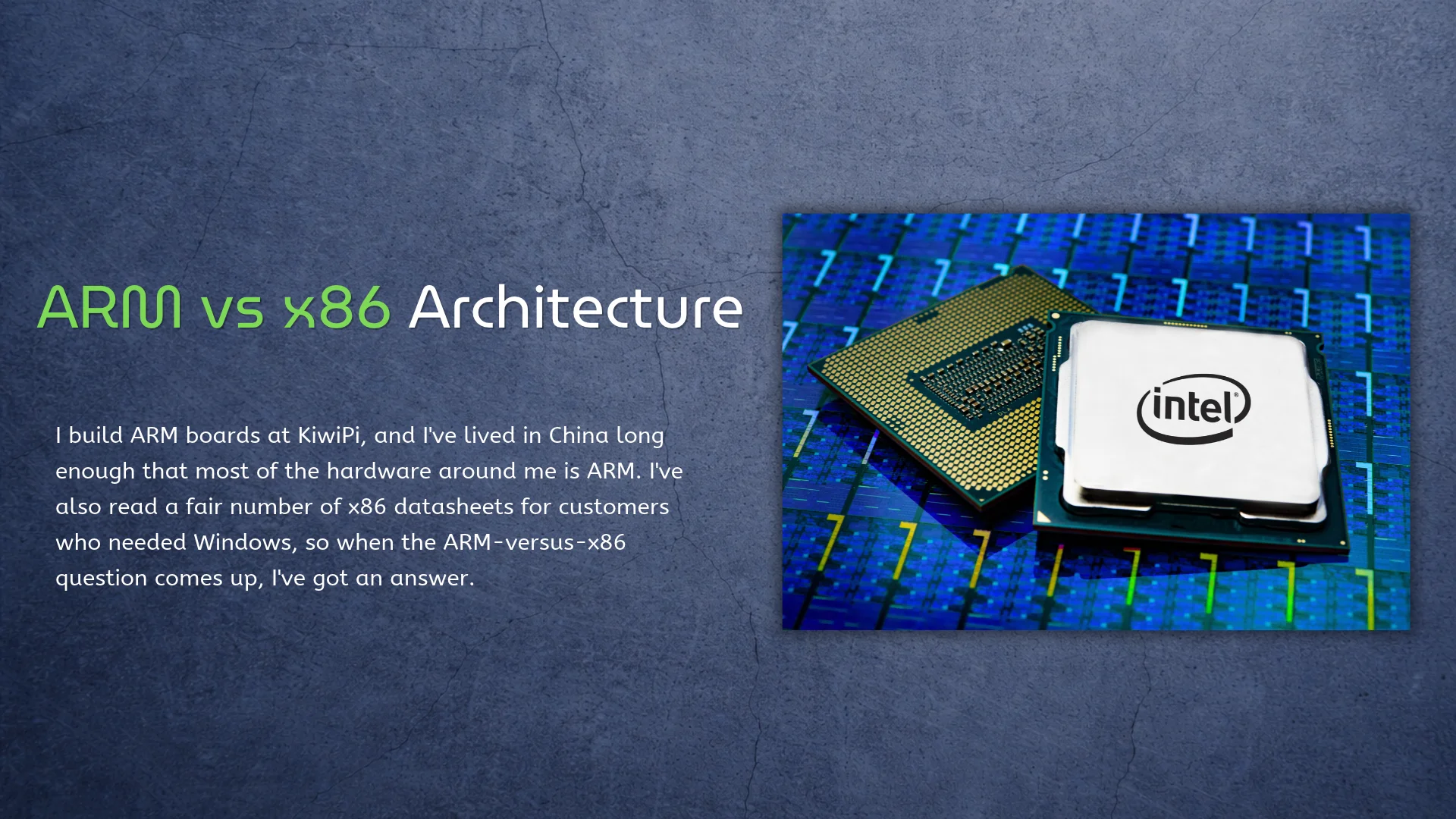
I build ARM boards at KiwiPi, and I’ve lived in China long enough that most of the hardware around me is ARM. I’ve also read a fair number of x86 datasheets for customers who needed Windows, so when the ARM-versus-x86 question comes up, I’ve got an answer. It’s not really CISC versus RISC anymore, that fight is settled anyway. The real choice is software and power. Origins x86 is ancient. The instruction set goes back to 1978, it never broke compatibility, and it still runs inside every Intel and AMD chip. AMD added 64-bit in 2003 as x86-64, and Intel followed. Intel 8086 (1978): the instruction set that never stopped. Photo: Thomas Nguyen / Wikimedia Commons, CC BY-SA 4.0 ARM went the other way. A small team in 1985 bet on cheap, low-power silicon for a British desktop, and by 1990 that design was a licensing company. ARM never made chips; it sold the idea, so Apple builds its own, Qualcomm builds its own, and others build their own. Even Rockchip does, following a path from MP3 players to SBCs. AArch64 went 64-bit in 2011, and Apple moved the Mac over in 2020. [caption id=”attachment_10485″ align=”aligncenter”
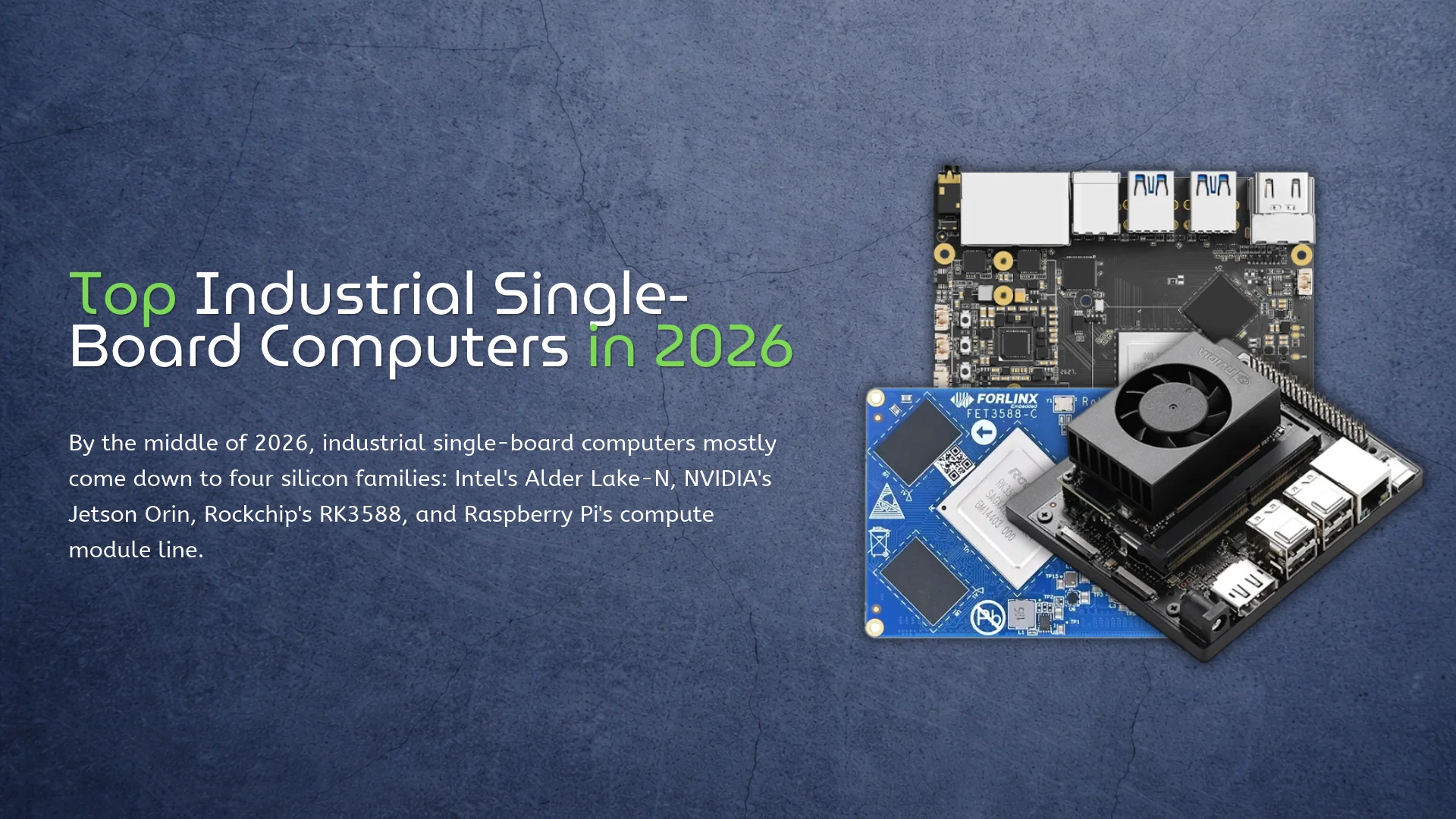
By the middle of 2026, industrial single-board computers mostly come down to four silicon families: Intel’s Alder Lake-N, NVIDIA’s Jetson Orin, Rockchip’s RK3588, and Raspberry Pi’s compute module line. The boards around that silicon differ in ways a CPU table can’t show. Full transparency, because it changes how you read the rest: I work at KiwiPi, and our KiwiPi 5 Pro shows up below. Everything here is written from datasheets and vendor documentation. I haven’t benchmarked a single one of these boards, including our own. Temperature, Longevity, and Software A consumer board is happy in a room. Put that same board in a machine cabinet, an outdoor box, or an unheated depot, and the spec sheet starts telling the truth. Operating temperature, how many years the vendor keeps selling the same board, and whether the Linux image still receives fixes are what separate industrial hardware from desk toys. CPU speed has very little to do with it, whatever the marketing says. Software decides more of these purchases than the silicon does. x86 runs Windows and dependable, boring Ubuntu; a Jetson module means CUDA and TensorRT; a Rockchip NPU means the RKNN runtime and a vendor image that actually exposes the
Rockchip introduced the RK3562 in February 2023. It has four Cortex-A53 cores running at up to 2.0 GHz, a Mali-G52 2EE GPU, a 1 TOPS NPU, and an ISP for cameras up to 13 megapixels. The company listed tablets, translation pens, robot vacuum cleaners, and industrial equipment as target products. That sounds like a rather random collection of hardware, but it makes more sense once you look past the CPU. RK3562 isn’t really an SBC processor in the usual sense. You can build a small Linux board around it, but the chip was designed for products with their own display, camera, and fixed list of jobs. Four Cortex-A53 Cores and Mali-G52 Graphics The four Cortex-A53 cores are the least interesting part. They can run Android, handle an appliance interface, and keep a few background services moving. But Cortex-A53 was already old when RK3562 arrived, and it isn’t especially fast at browser work, compilation, or anything that leans heavily on one CPU core. For a translation pen or robot vacuum, that’s probably fine. Those devices don’t need twenty browser tabs or a desktop full of applications. They run the software the manufacturer built for them, usually on the same hardware for
Rockchip RK3528 combines four Cortex-A53 cores, Mali-450 graphics, and a 4K60 video decoder in a chip made for IPTV, OTT, and other inexpensive media devices. It also supports DDR4 or LPDDR4X memory, HDMI 2.0b, USB 3.0, PCIe 2.1, and two different Ethernet paths. This is not a small RK3588. RK3528 has no NPU or modern GPU. The useful part is the media hardware: it decodes current 10-bit video formats without asking the CPU to do the heavy work. Rockchip RK3528 Specifications Component Rockchip RK3528 CPU 4x Arm Cortex-A53, 64-bit Armv8-A GPU Arm Mali-450 Memory 32-bit DDR4, LPDDR4, or LPDDR4X; up to 4GB address space Video decoding H.264, H.265, and AVS2 up to 4K60; older formats up to 1080p60 Video encoding H.264 and H.265 up to 1080p60; JPEG encoding Display HDMI 2.0b up to 4K60; PAL/NTSC CVBS Storage eMMC 5.1, SD 3.0, and serial flash Expansion USB 3.0 or single-lane PCIe 2.1 through a shared PHY; USB 2.0 host Networking Gigabit Ethernet MAC plus a separate 10/100 Ethernet MAC and PHY NPU None Four Cortex-A53 Cores Four Cortex-A53 cores are enough to run Android or Linux, a streaming interface, networking, and a few lightweight services. They are not a good foundation
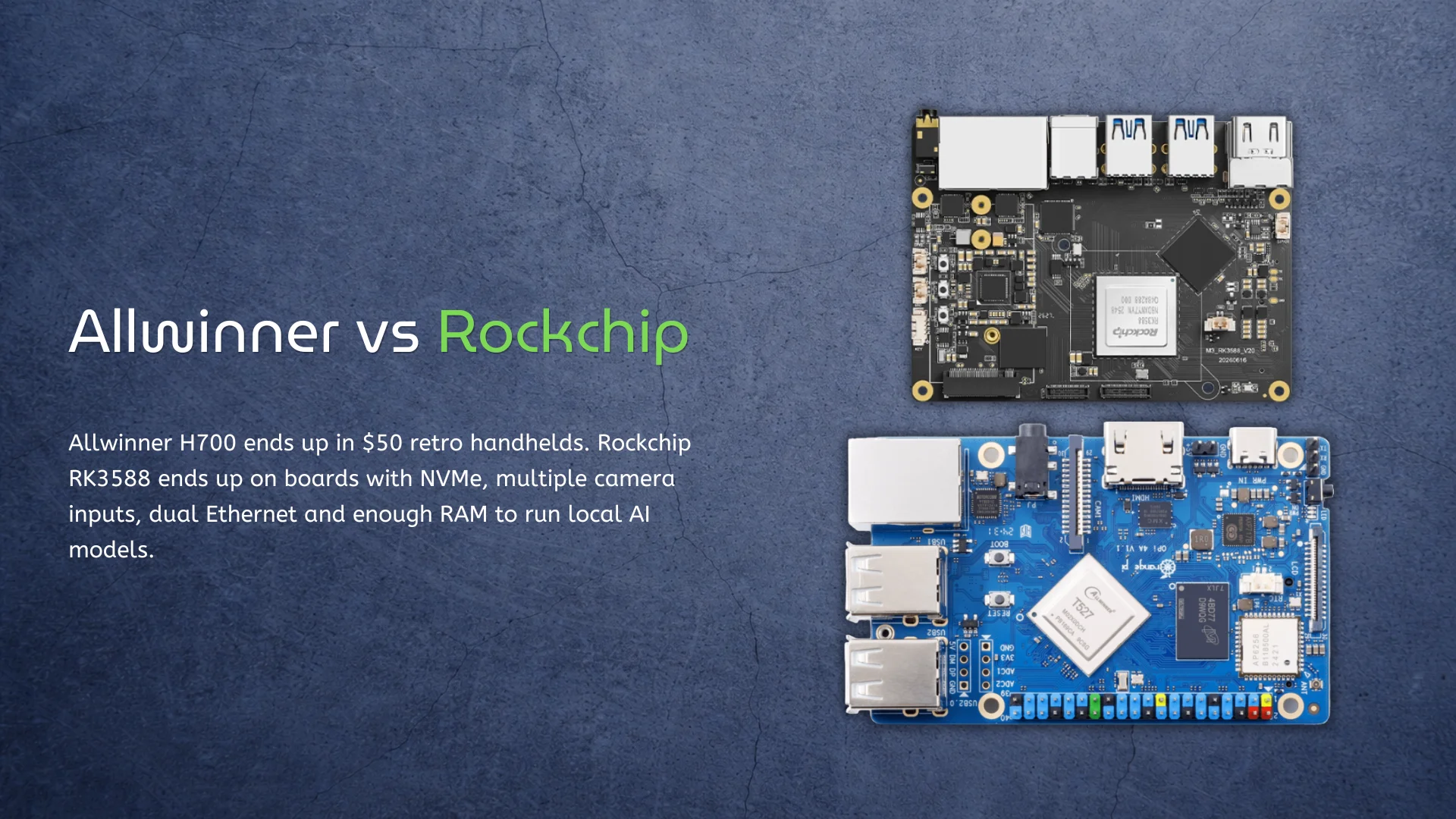
Allwinner H700 ends up in $50 retro handhelds. Rockchip RK3588 ends up on boards with NVMe, multiple camera inputs, dual Ethernet and enough RAM to run local AI models. Calling Allwinner the cheap option and Rockchip the fast one is easy. It also doesn’t answer the useful question: how much of that extra Rockchip hardware will your device actually use? H700 is much slower than RK3588. It is also fast enough for most 8-bit, 16-bit and original PlayStation games. RK3588 can do far more, but buying it to drive one display and launch a few lightweight applications would be a strange use of the money. That’s the real Allwinner vs Rockchip argument. It isn’t about which company makes the better chip. It is about when good enough stops being good enough. H700 wins by doing less Allwinner’s H700 has four Cortex-A53 cores, Mali-G31 graphics and no NPU. None of that sounds exciting. The chip’s more useful feature is its video engine: it supports 10-bit 4K60 decoding, along with HDMI 2.0, LVDS, RGB and CVBS display outputs. That combination makes sense in a cheap handheld. Older console emulation doesn’t need PCIe, USB 3.0 or an AI accelerator. It needs enough single-threaded
Buying a retro handheld should be simple. One chip is faster, so the handheld using that chip should be better. The Allwinner H700 and Rockchip RK3566 make that logic a little uncomfortable. RK3566 has newer Cortex-A55 CPU cores, a faster Mali-G52 GPU, better I/O, and an NPU. H700 uses older Cortex-A53 cores, weaker Mali-G31 graphics, and was originally designed as a low-cost multimedia processor. So RK3566 wins… except that many people shopping for an inexpensive handheld don’t actually need everything it wins at. The real question isn’t whether RK3566 is faster – it is. The question is whether that extra performance changes the games you want to play enough to justify a more expensive device, potentially higher power consumption, and a product whose software may still matter more than its processor. H700 vs RK3566 specifications The hardware difference is larger than the similar four-core layout suggests. H700 combines Cortex-A53 with Mali-G31 graphics. RK3566 moves to Cortex-A55 and Mali-G52, while adding features useful beyond handheld gaming. Feature Allwinner H700 Rockchip RK3566 CPU 4× Cortex-A53 4× Cortex-A55 Common maximum clock Around 1.5 GHz in handhelds Up to 1.8 GHz GPU Multicore Mali-G31 Mali-G52 2EE Graphics architecture Bifrost Bifrost Video decoding Up to
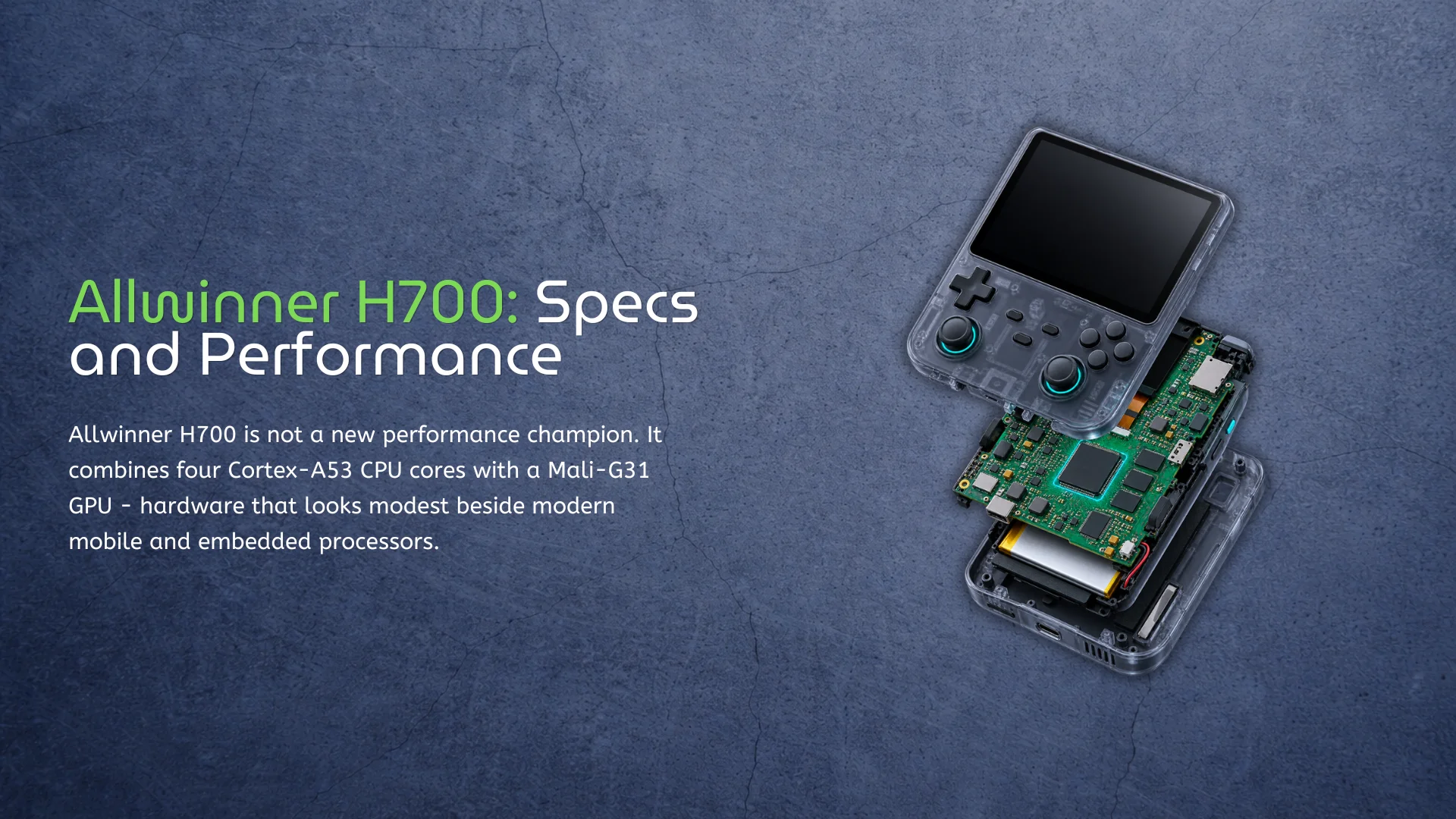
Allwinner H700 is not a new performance champion. It combines four Cortex-A53 CPU cores with a Mali-G31 GPU – hardware that looks modest beside modern mobile and embedded processors. For a broader Allwinner vs Rockchip comparison, see our detailed guide. Yet the chip has become remarkably common in affordable Linux gaming handhelds. This is not a case of an old processor being secretly fast. H700 succeeds because retro gaming has very different requirements from Android tablets, desktop Linux, or current-generation games. It offers enough CPU performance for older console emulation, a considerably newer GPU than many inexpensive Cortex-A53 platforms, and a capable multimedia subsystem without pushing device prices higher. That balance matters more than an impressive benchmark result. Allwinner H700 specifications Allwinner originally positioned H700 as a multimedia processor rather than a gaming-specific SoC. Its four 64-bit Cortex-A53 cores are paired with a multicore Mali-G31 GPU based on Arm’s Bifrost architecture. Feature Allwinner H700 CPU 4× Arm Cortex-A53 CPU architecture 64-bit Armv8-A Typical handheld clock Up to approximately 1.5 GHz GPU Multicore Arm Mali-G31 Graphics APIs OpenGL ES 3.2 and Vulkan 1.1 Video decoding Up to 4K at 60 fps, 10-bit Display interfaces HDMI 2.0, dual-link LVDS, RGB and CVBS
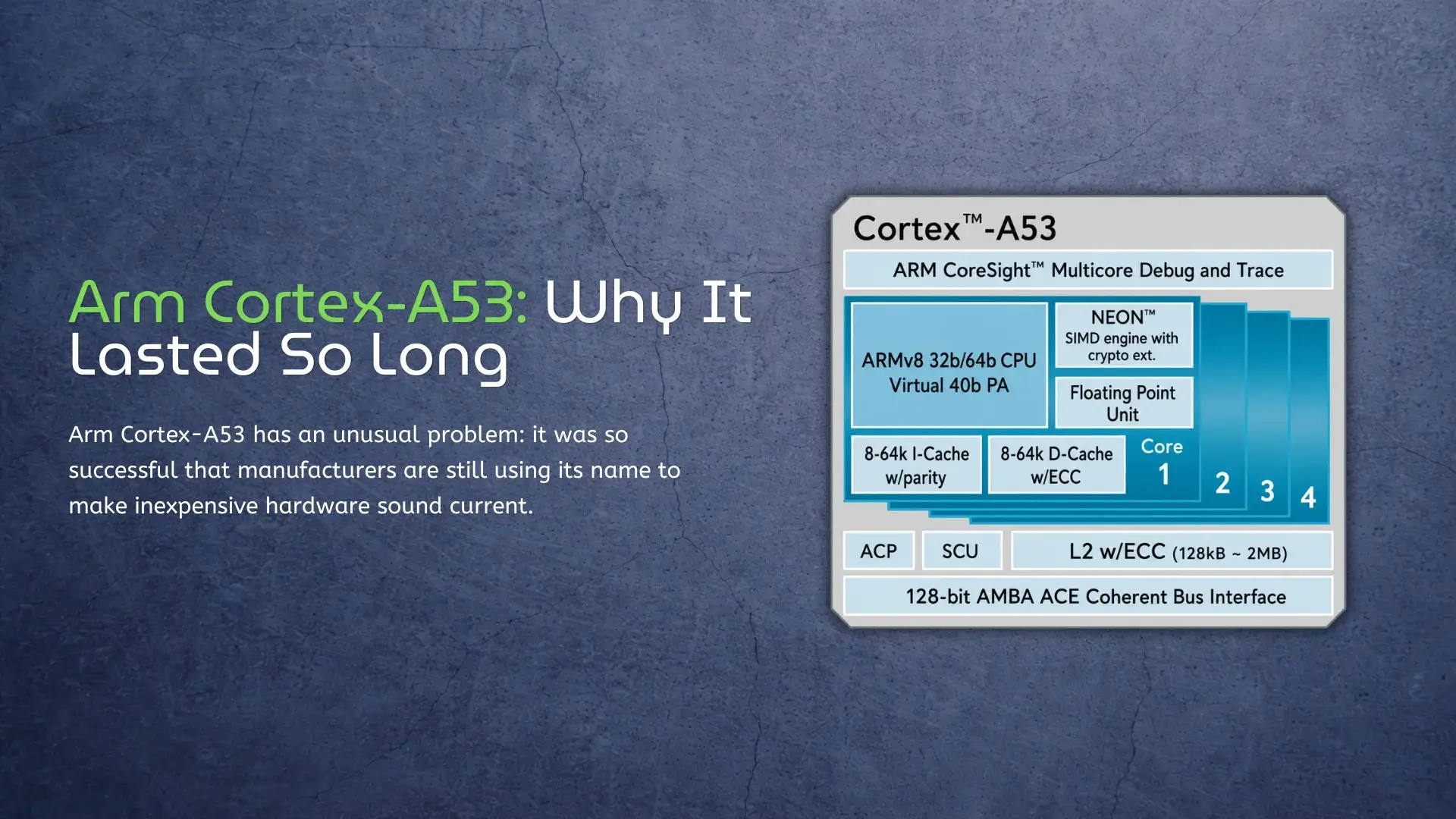
Arm Cortex-A53 has an unusual problem: it was so successful that manufacturers are still using its name to make inexpensive hardware sound current. A specification such as octa-core 64-bit CPU remains persuasive on a product page, even when all eight cores are Cortex-A53 designs from an earlier generation. This marketing tactic often blurs the line between ARM and x86, a topic we clarify in our ARM vs x86 Architecture explained guide. That does not make Cortex-A53 a bad CPU. Its small size, low power requirements, 64-bit support, and mature software ecosystem made it one of the most useful Arm cores ever designed. But its strengths are now very specific. Cortex-A53 still works well when a device has a narrow job and dedicated hardware handles the demanding parts; it is much less convincing when the CPU itself must provide a responsive desktop or run modern applications. Cortex-A53 is a core, not a complete processor The first source of confusion is the name. Cortex-A53 is CPU intellectual property licensed by Arm, not a finished system-on-chip. A chip designer combines it with memory controllers, a GPU, media engines, networking, and other components, then chooses the clock speed and manufacturing process. This is why