You’re choosing hardware for an edge AI project. One board has a 6 TOPS NPU, a DeepX module offers 25 TOPS, and NVIDIA’s Jetson Orin Nano Super is rated at 67 TOPS. So the Jetson is roughly eleven times faster than the 6 TOPS board… right? Not really. It might be much faster for your model, and probably will be for some workloads. But TOPS is not a benchmark result. It’s the maximum number of certain operations the hardware can theoretically complete every second, usually at a specific numerical precision and under the right conditions. That’s useful information. It just isn’t the answer people often want it to be. The number is real. The comparison often isn’t TOPS means trillions of operations per second. In AI specifications, a multiplication and addition are commonly counted as two operations. That means a 6 TOPS accelerator can theoretically perform six trillion supported operations per second – or three trillion complete multiply-accumulate calculations, depending on how you prefer to count them. The first catch is precision. Rockchip rates the RK3588 NPU at 6 TOPS using INT8 calculations. NVIDIA lists 67 INT8 TOPS for the Jetson Orin Nano Super. At least those two numbers are
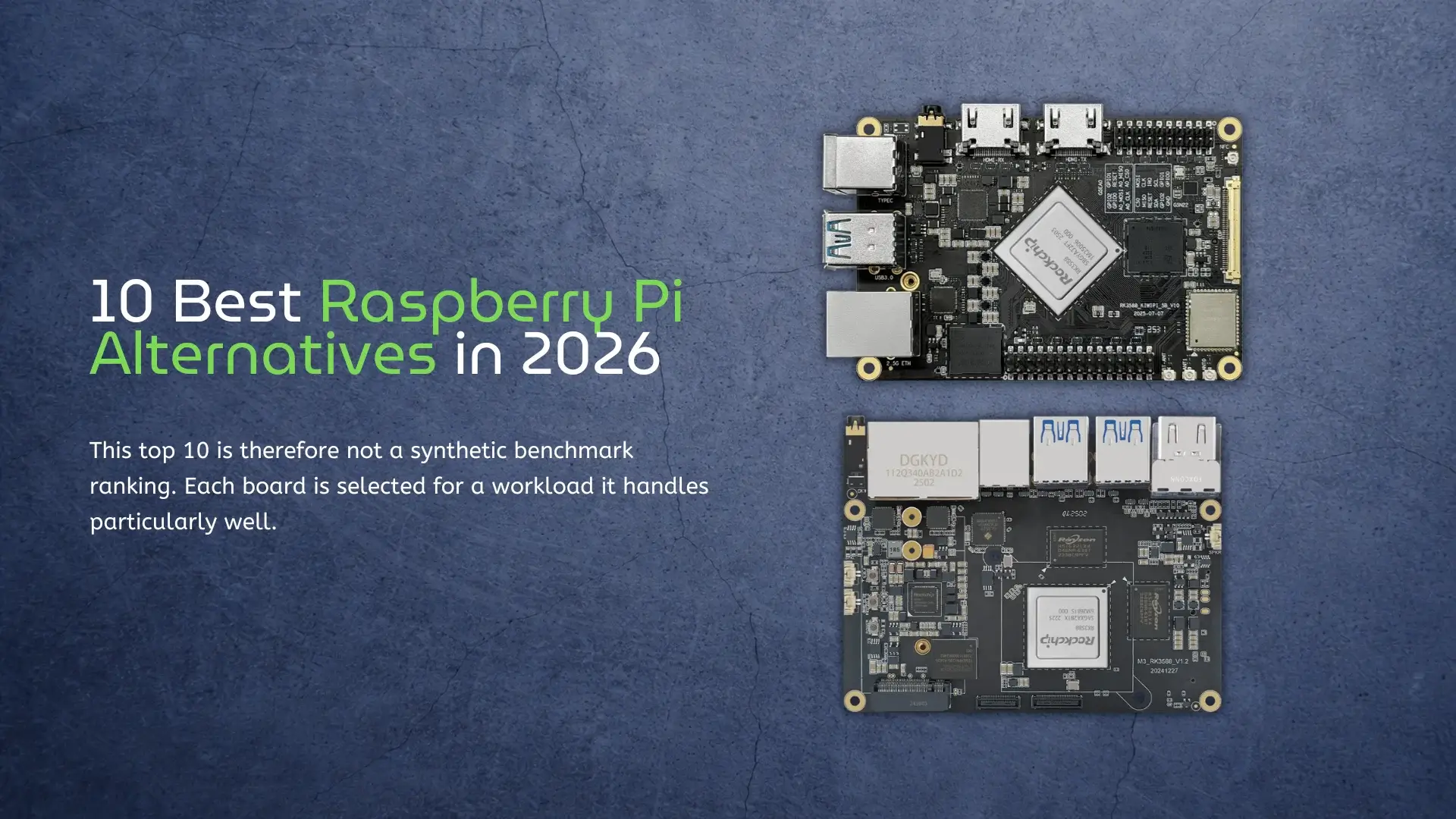
SBCs for AI, NAS, and Desktop Use Raspberry Pi 5 is still the easiest single-board computer to recommend. It has a mature operating system, an enormous accessory market, strong documentation, and a community large enough to solve most problems before you encounter them. That does not make it the best board for every job. The moment a project needs more CPU cores, built-in eMMC, dual 2.5GbE, a dedicated AI accelerator, multiple camera inputs, or native x86 software, the Raspberry Pi’s advantages become less decisive. Several Raspberry Pi alternatives now offer much stronger hardware, although they usually ask you to accept a smaller software ecosystem in return. For demanding environments, consider industrial single-board computers that prioritize longevity and wide-temperature operation. This top 10 is therefore not a synthetic benchmark ranking. Each board is selected for a workload it handles particularly well. Two entries, KiwiPi 5 and KiwiPi 5 Pro, are our own devices; they are identified clearly and judged by the same practical criteria and limitations as the other boards. Specifications were checked against manufacturer documentation available on July 13, 2026. Memory, storage, board revisions, and supported operating-system images can vary by configuration. What Makes a Good Raspberry Pi Alternative? Hardware
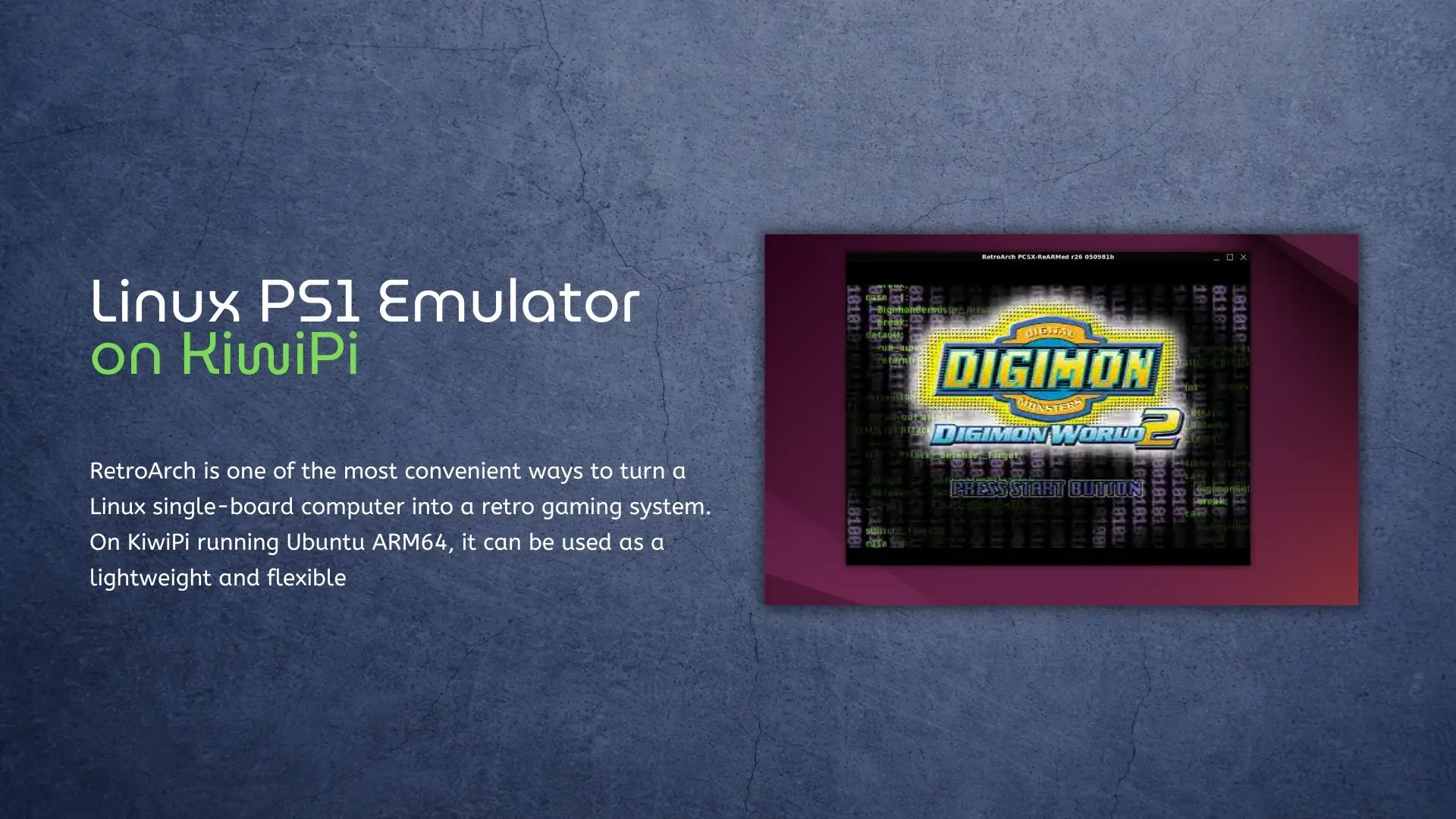
How to Install RetroArch on RK3588S SBC RetroArch is one of the most convenient ways to turn a Linux single-board computer into a retro gaming system. On KiwiPi (based on RK3588S) running Ubuntu ARM64, it can be used as a lightweight and flexible frontend for classic console emulation, including the original PlayStation. In this guide, we will install RetroArch on KiwiPi 5, manually add a PlayStation emulator core, and launch a PS1 game. The process is based on a real KiwiPi Ubuntu test setup and avoids unnecessary steps that are not required for a successful launch. The main goal is simple: get a working Linux PS1 emulator on KiwiPi using RetroArch and the PCSX ReARMed core. KiwiPi 5 Hardware Specifications The test system used in this guide is KiwiPi 5, based on the Rockchip RK3588S platform. Component Specification SoC Rockchip RK3588S, 8 nm CPU 4× Cortex-A76 @ 2.2 GHz + 4× Cortex-A55 @ 1.8 GHz GPU ARM Mali-G610 MC4 Graphics API OpenGL ES 3.2, OpenCL 2.0, Vulkan 1.2 NPU 6 TOPS RAM 8 GB LPDDR4X Storage 64 GB eMMC Video Output HDMI 2.1 up to 8K@60fps Wireless Wi-Fi 6, Bluetooth 5.4 Ethernet Gigabit Ethernet OS Tested Ubuntu ARM64 This hardware
I’ve been testing RK3588 boards for a while. Every time I write about them, someone asks: “Should I get the regular RK3588 or save a few bucks with the RK3588S?” Fair question. Same 8-core CPU. Same GPU. Same 6 TOPS NPU. On paper, almost identical. In practice? There are differences. Some matter. Some don’t. Let me break down what I’ve found. What’s Actually Different Rockchip stripped some things out to make the S version cheaper. PCIe lanes: RK3588 has more. You get full NVMe speed, AI accelerators, maybe even an external GPU if you’re crazy. RK3588S has fewer. NVMe works but it’s bottlenecked. Most users won’t care. Power users will. Memory: RK3588 handles up to 32GB LPDDR5. RK3588S tops out at 16GB LPDDR4X. If you’re running VMs or large AI models, that limit stings. For most SBCs shipping with 8GB? You won’t notice. Display outputs: RK3588 drives four displays. RK3588S does two. Digital signage or multi-monitor setup? Full version. Tablet or single-screen device? You won’t care. KiwiPi 5 Pro features two dual USB 3.0 connectors, providing four USB 3.0 ports for high-speed peripherals. Real-World Impact The Kiwi Box 5 uses the full RK3588. Dual 2.5GbE, NVMe
In the last article, I talked about RK3588 hardware video encoding. This time, I wanted to go deeper after spending more than 100 hours testing different pipelines on the KiwiPi 5B SBC.Now let me tell you about the parts they don’t put in the shiny marketing slides. Because yeah, hardware encoding works. When it works. But getting there? Buckle up. The First Crash (And The Second, And The Third) I’ll be honest – my first mpph264enc pipeline crashed within 30 seconds. Not even kidding. The error? Something like mpp_enc: failed to allocate buffer. No explanation. No helpful hint. Just… death. After hours of forum crawling and staring at kernel logs like a confused raccoon, I found the culprit: memory pressure. See, the VPU needs contiguous DMA buffers. If your system has been running for a while and RAM is fragmented, the allocation just fails. No graceful fallback. Just a crash. The fix? Reboot. Or pre-allocate buffers like a paranoid sysadmin. I chose the reboot method because I’m lazy and this was a test bench, not a production jet engine. But this taught me something important: hardware encoding is powerful, but fragile. You can’t just hammer it like a software encoder
After testing HDMI-IN on RK3588 with Kiwipi 5B, I ran into a very simple problem. Recording video work, but CPU usage goes up fast. At first, I was using software for hardware video encoding. It works, but not for long runs or real-time pipelines, so I switched to hardware video encoding. And that’s where the board started to behave completely differently, though I had to change file permissions for the scripts. What Hardware Video Encoding Actually Means Here On RK3588, video encoding is not done by the CPU; there is a dedicated hardware block (VPU). It handles H.264 and H.265 encoding directly. And this is not a small feature. The chip supports real-time encoding up to 8K resolution, which means the encoding is designed to run continuously without loading the CPU. So instead of: CPU doing everything frames getting delayed You get: dedicated pipeline stable throughput much lower CPU usage Switching From Software to Hardware Video Encoding At first, I used something like this: x264enc It works, but CPU usage can easily go above 100%. Then I switched to Rockchip hardware encoding. On RK3588, this usually goes through: MPP (Media Process Platform) or hardware-enabled ffmpeg / gstreamer plugins For example,
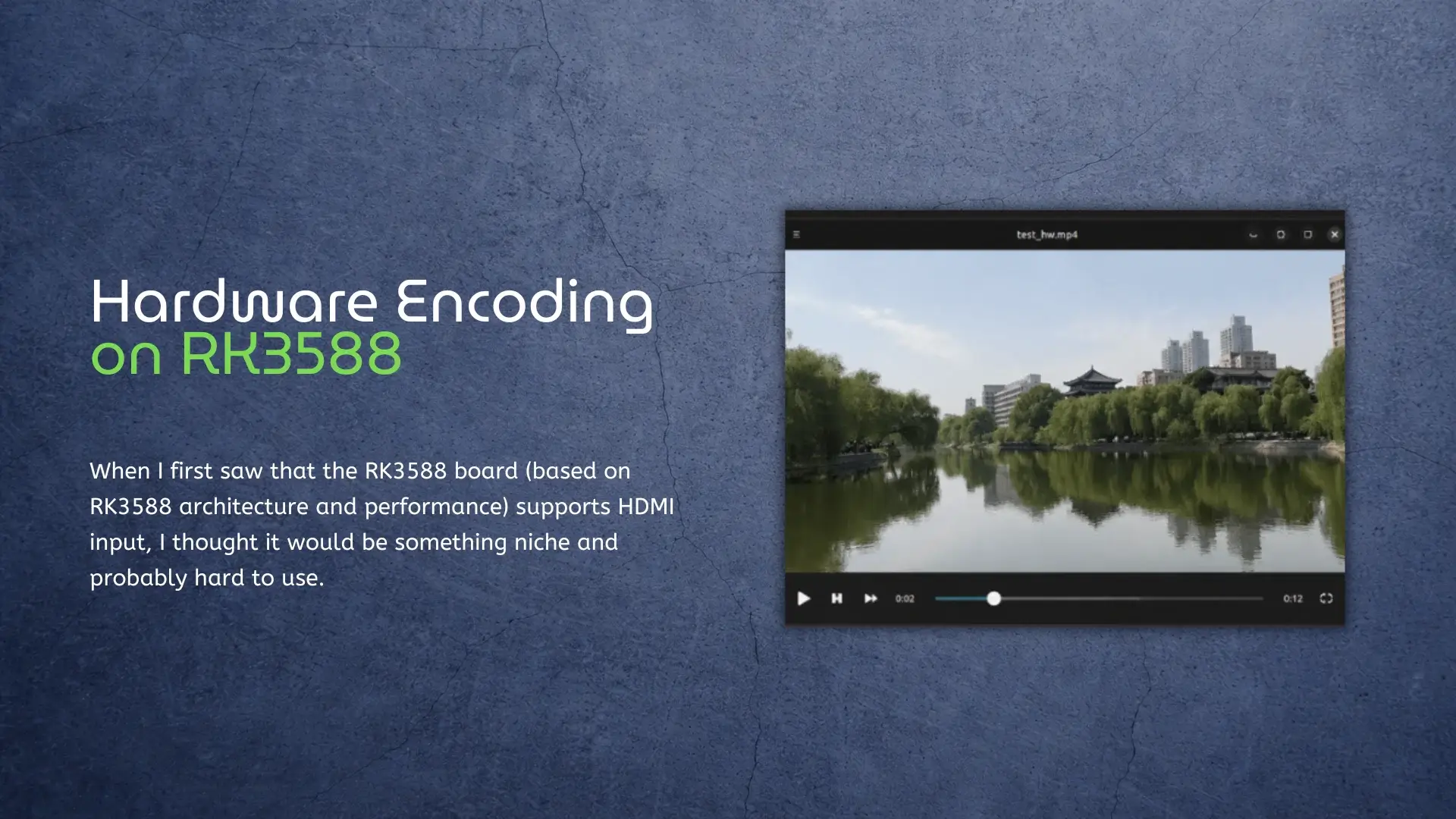
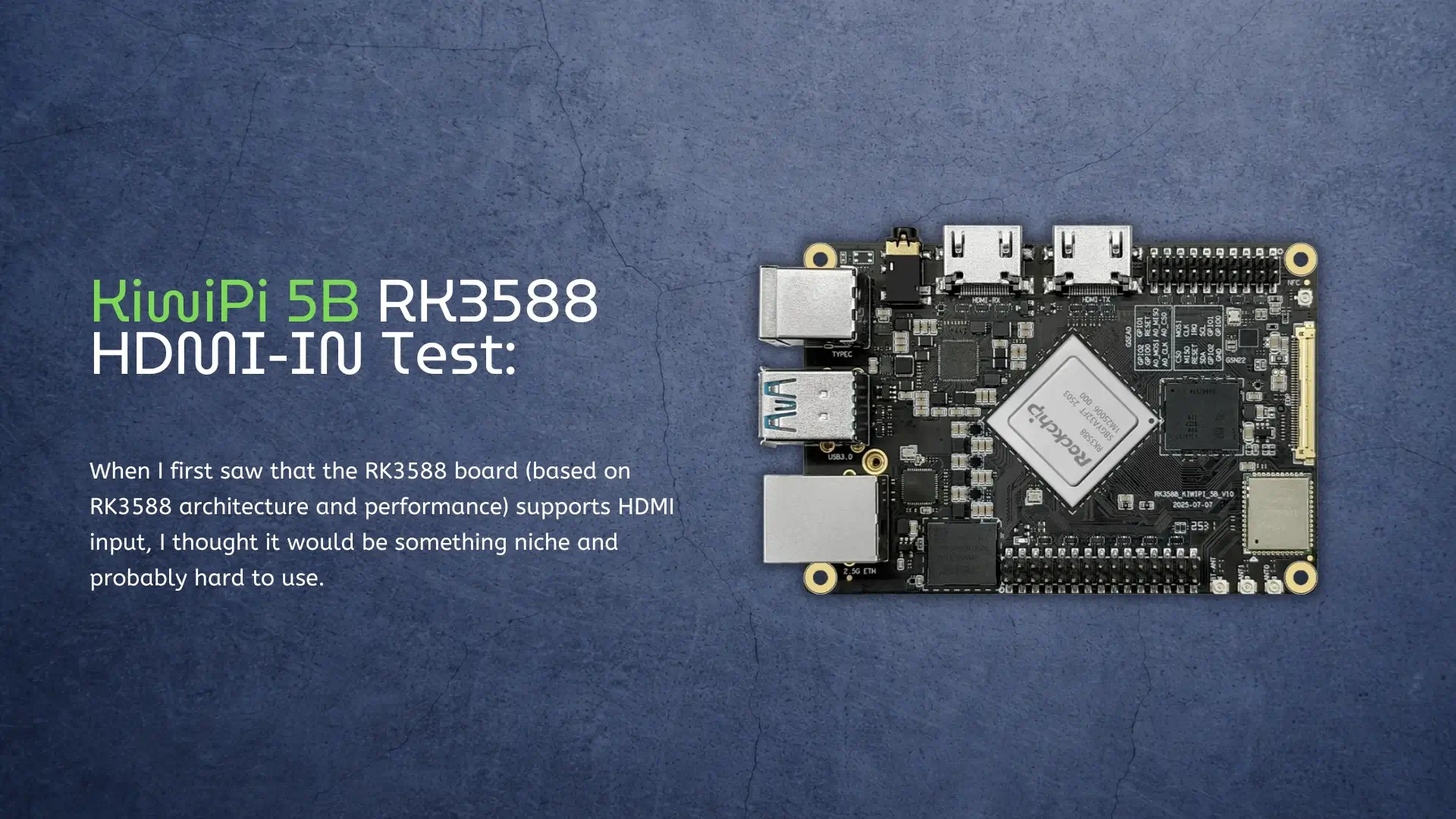
Here’s What You Can Actually Do With It When I first saw that the RK3588 board (based on RK3588 architecture and performance) supports HDMI input, I thought it would be something niche and probably hard to use. Most single-board computers don’t even have HDMI-IN, so expectations were not very high. But after testing it on the KiwiPi 5B, I realized it’s actually one of the most interesting features – and also one of the least explained. So I decided to try it myself and see what it can really do in practice. Getting HDMI-IN to Work The setup is surprisingly straightforward. Once the system boots, the HDMI input shows up as a standard video device in Linux, using the V4L2 video interface. In my case, it appeared as: /dev/video0 To confirm it, I ran a quick check in the system, and the HDMI receiver was correctly detected as a video source. At this point, the board is already receiving signal – you just need to access it. HDMI input on RK3588 showing up as /dev/video0 in Linux Checking the Input Signal Before trying anything complex, I wanted to see what kind of signal the board is
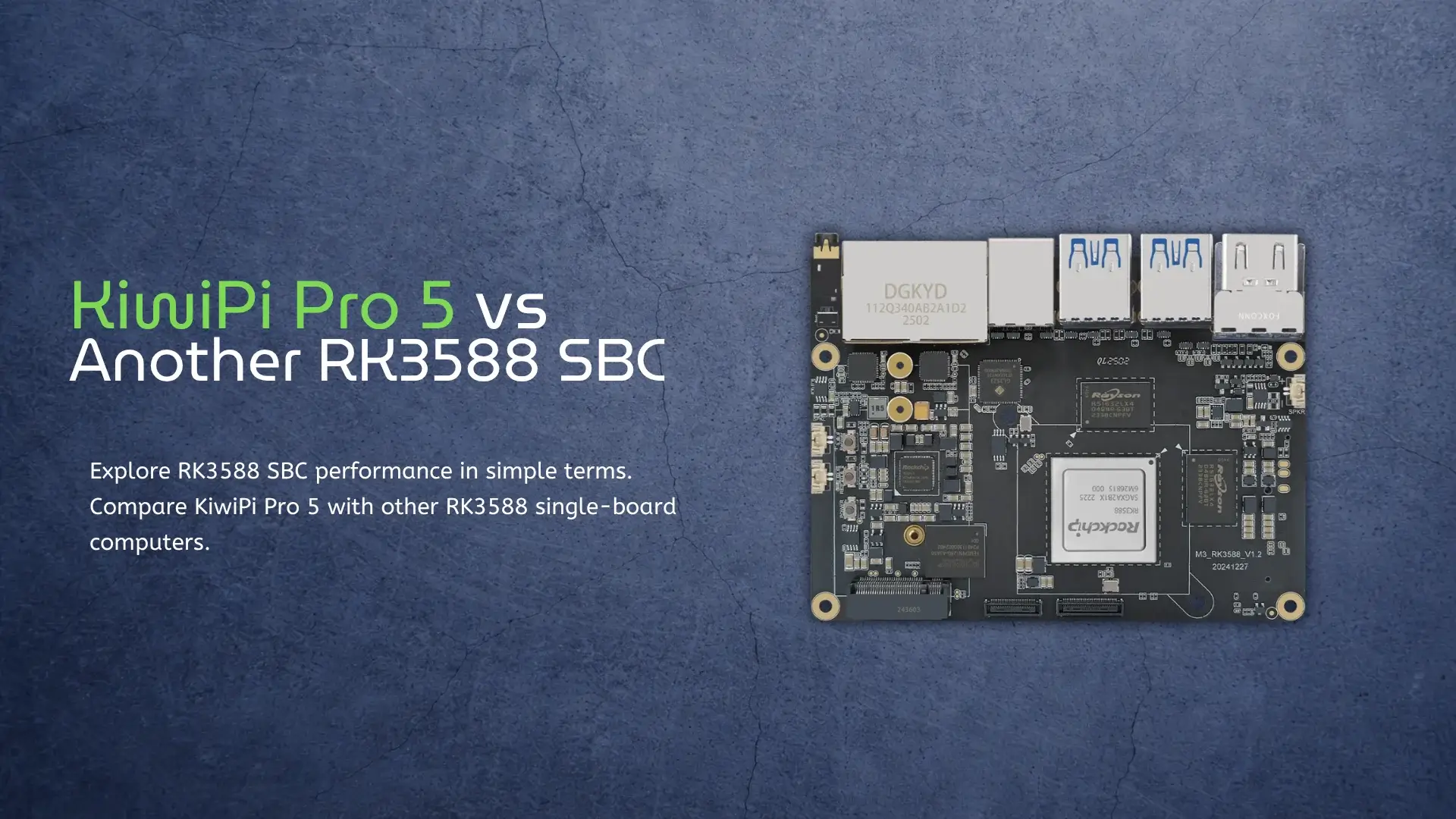
If you’ve been looking into small but powerful computers, you’ve probably come across the term RK3588 SBC. It sounds technical, but the idea is actually simple. A single-board computer is just a full computer built onto one small board. You plug in power, storage, and a screen, and it works like a mini PC. For a comparison with the newer RK3576, check out RK3576 vs RK3588. The RK3588 is the brain of many of these boards. It’s a chip made by Rockchip, and it’s known for being fast, efficient, and flexible. You’ll find it inside different boards like the KiwiPi 5 Pro and others such as the Rock Pi 5 or similar RK3588-based devices. Let’s break this down in a very simple way and compare how these boards actually feel in real use. What is an RK3588 SBC? An RK3588 SBC is just a small computer powered by the RK3588 chip. That chip has eight CPU cores. Four are fast and handle heavy tasks. Four are slower but save power when you don’t need speed. This helps the system stay cool and efficient. It also has a strong GPU for graphics and video. It can play 4K and even
Introduction Single Board Computers (SBCs) using Rockchip’s RK3588S chipset are becoming increasingly popular in areas such as AIoT, robotics, edge computing, and multimedia. The Rockchip RK3588S chip features a powerful CPU, GPU, NPU, and multimedia capabilities, making it a flexible platform for both testing and final products. This article explains how to test SBCs that use RK3588S, with examples like Firefly boards and the Kiwi Pi 5. We will cover hardware checks and software testing. In this article, we present a quick test of the RAM and CPU on the Kiwi Pi 5 and ROC-RK3588S-PC, along with additional information below. Why the RK3588S? The RK3588S is an 8nm, octa-core SoC that combines: CPU: 4× Cortex-A76 (2.2GHz) + 4× Cortex-A55 (1.8GHz) GPU: ARM Mali-G610 MC4, supporting OpenGL ES 3.2, Vulkan 1.2 NPU: 6 TOPS AI acceleration (INT4/8/16, FP16, BF16, TF32) VPU: 8K/60fps decoding, 8K/30fps encoding Memory: Up to LPDDR4X 32GB Connectivity: HDMI 2.1, USB 3.1, PCIe, Ethernet (with Realtek RTL8211F), Wi-Fi 6 Also, want to say that RK3588S is a cost-optimized and compact variant of the RK3588. If you want a deeper look at the chip, you can check our guide on RK3588 specs and performance explained. Key SBC Examples This