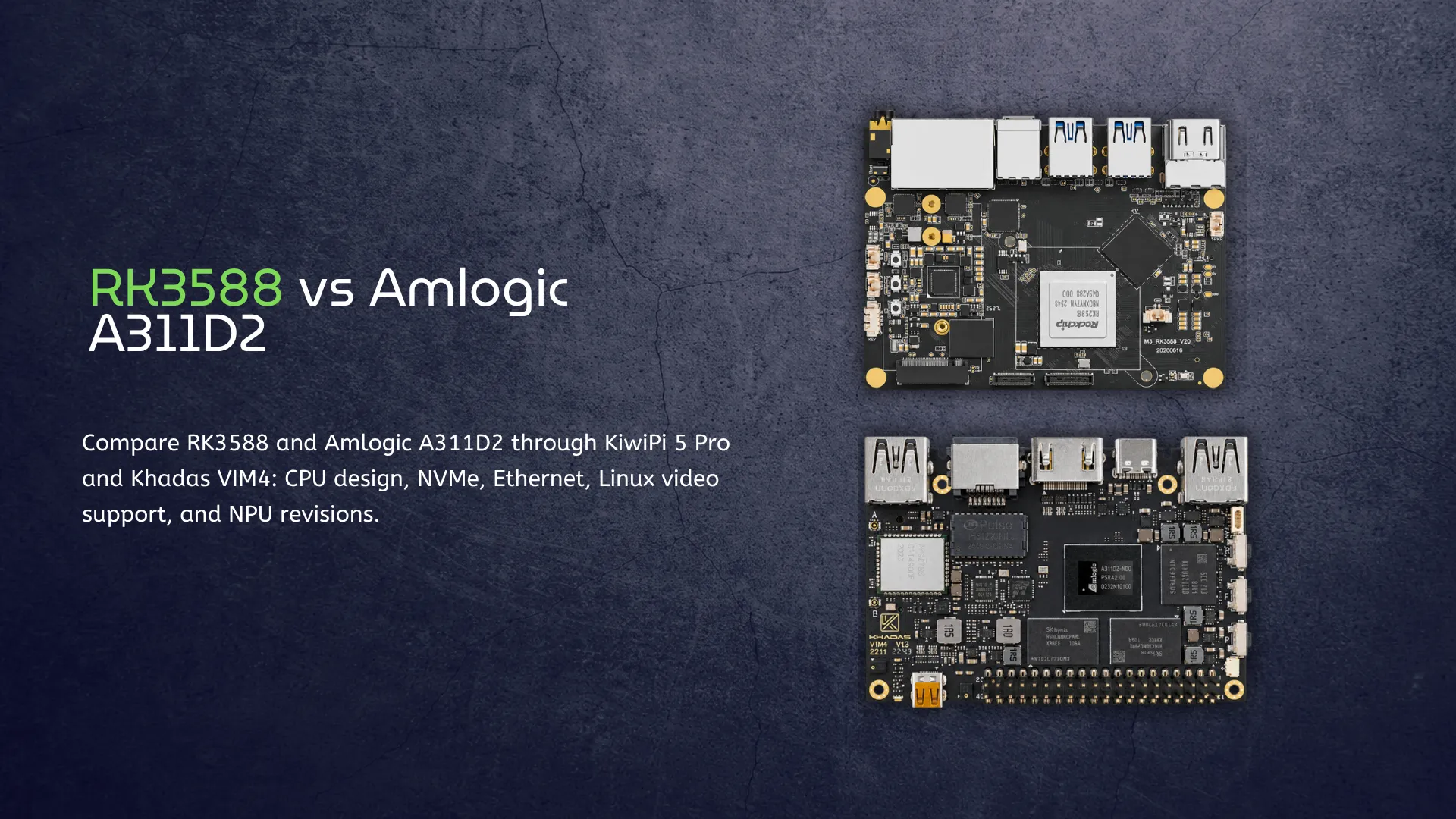
Rockchip RK3588’s eight-core CPU has four Cortex-A76 cores and four Cortex-A55 cores. Amlogic A311D2 has four Cortex-A73 cores and four Cortex-A53 cores, with Khadas listing clocks of 2.2GHz and 2.0GHz respectively for its VIM4. There are useful differences beyond the CPU. KiwiPi 5 Pro and Khadas VIM4 give us two actual boards to compare, including their SSD connections, Ethernet ports, and Linux documentation. This comparison uses those specifications; we haven’t run a head-to-head benchmark. CPU and GPU The Cortex-A76 CPU architecture is newer than the Cortex-A73. For a board that will compile software, run a browser, and handle several services, I’d start by looking at RK3588. It also has four newer A55 efficiency cores, though the scheduler and cooling still affect how much work the system gets through. But a percentage would need measurements. The two chips both have eight cores, and their maximum clock speeds won’t tell you how long a build takes. A useful test would keep the source tree, compiler, storage, and build options consistent, then record sustained performance and power at the wall. RK3588 uses Mali-G610 MC4 graphics; A311D2 uses Mali-G52 MP8. Those names describe different GPU generations, so counting MC4 against MP8 doesn’t give you
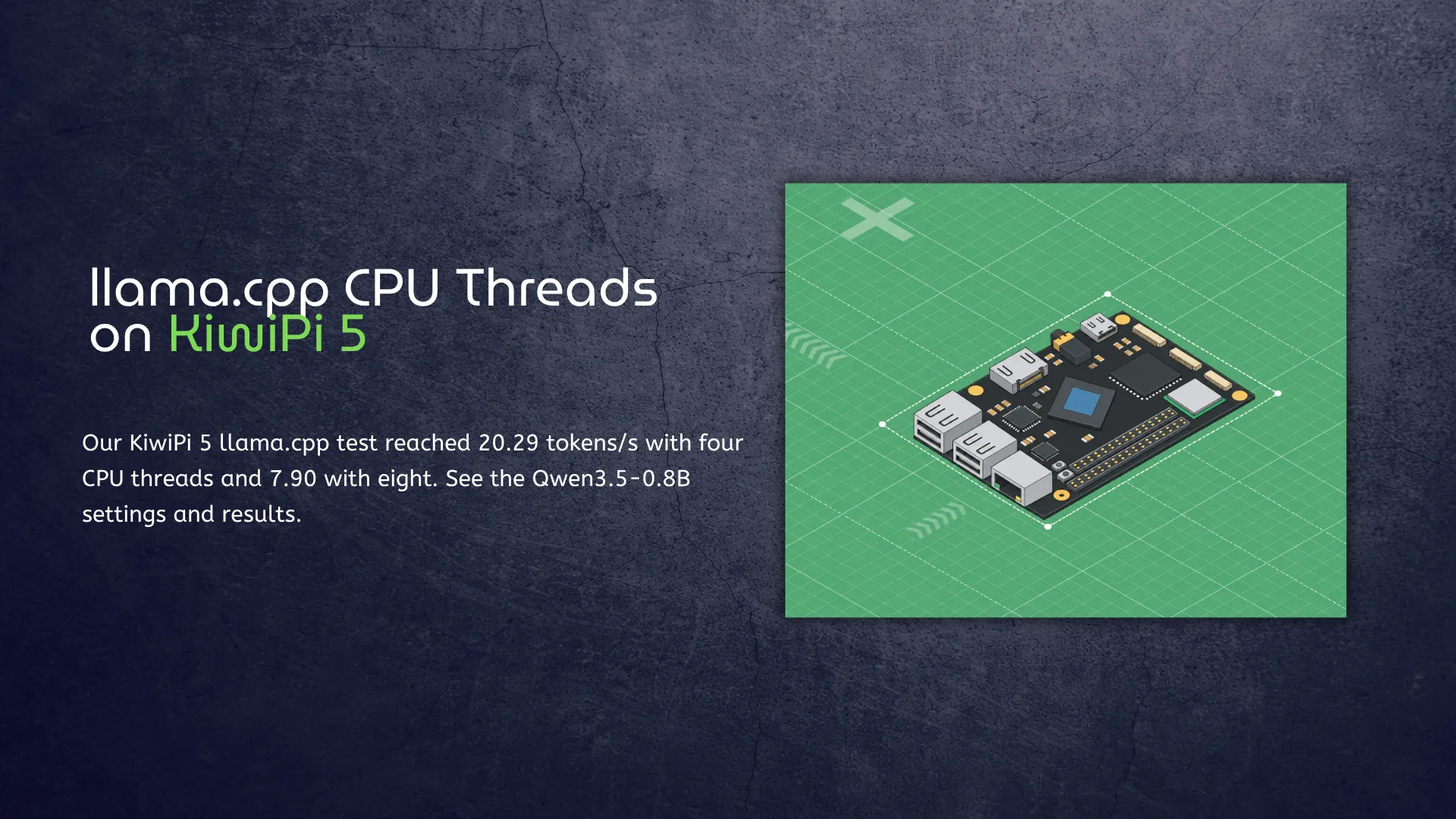
llama.cpp generated Qwen3.5-0.8B at 20.29 tokens/s with four CPU threads on our 8GB KiwiPi 5. Using eight threads across all eight CPU cores reduced that to 7.90 tokens/s, with the same model and prompt. Our earlier llama.cpp and RKLLM comparison used four Cortex-A76 cores for CPU inference. This time we tried one, two, four and eight threads to check that choice. Four won this short run. Each setting received only one request, so these are exploratory measurements, not repeated medians. The CPU test setup We used the existing Q8_0 GGUF file and llama.cpp build on 12 November 2026. Nothing was downloaded or converted again for this probe. The board has an RK3588S and 8GB of RAM; the recorded system ran ARM64 Linux 6.1.141, with llama.cpp built using GCC 13.3 at commit 2e0d86bebc210947680e8f0d67daa79f3260c106. The one-, two- and four-thread cases used CPU IDs 4, 4–5 and 4–7 respectively, which were the Cortex-A76 cores in this setup. Eight threads used IDs 0–7, adding the four Cortex-A55 cores. Check core numbering on your own image before copying that affinity setting. We wrote the measurement harness specifically for this test. It starts the installed llama-server, waits for the model to load, sends one request and
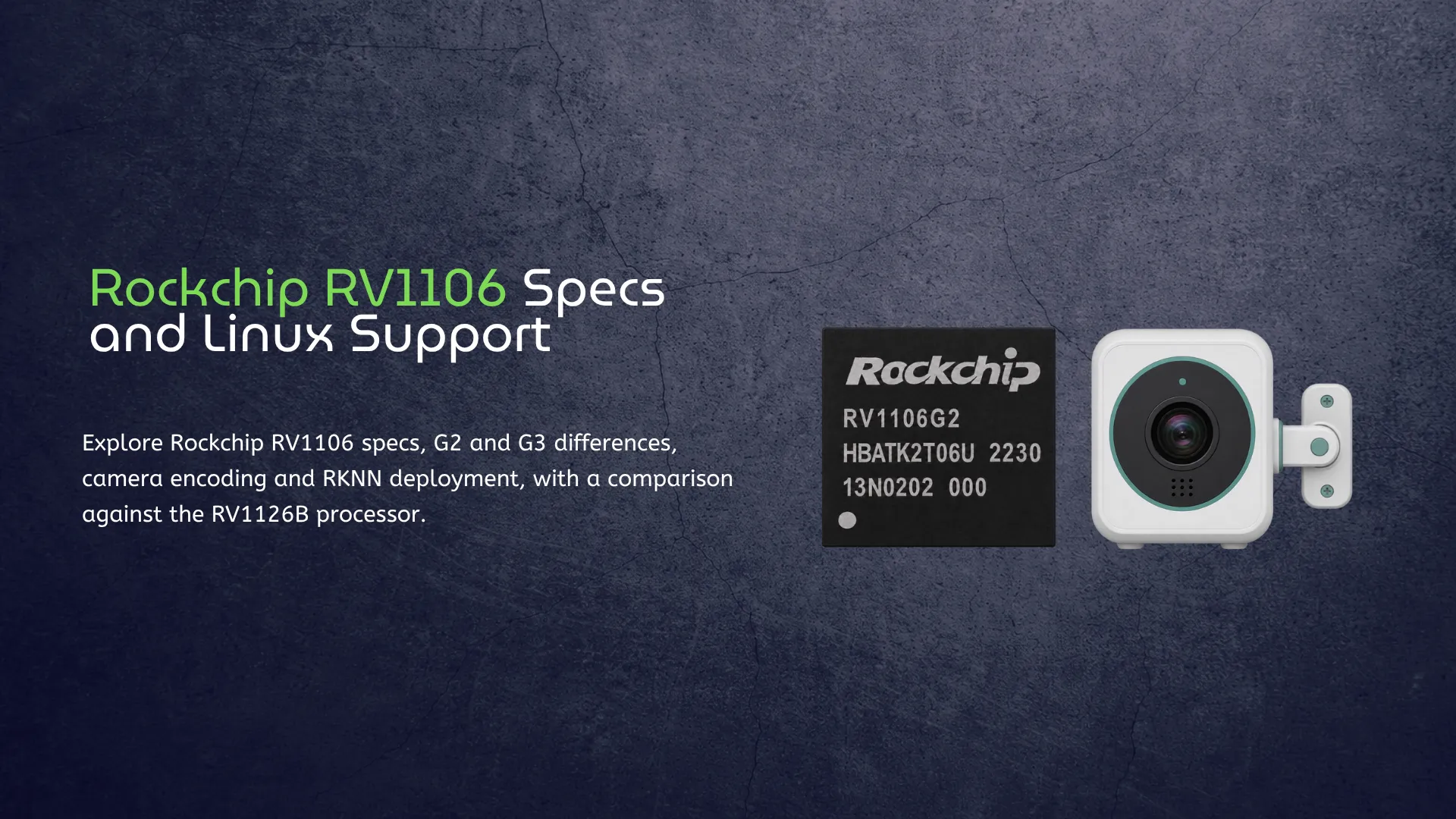
Rockchip RV1106 has a single 32-bit Cortex-A7 CPU, a camera ISP and an NPU. The RV1106G2 configuration combines up to 0.5 TOPS with 128MB of integrated DDR3L and supports 5-megapixel video encoding at 30fps. The RV1126B camera processor we covered previously has four Cortex-A53 cores and a 3 TOPS NPU. RV1106 puts a much smaller CPU and memory allocation around the camera hardware. A camera that detects an approaching person is a reasonable project to evaluate; a Linux workstation with several services is a different purchase. G2 and G3 variants The suffix matters here. Rockchip’s RV1106 revision 1.7 datasheet lists G2 and G3 separately. G3 gets 1 TOPS, 2Gb of DDR3L and an 8MP15 encoding mode. That’s 256MB of RAM, because the memory figure is in gigabits. G2’s 1Gb means 128MB, not 1GB. Check the actual board specification before downloading a model that already needs most of that memory. The table below keeps those variants separate. RV1106B is another processor again; don’t transfer its specifications to an RV1106 board because a shop listing omits the last letter. Feature RV1106G2 RV1106G3 RV1126B Main CPU Single Cortex-A7, 32-bit Single Cortex-A7, 32-bit Four Cortex-A53 cores, 64-bit Published NPU rating Up to 0.5 TOPS
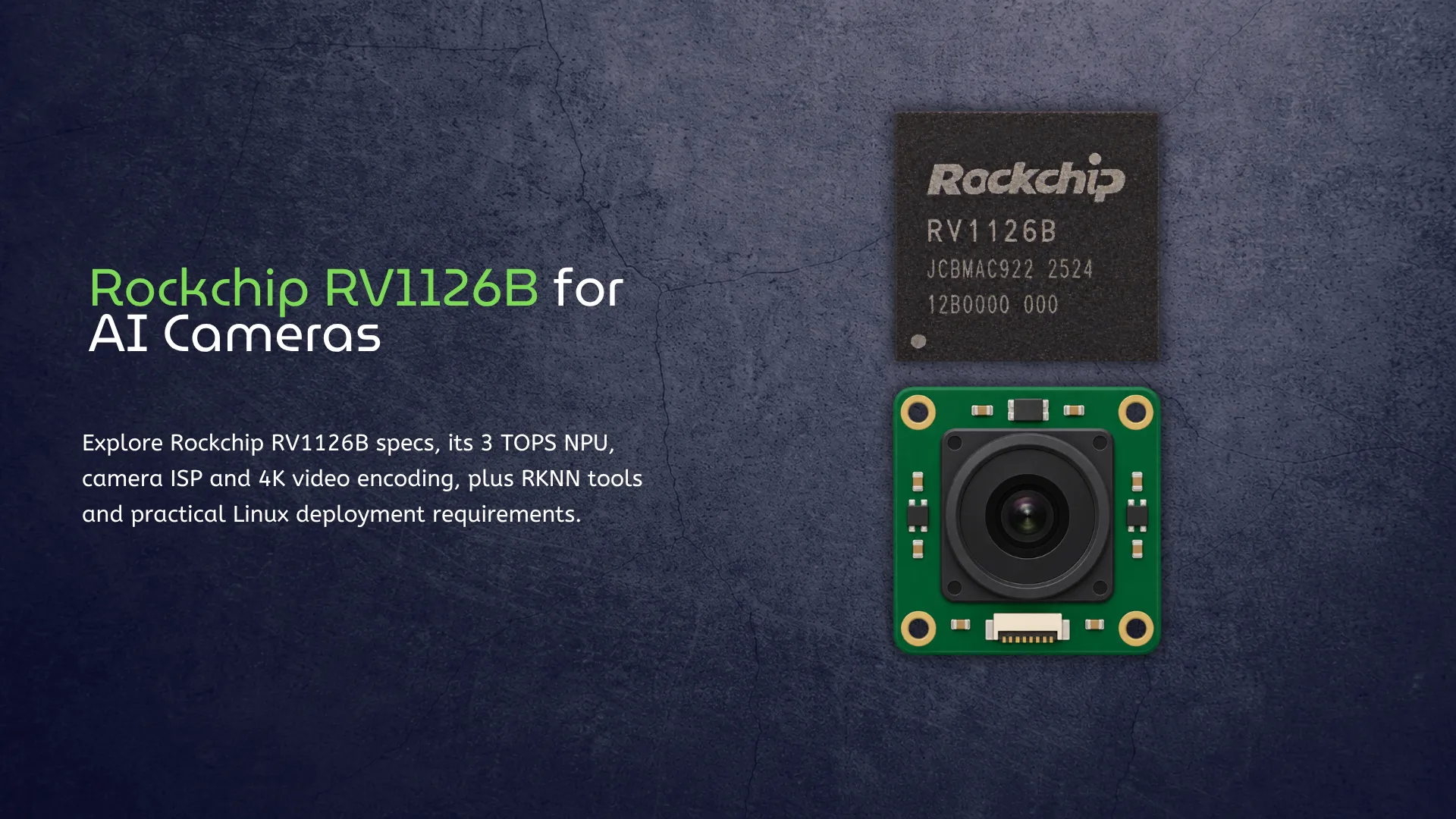
Rockchip RV1126B combines four Cortex-A53 CPU cores, a 3 TOPS NPU and a camera ISP supporting up to 12 megapixels at 30fps, it also encodes H.264/H.265 video at up to 4K45, giving a camera hardware for image processing, inference and recording on one SoC. I’d evaluate it with the intended image sensor and model before worrying about desktop benchmarks. A camera needs usable frames under its actual lighting conditions, and enough time left to detect an event and save it. Camera processing and video Rockchip’s RV1126B product specifications give the main limits below. They’re chip capabilities; the board vendor still chooses the memory, connectors and software image. Component Published RV1126B capability CPU Four Arm Cortex-A53 cores plus MCU NPU Up to 3 TOPS ISP and AI-ISP Up to 12MP30 ISP; 8MP30 AI-ISP Video codecs H.264/H.265; up to 4K45 encoding and 4K30 decoding Camera connections MIPI CSI, configured as 2 × 4 lanes or 4 × 2 lanes; DVP Memory interface 32-bit DDR3/DDR3L/DDR4 or LPDDR3/LPDDR4/LPDDR4X Storage eMMC 4.51 and SPI flash support Display MIPI DSI output up to 1920 × 1080 at 60fps Start with the sensor driver and ISP tuning supplied for the board. A compatible connector doesn’t establish that
llama.cpp generated Qwen3.5-0.8B at 22.09 tokens/s on our 8GB KiwiPi 5, against 15.95 tokens/s through RKLLM on the NPU. With Qwen3.5-2B, the short-input medians were 10.76 and 9.17 tokens/s. We reran both engines on the same day, following our earlier RKLLM installation and model tests. The CPU produced text faster once generation started. But both CPU stability blocks were stopped by our temperature guard; both NPU blocks finished all ten requests. I’d keep those results together. A fast completed request and ten requests that finish consecutively answer different questions. CPU Q8_0 and NPU W8A8 Everything ran on the same RK3588S board under Ubuntu 24.04.3 LTS and Linux 6.1.141. The heatsink and fan were installed, the fan was spinning, and the desktop and KiwiDrop stayed open. Swap was off. We didn’t record room temperature. The CPU path used upstream llama.cpp source, built at commit 2e0d86bebc210947680e8f0d67daa79f3260c106 with GCC 13.3 and native ARM optimizations. Generation and batch processing each used four threads on Cortex-A76 cores 4–7, with zero GPU layers. We didn’t search every thread configuration for a faster result, but later checked that choice in a separate llama.cpp CPU thread test. Four Cortex-A76 threads reached 20.29 tokens/s, compared with 7.90 using eight
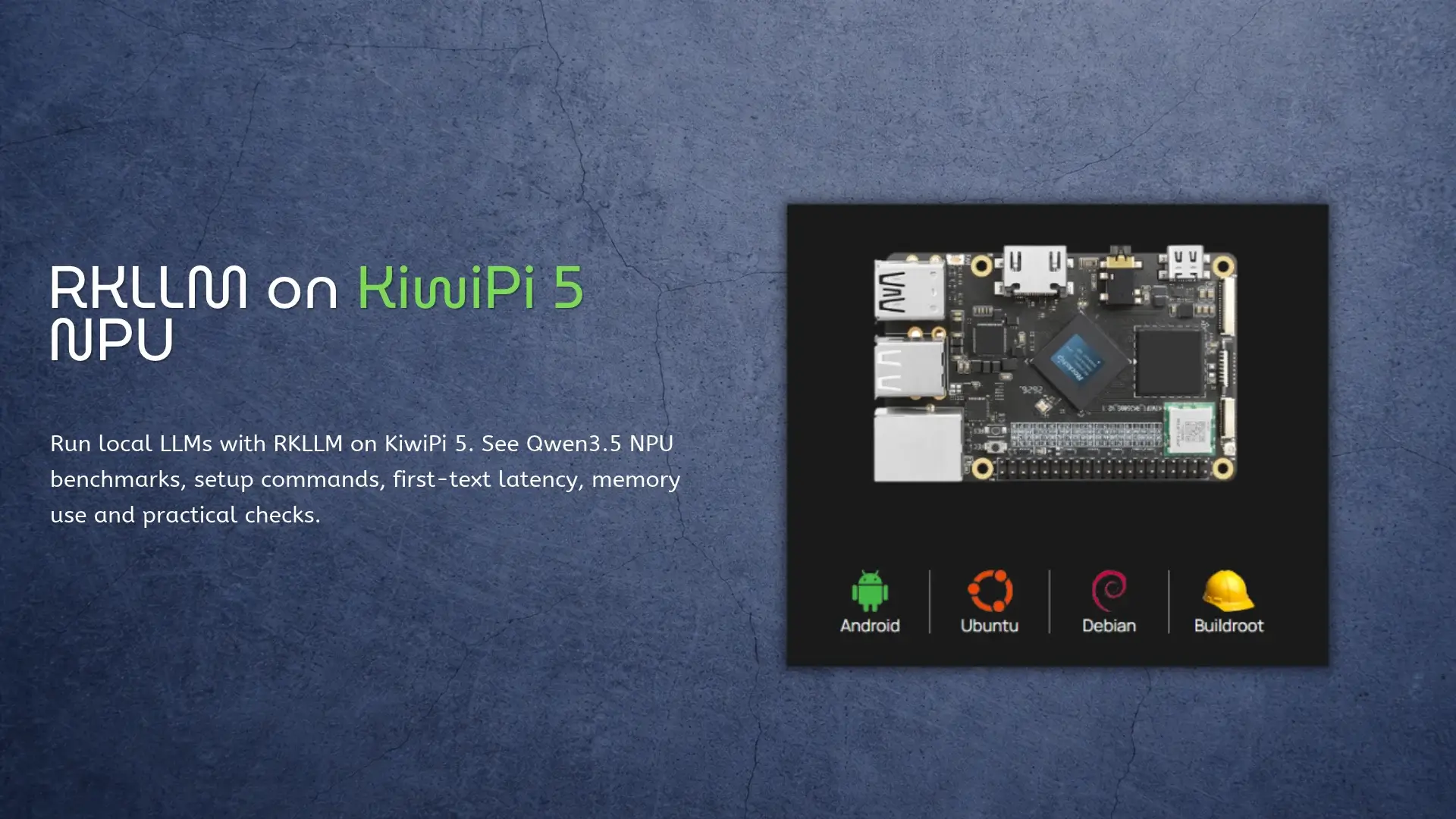
RKLLM ran Qwen3.5-0.8B at 15.01 tokens/s on our 8GB KiwiPi 5, with Qwen3.5-2B reaching 8.57 tokens/s on the same short input. Both used W8A8 models on the board’s RK3588S NPU. We completed 58 requests across the two models without an inference error. Some answers were still wrong. That’s a useful distinction for a local assistant: getting text back is the first test, and checking what it says comes next. The board and RKLLM setup The test board was a KiwiPi 5 V20 running Ubuntu 24.04.3 LTS and Linux 6.1.141. Models lived on its eMMC system disk. The RK3588 platform specifications cover the wider hardware; these results belong to this RK3588S board and software image. Component Tested configuration Board KiwiPi 5 V20, RK3588S, 8GB RAM System Ubuntu 24.04.3 LTS, ARM64, Linux 6.1.141 NPU software RKNPU driver 0.9.8; RKLLM Runtime 1.3.1 Model files Qwen3.5-0.8B and 2B, W8A8, converted with Toolkit 1.3.0 Cooling Heatsink and fan; no enclosure Background applications GNOME desktop and KiwiDrop Storage and swap eMMC with ext4; swap disabled Physical setup of the RK3588S-based KiwiPi 5 used to run Qwen3.5-0.8B and 2B through RKLLM. We left the desktop running and used the existing NPU governor. No
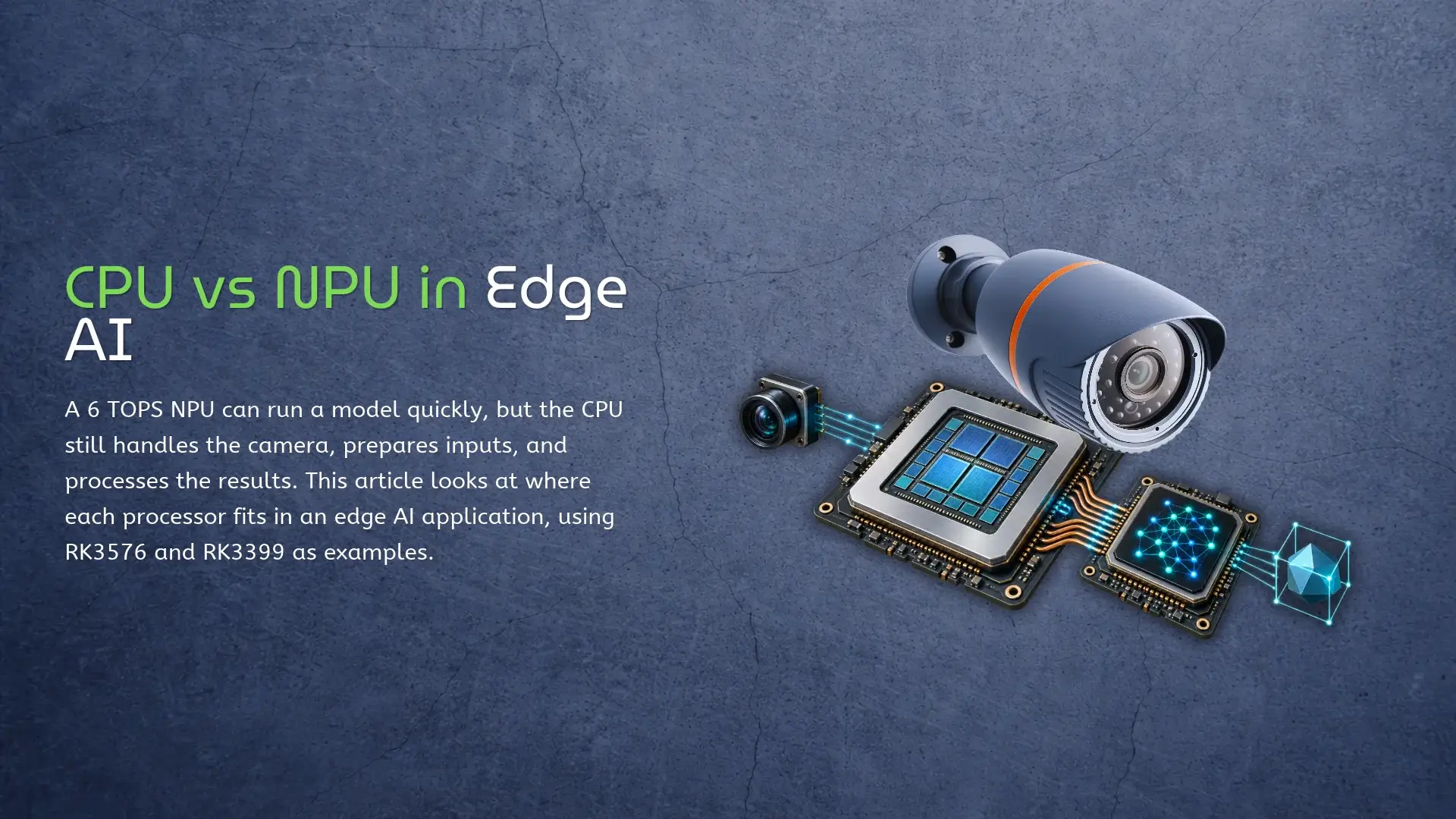
Rockchip’s RK3576 has eight CPU cores and a dedicated NPU rated at 6 TOPS for INT8, with a sparsity footnote attached to that figure. An application still uses the CPU to feed that NPU, handle its output, and run the rest of the system. The 6 TOPS figure doesn’t cover the rest of that work. The NPU runs supported parts of a neural network; it doesn’t take over the camera driver, Linux, or all the code around the model. The model is one part of the job Take an object detector connected to a camera. The application has to get a frame into memory and prepare an input the model accepts – often a particular size, color order, and pixel format. Some boards can offload parts of that work to an image processor or a 2D engine. The CPU still organizes the job and deals with anything those blocks don’t handle. Then the NPU runs the model. This is the part a figure like 6 TOPS describes, under the conditions Rockchip used for that rating. It isn’t the frame rate of the finished camera application. Our guide to interpreting NPU TOPS ratings explains what that number measures. The model might
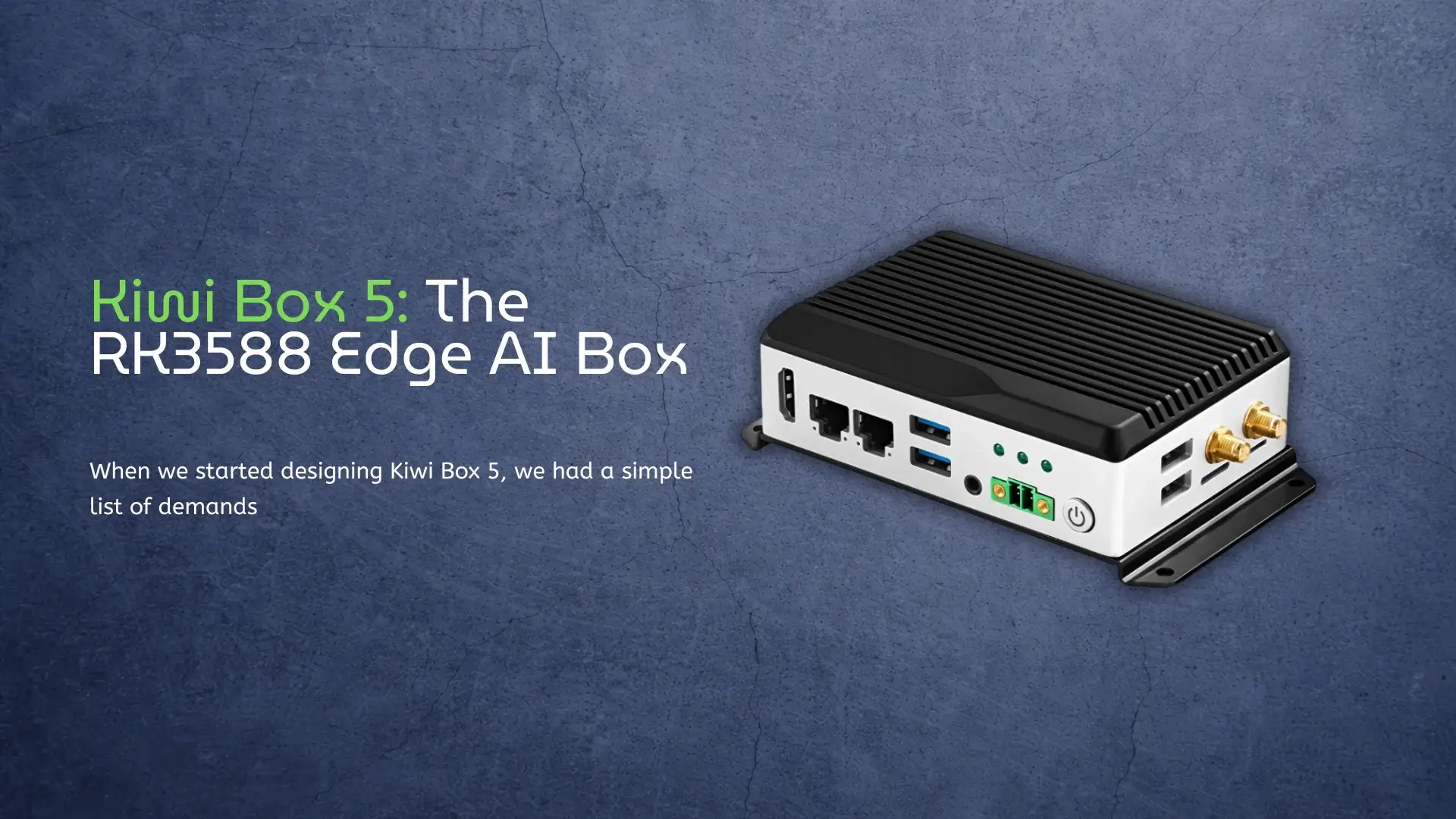
When we started designing Kiwi Box 5, we had a simple list of demands. Build a computer around the Rockchip RK3588. Add everything that Edge AI Box users are always missing, and don’t turn it into an overheating toy. We looked at the market for industrial and hobbyist single-board computers and compact mini PCs. We saw users dealing with USB hubs, living with a single Ethernet port, and praying their power connector wouldn’t fall out at the worst possible moment. So we built Kiwi Box 5. This is not just another RK3588 box; this is a finished device for real tasks. Kiwi Box 5: Our new Edge AI Box At the heart of Kiwi Box 5 lies the Rockchip RK3588. If you want a deep dive into what this chip can do, we have prepared a complete RK3588 specs and performance guide. Quick facts: 8 cores: 4x Cortex-A76 at 2.2GHz plus 4x Cortex-A55 at 1.8GHz, 8nm process Mali-G610 MC4 graphics with Vulkan 1.2 and OpenCL 2.0 support Triple-core NPU delivering 6 TOPS for on-device AI, no cloud needed We did not cut corners on memory. The standard config is 8GB LPDDR4X (options for 4, 16, or 32GB) and 128GB eMMC
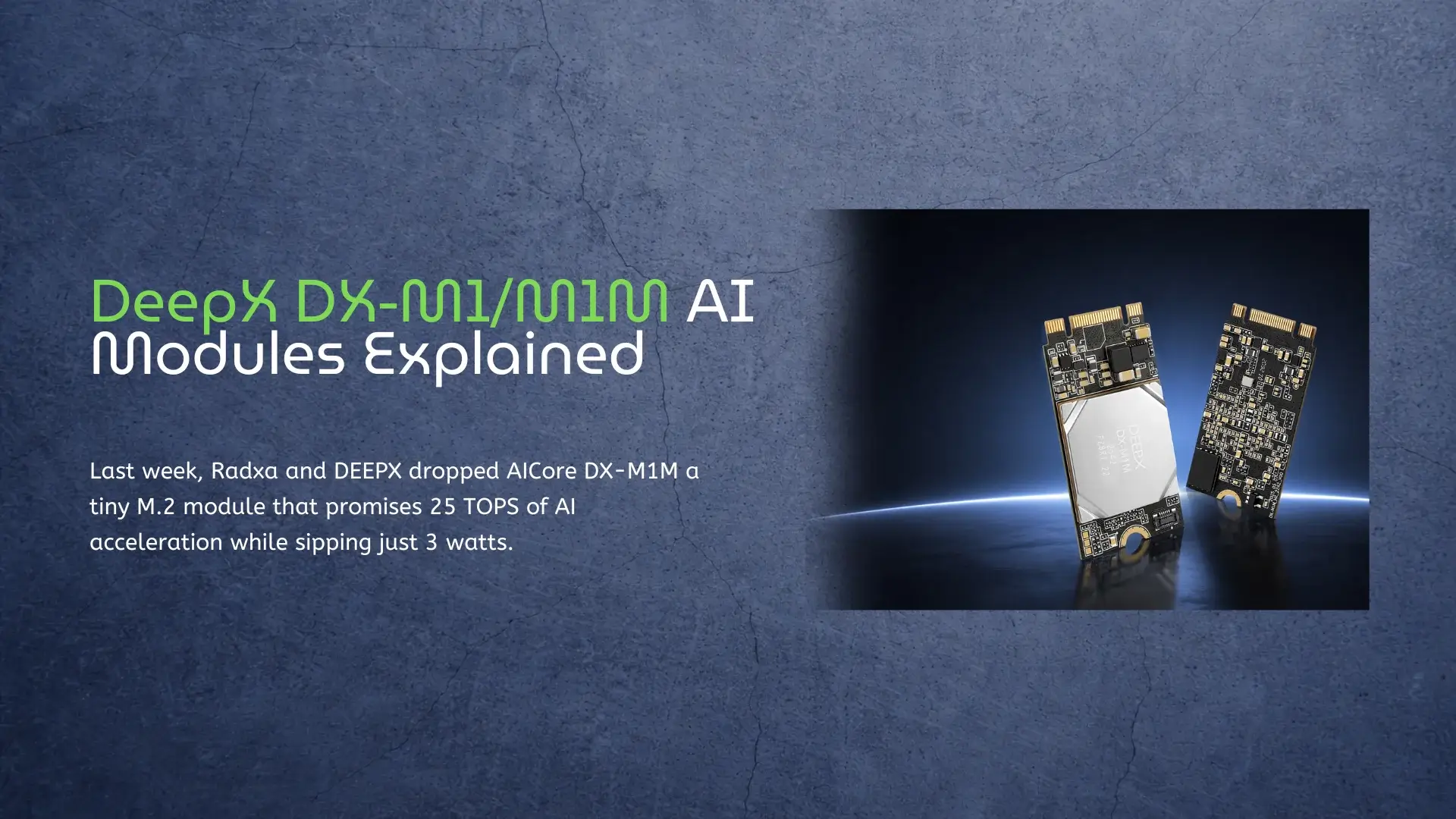
Last week, Radxa and DEEPX dropped AICore DX-M1M a tiny M.2 module that promises 25 TOPS of AI acceleration while sipping just 3 watts. Remember the AI accelerators that turned out to be glorified USB sticks with half-baked drivers? Yeah. But this thing? It fits in your M.2 slot, like an NVMe drive. And it claims to run YOLO, ResNet, pose estimation – the whole nine yards, without melting your motherboard. Wait, What Actually Is This Thing? DeepX is a South Korean AI chip startup, Radxa – the folks behind the ROCK series SBCs – is partnering with them to put this NPU into an M.2 package. The original AICore DX-M1 AI Module launched in late 2025. That was a bigger M.2 2280 card with PCIe Gen3 ×4, 4GB of LPDDR5, and a 3-5W power envelope. Respectable, but bulky. The new DX-M1M AI Module is different: smaller, leaner. Meaner in some ways, weaker in others. Feature DeepX DX-M1 (original) DeepX DX-M1M (new) AI Performance Up to 25 TOPS Up to 25 TOPS Form Factor M.2 2280 M.2 2242 (M + B Key) Interface PCIe Gen3 ×4 PCIe Gen3 ×2 Memory 4GB LPDDR5 1GB LPDDR4X (4266 MT/s) Storage ? 1Gbit QSPI
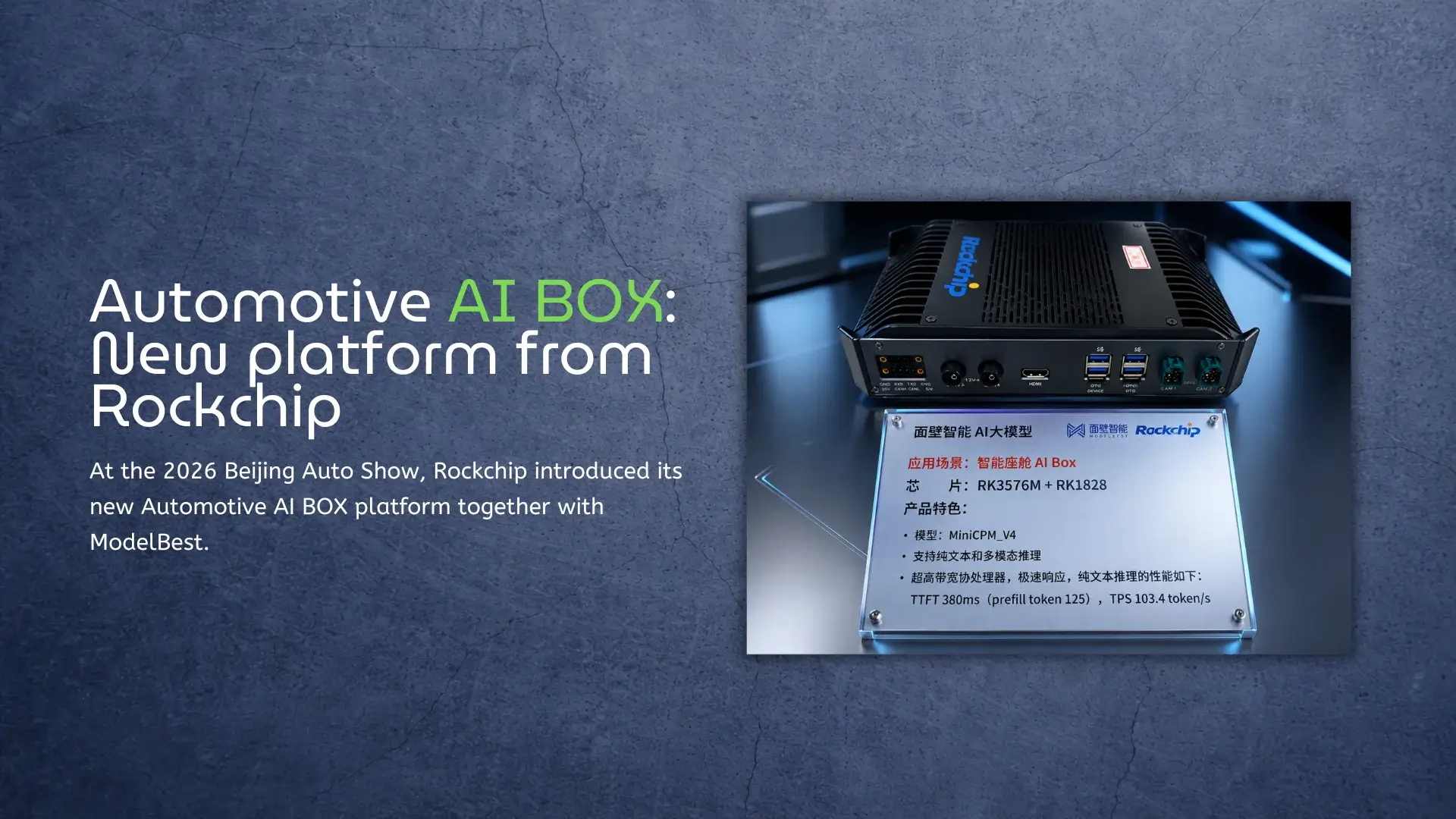
At the 2026 Beijing Auto Show, Rockchip introduced its new Automotive AI BOX platform together with ModelBest. The goal is simple – to bring large AI models into the car without depending too much on the network. This is not just another automotive demo; it also shows how embedded AI hardware is changing across many industries. The same ideas behind smart cockpit AI can also be used in robotics, kiosks, AI terminals, edge video systems, and embedded Linux devices. Why Automotive AI BOX Is Moving to the Edge Rockchip’s new Automotive AI BOX tries to solve this problem with a dedicated AI compute system inside the vehicle. According to the company, the platform is designed for multimodal AI workloads and local large model inference. That matters because modern in-car AI is no longer only voice commands. New systems process video, audio, driver behavior, navigation data, and even cabin monitoring at the same time. This trend is very similar to what we already see in edge AI hardware based on Rockchip RK3588 platforms. Devices powered by RK3588 are already handling local video processing, AI acceleration, and multimedia workloads without relying heavily on remote servers. Custom ODM/OEM Solutions If you’re developing an
What Is Edge AI Robotics? If you have been seeing more edge AI robotics news lately, there is a good reason. This field is moving fast, and now it is no longer just about experiments. Real robots are already working in real places. Edge AI robotics means robots can think and make decisions directly on the device (So that is cool). They do not need to send data to the cloud and wait for a response. Everything happens locally (very convenient). This makes them faster and more reliable. Edge AI Robotics Before, many robots depended on cloud systems. They would capture data, send it somewhere, wait, and then act; that works for some tasks, but not for real-time work. If a robot is moving, lifting, or interacting with people, even a small delay can cause problems. That is why edge AI is becoming the standard. It allows robots to react instantly. It also means they can keep working even if the internet is slow or completely unavailable. Latest Edge AI Robotics News: Real Industry Updates in 2026 The biggest change in recent news is simple. Robots are now being used in real jobs, not just tested