In the last article, I talked about RK3588 hardware video encoding. This time, I wanted to go deeper after spending more than 100 hours testing different pipelines on the KiwiPi 5B SBC.Now let me tell you about the parts they don’t put in the shiny marketing slides. Because yeah, hardware encoding works. When it works. But getting there? Buckle up. The First Crash (And The Second, And The Third) I’ll be honest – my first mpph264enc pipeline crashed within 30 seconds. Not even kidding. The error? Something like mpp_enc: failed to allocate buffer. No explanation. No helpful hint. Just… death. After hours of forum crawling and staring at kernel logs like a confused raccoon, I found the culprit: memory pressure. See, the VPU needs contiguous DMA buffers. If your system has been running for a while and RAM is fragmented, the allocation just fails. No graceful fallback. Just a crash. The fix? Reboot. Or pre-allocate buffers like a paranoid sysadmin. I chose the reboot method because I’m lazy and this was a test bench, not a production jet engine. But this taught me something important: hardware encoding is powerful, but fragile. You can’t just hammer it like a software encoder
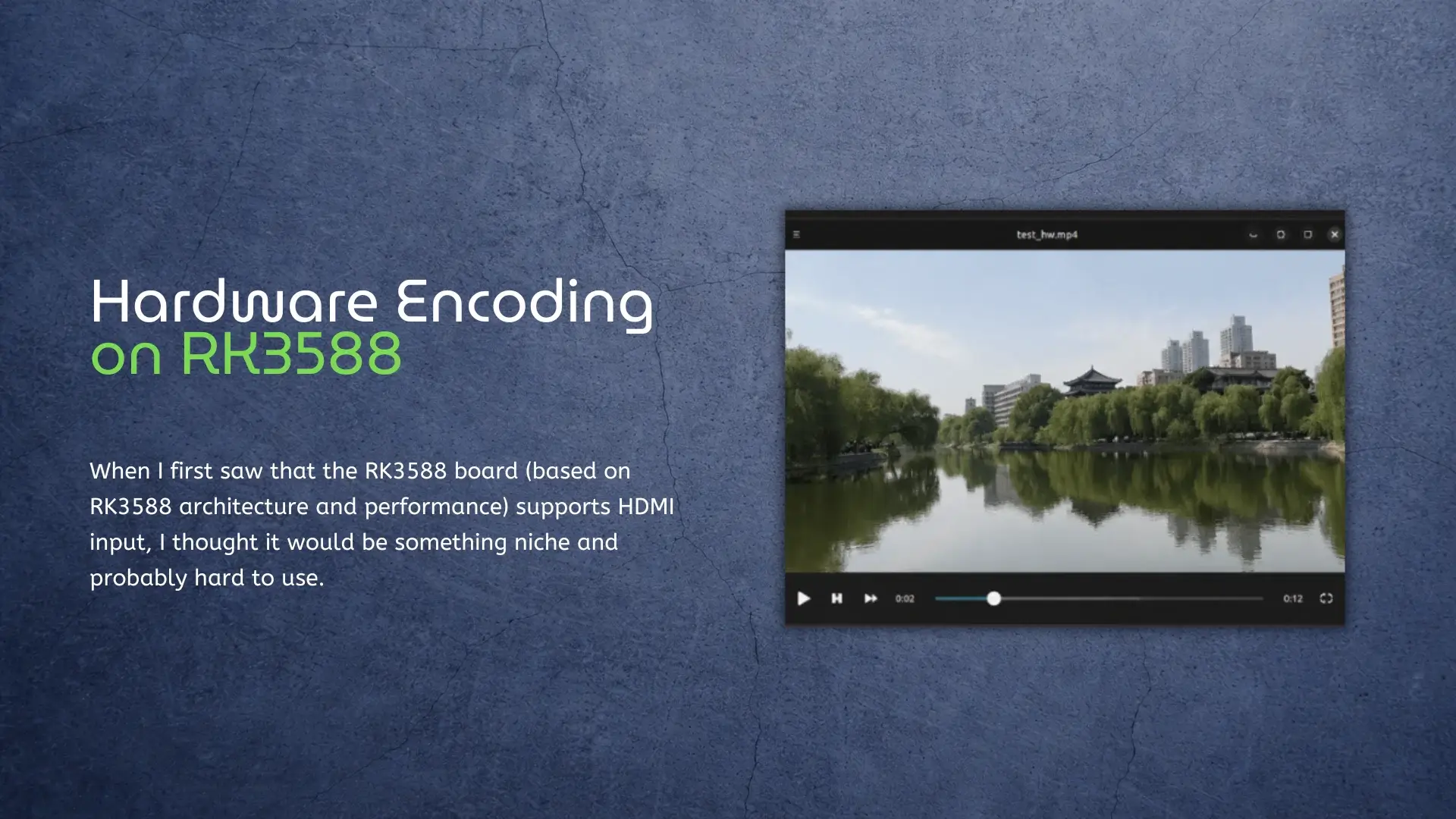
After testing HDMI-IN on RK3588 with Kiwipi 5B, I ran into a very simple problem. Recording video work, but CPU usage goes up fast. At first, I was using software for hardware video encoding. It works, but not for long runs or real-time pipelines, so I switched to hardware video encoding. And that’s where the board started to behave completely differently, though I had to change file permissions for the scripts. What Hardware Video Encoding Actually Means Here On RK3588, video encoding is not done by the CPU; there is a dedicated hardware block (VPU). It handles H.264 and H.265 encoding directly. And this is not a small feature. The chip supports real-time encoding up to 8K resolution, which means the encoding is designed to run continuously without loading the CPU. So instead of: CPU doing everything frames getting delayed You get: dedicated pipeline stable throughput much lower CPU usage Switching From Software to Hardware Video Encoding At first, I used something like this: x264enc It works, but CPU usage can easily go above 100%. Then I switched to Rockchip hardware encoding. On RK3588, this usually goes through: MPP (Media Process Platform) or hardware-enabled ffmpeg / gstreamer plugins For example,
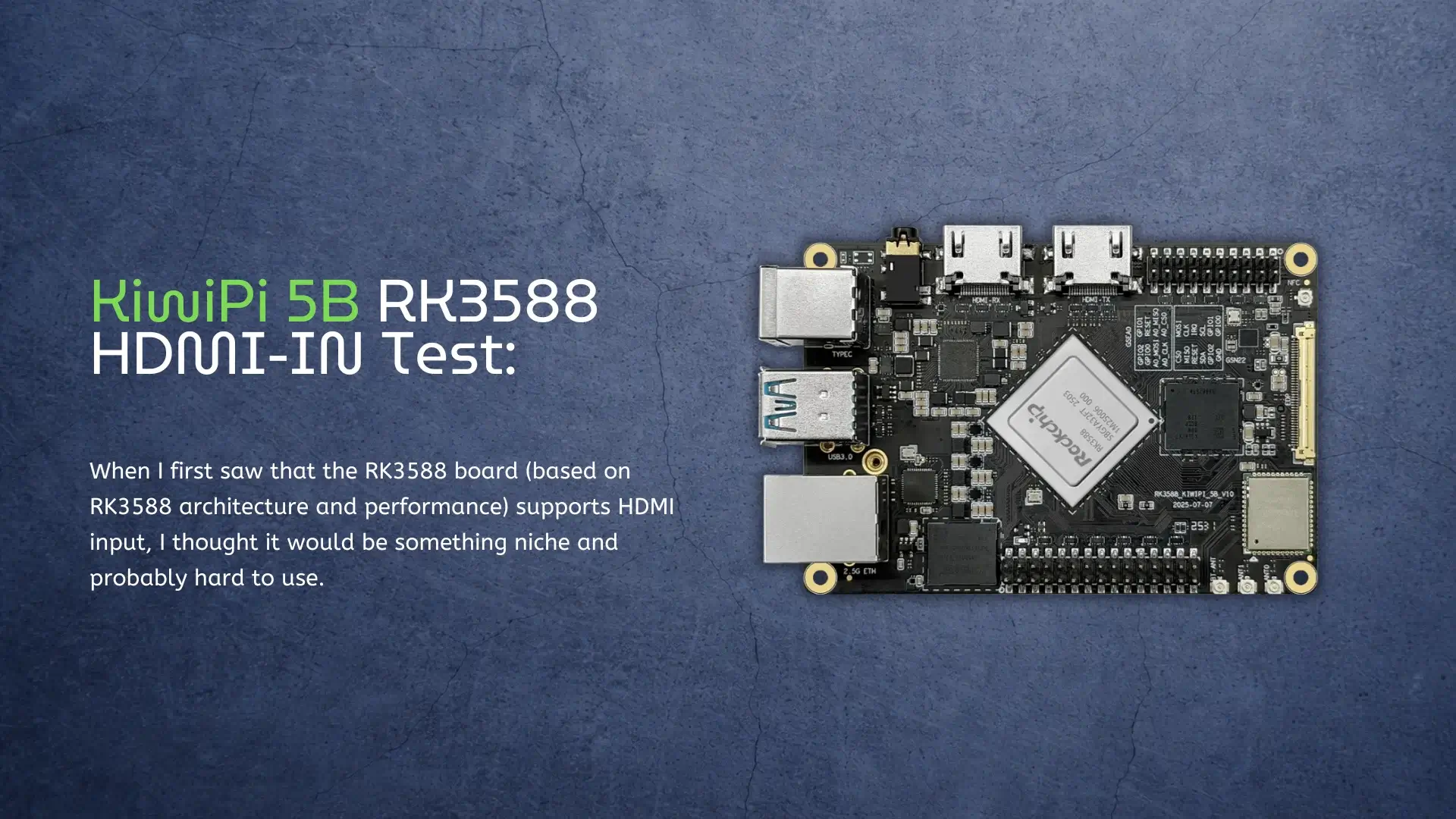
Here’s What You Can Actually Do With It When I first saw that the RK3588 board (based on RK3588 architecture and performance) supports HDMI input, I thought it would be something niche and probably hard to use. Most single-board computers don’t even have HDMI-IN, so expectations were not very high. But after testing it on the KiwiPi 5B, I realized it’s actually one of the most interesting features – and also one of the least explained. So I decided to try it myself and see what it can really do in practice. Getting HDMI-IN to Work The setup is surprisingly straightforward. Once the system boots, the HDMI input shows up as a standard video device in Linux, using the V4L2 video interface. In my case, it appeared as: /dev/video0 To confirm it, I ran a quick check in the system, and the HDMI receiver was correctly detected as a video source. At this point, the board is already receiving signal – you just need to access it. HDMI input on RK3588 showing up as /dev/video0 in Linux Checking the Input Signal Before trying anything complex, I wanted to see what kind of signal the board is
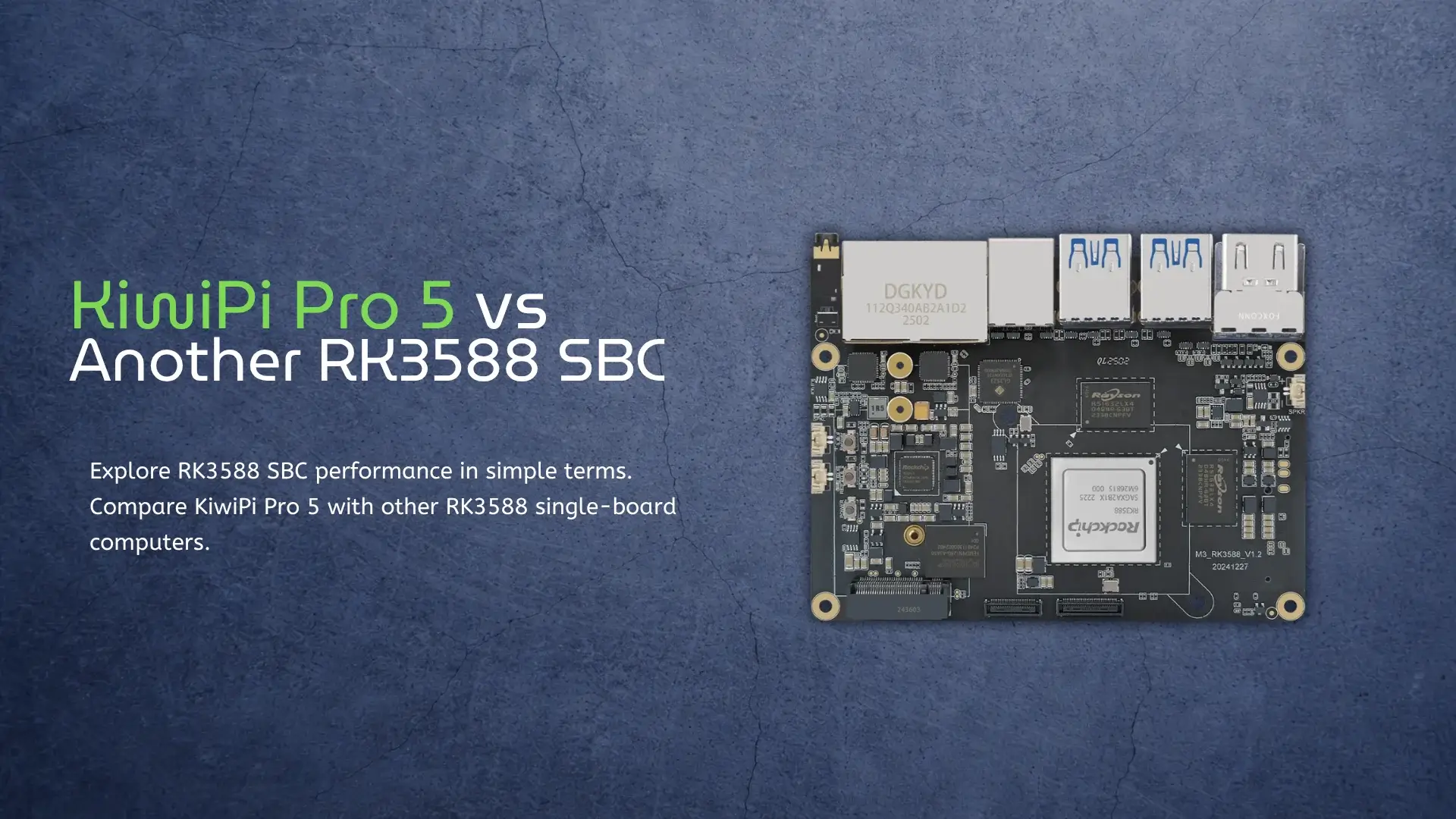
If you’ve been looking into small but powerful computers, you’ve probably come across the term RK3588 SBC. It sounds technical, but the idea is actually simple. A single-board computer is just a full computer built onto one small board. You plug in power, storage, and a screen, and it works like a mini PC. For a comparison with the newer RK3576, check out RK3576 vs RK3588. The RK3588 is the brain of many of these boards. It’s a chip made by Rockchip, and it’s known for being fast, efficient, and flexible. You’ll find it inside different boards like the KiwiPi 5 Pro and others such as the Rock Pi 5 or similar RK3588-based devices. Let’s break this down in a very simple way and compare how these boards actually feel in real use. What is an RK3588 SBC? An RK3588 SBC is just a small computer powered by the RK3588 chip. That chip has eight CPU cores. Four are fast and handle heavy tasks. Four are slower but save power when you don’t need speed. This helps the system stay cool and efficient. It also has a strong GPU for graphics and video. It can play 4K and even
Introduction Single Board Computers (SBCs) using Rockchip’s RK3588S chipset are becoming increasingly popular in areas such as AIoT, robotics, edge computing, and multimedia. The Rockchip RK3588S chip features a powerful CPU, GPU, NPU, and multimedia capabilities, making it a flexible platform for both testing and final products. This article explains how to test SBCs that use RK3588S, with examples like Firefly boards and the Kiwi Pi 5. We will cover hardware checks and software testing. In this article, we present a quick test of the RAM and CPU on the Kiwi Pi 5 and ROC-RK3588S-PC, along with additional information below. Why the RK3588S? The RK3588S is an 8nm, octa-core SoC that combines: CPU: 4× Cortex-A76 (2.2GHz) + 4× Cortex-A55 (1.8GHz) GPU: ARM Mali-G610 MC4, supporting OpenGL ES 3.2, Vulkan 1.2 NPU: 6 TOPS AI acceleration (INT4/8/16, FP16, BF16, TF32) VPU: 8K/60fps decoding, 8K/30fps encoding Memory: Up to LPDDR4X 32GB Connectivity: HDMI 2.1, USB 3.1, PCIe, Ethernet (with Realtek RTL8211F), Wi-Fi 6 Also, want to say that RK3588S is a cost-optimized and compact variant of the RK3588. If you want a deeper look at the chip, you can check our guide on RK3588 specs and performance explained. Key SBC Examples This