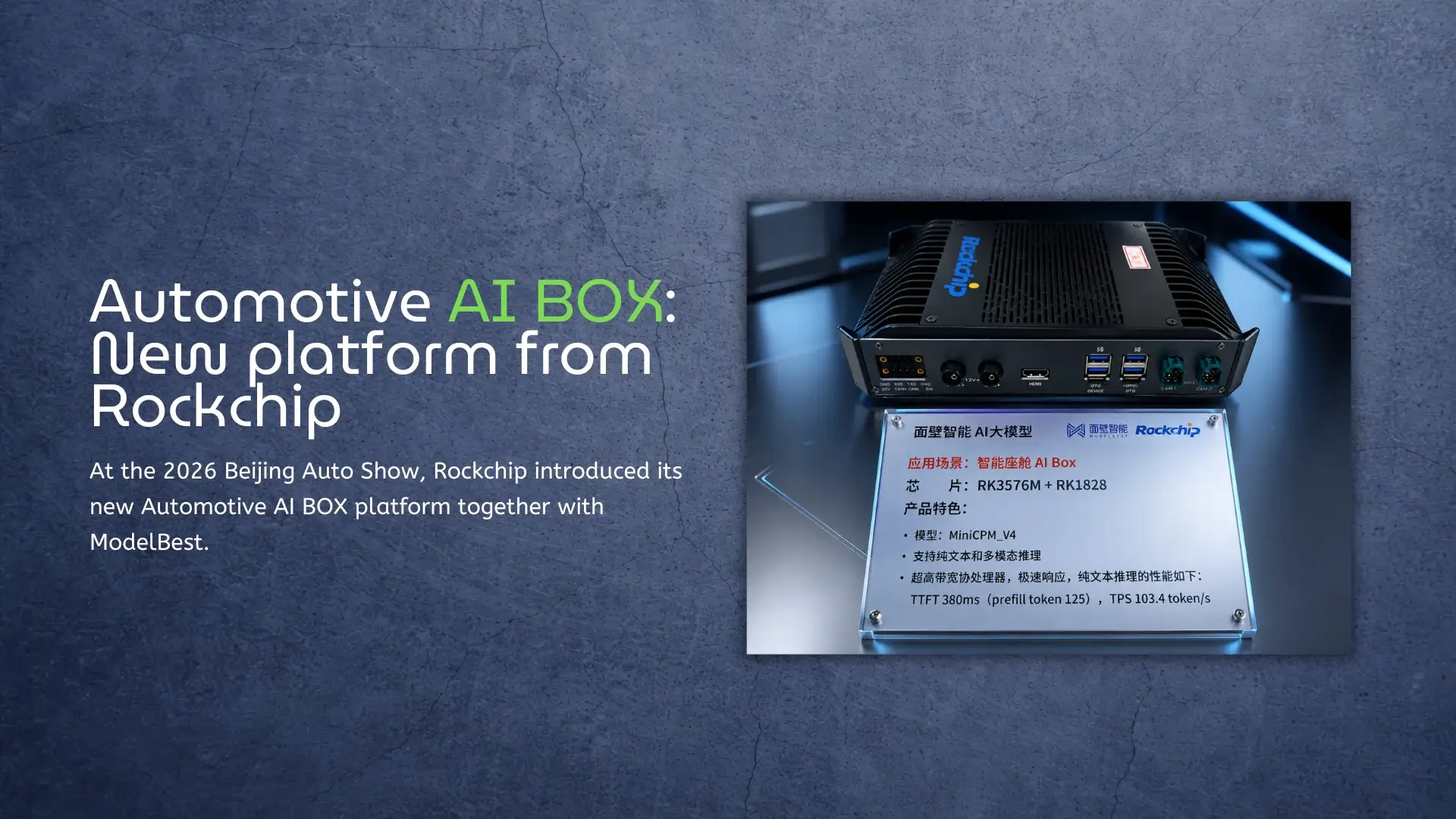
At the 2026 Beijing Auto Show, Rockchip introduced its new Automotive AI BOX platform together with ModelBest. The goal is simple – to bring large AI models into the car without depending too much on the network. This is not just another automotive demo; it also shows how embedded AI hardware is changing across many industries. The same ideas behind smart cockpit AI can also be used in robotics, kiosks, AI terminals, edge video systems, and embedded Linux devices. Why Automotive AI BOX Is Moving to the Edge Rockchip’s new Automotive AI BOX tries to solve this problem with a dedicated AI compute system inside the vehicle. According to the company, the platform is designed for multimodal AI workloads and local large model inference. That matters because modern in-car AI is no longer only voice commands. New systems process video, audio, driver behavior, navigation data, and even cabin monitoring at the same time. This trend is very similar to what we already see in edge AI hardware based on Rockchip RK3588 platforms. Devices powered by RK3588 are already handling local video processing, AI acceleration, and multimedia workloads without relying heavily on remote servers. Custom ODM/OEM Solutions If you’re developing an
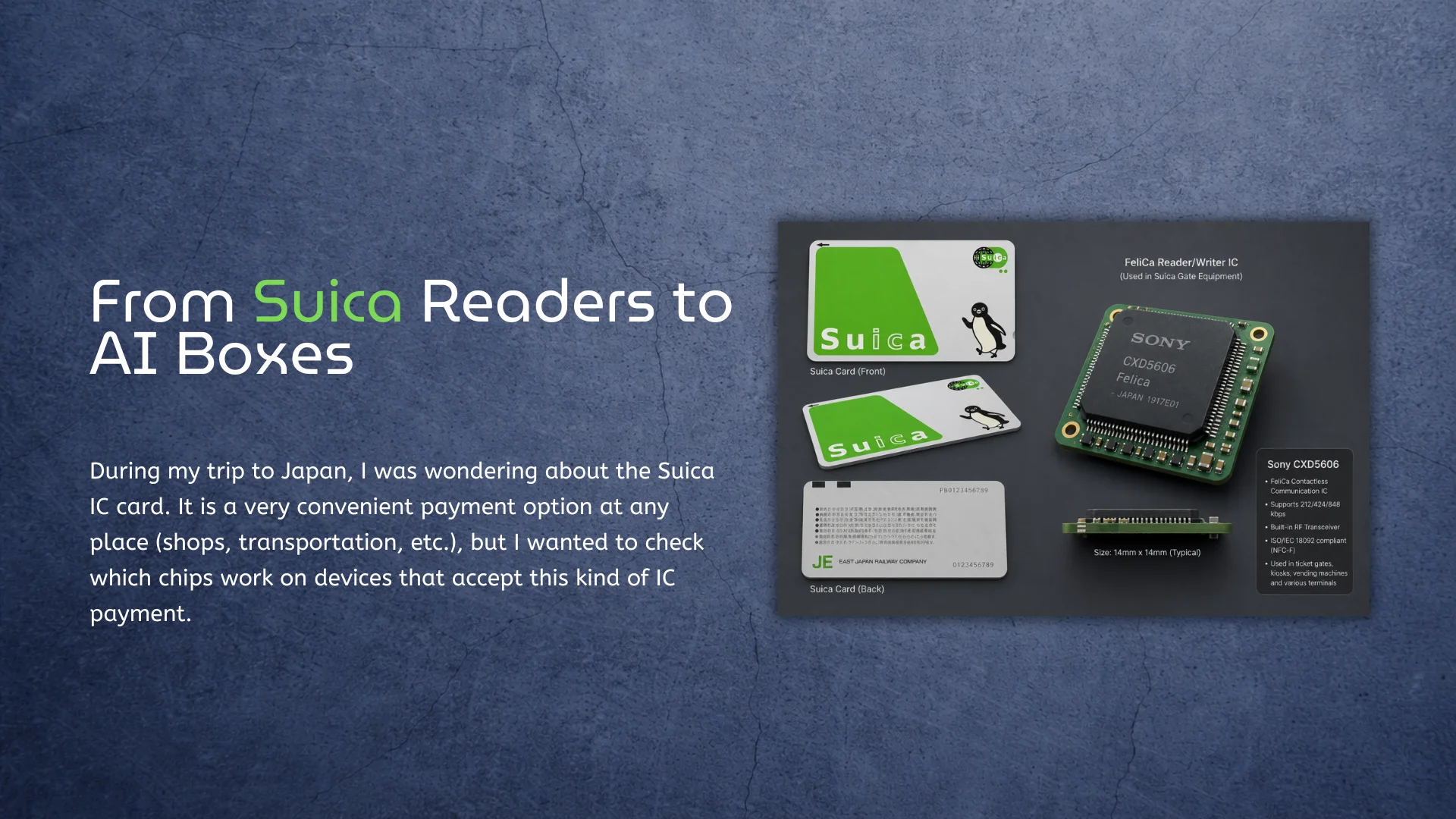
During my trip to Japan, I was wondering about the Suica IC card (FeliCa NFC). It is a very convenient payment option at any place (shops, transportation, etc.), but I wanted to check which chips work on devices that accept this kind of IC payment. And honestly, if you’ve ever seen Tokyo stations during rush hour, you know these systems can’t afford to be slow even for a second. Thousands of people are constantly moving through the gates. If every person had to wait even half a second longer, the whole station would become a traffic jam immediately. It’s Not Just NFC Sony’s FeliCa technology (FeliCa NFC) Most people think Suica is basically the same thing as regular contactless payment. But Japan’s system is a bit different. Suica uses Sony’s FeliCa technology (FeliCa NFC), and the whole thing was built around one idea: people should not stop walking while paying. That was the goal from the beginning. Suica Transaction history in Apple Pay And when you think about it, that’s actually pretty crazy. The gate has to communicate with the card or phone, verify everything, calculate the fare, update the balance, open the gate, show confirmation
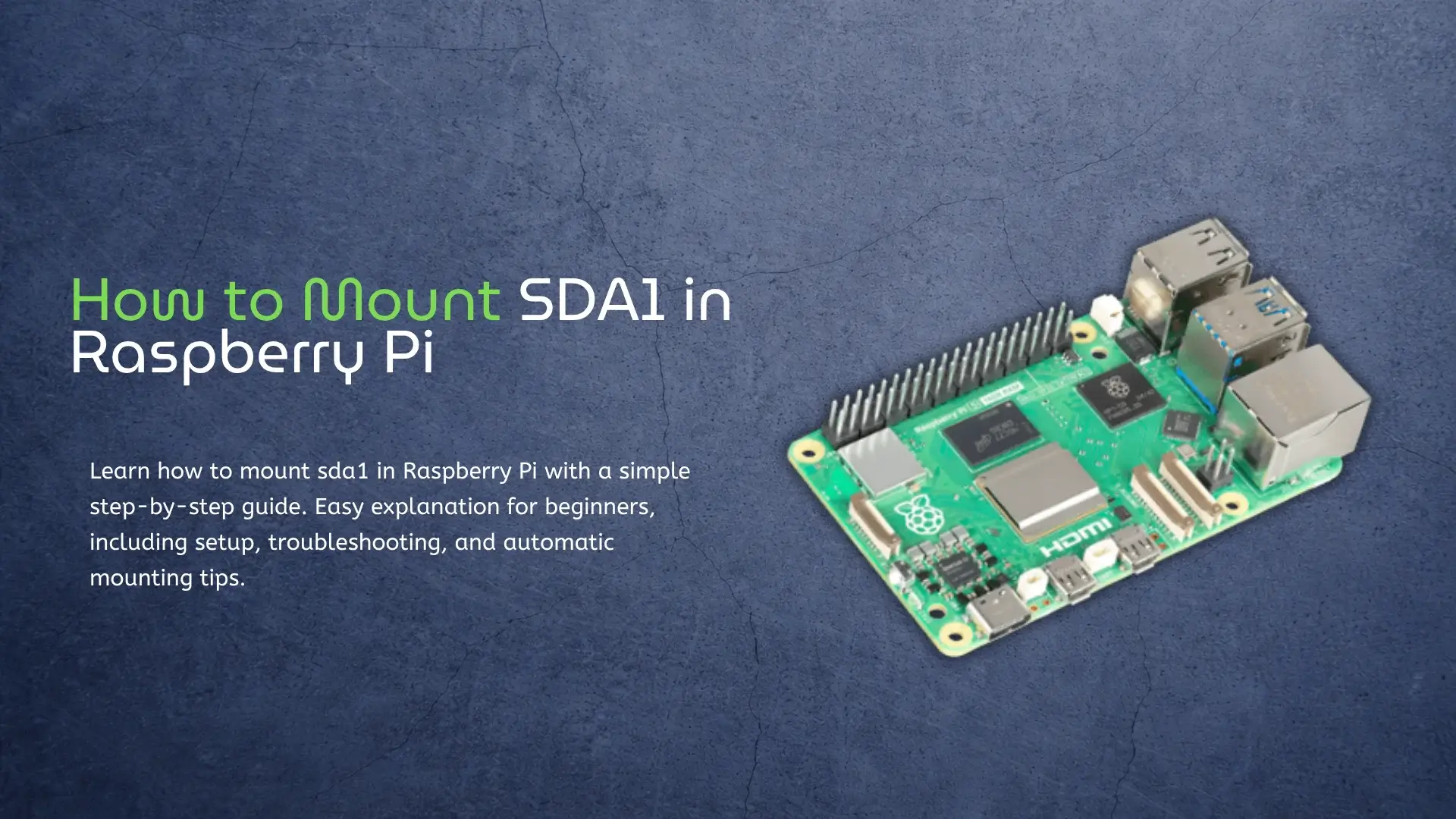
If you are using a Raspberry Pi, sooner or later, you will run into storage devices like USB drives, SSDs, or external hard disks. When you plug one in, it does not always show up automatically the way it does on a normal computer. This is where the idea of mounting comes in. It sounds technical, but it is actually quite simple once you understand it. In this guide, I will explain how to mount sda1 in Raspberry Pi in a very clear and easy way. Think of this like explaining it to a friend who has never used Linux before. No complicated words, no confusing steps, just what you need to know to make it work.By the way, there is a TOP-10 list of Raspberry Pi Alternatives. Check it! If you are setting up storage on a Raspberry Pi, it usually means you plan to use it for real tasks like servers or development. If you are working with video or external devices, things can get a bit more interesting. For example, on more powerful boards like RK3588, you can even take HDMI input directly and process it in real time. I tested this setup in practice, and it