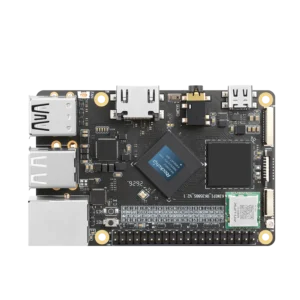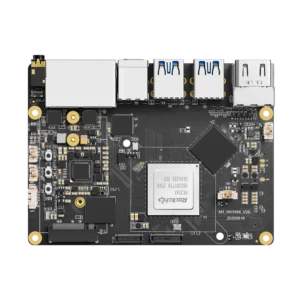


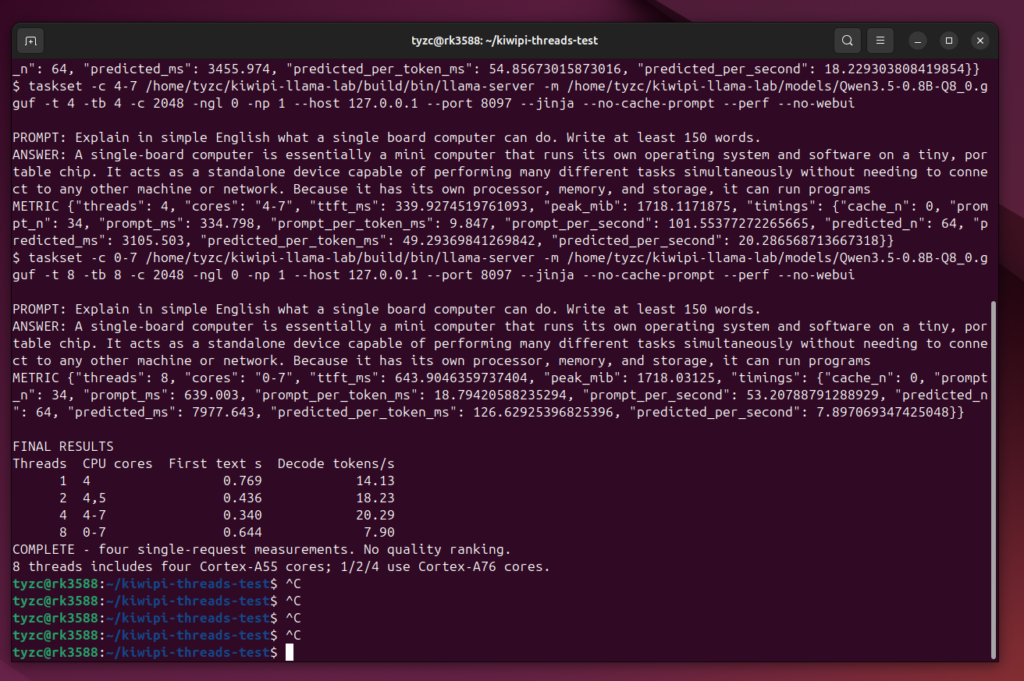
llama.cpp generated Qwen3.5-0.8B at 20.29 tokens/s with four CPU threads on our 8GB KiwiPi 5. Using eight threads across all eight CPU cores reduced that to 7.90 tokens/s, with the same model and prompt.
Our earlier llama.cpp and RKLLM comparison used four Cortex-A76 cores for CPU inference. This time we tried one, two, four and eight threads to check that choice. Four won this short run. Each setting received only one request, so these are exploratory measurements, not repeated medians.
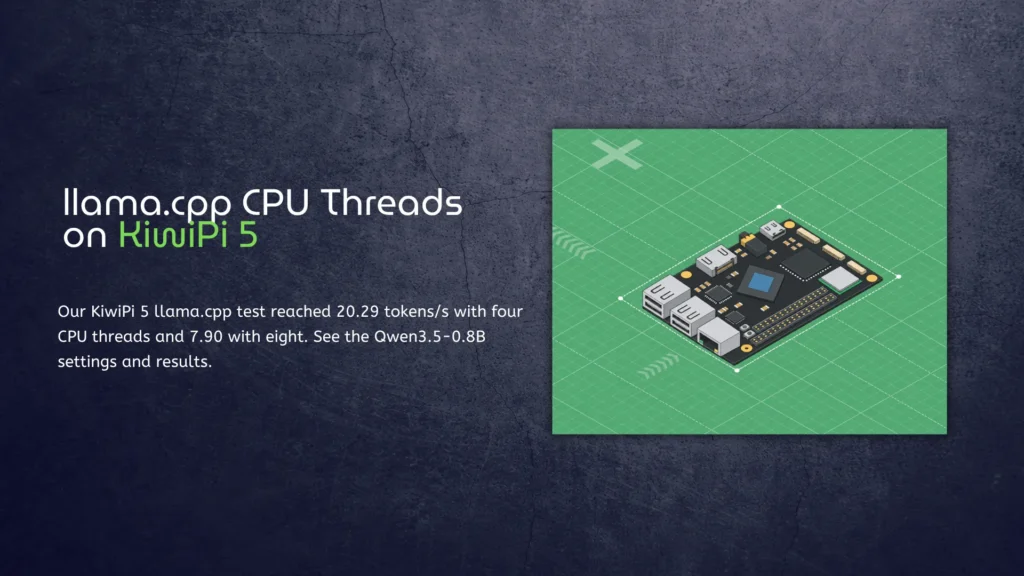
The CPU test setup
We used the existing Q8_0 GGUF file and llama.cpp build on 12 November 2026. Nothing was downloaded or converted again for this probe. The board has an RK3588S and 8GB of RAM; the recorded system ran ARM64 Linux 6.1.141, with llama.cpp built using GCC 13.3 at commit 2e0d86bebc210947680e8f0d67daa79f3260c106.
The one-, two- and four-thread cases used CPU IDs 4, 4–5 and 4–7 respectively, which were the Cortex-A76 cores in this setup. Eight threads used IDs 0–7, adding the four Cortex-A55 cores. Check core numbering on your own image before copying that affinity setting.
We wrote the measurement harness specifically for this test. It starts the installed llama-server, waits for the model to load, sends one request and saves the streaming events and native timing counters. It isn’t a separate inference engine or a released chatbot utility.
Every server had one request slot, a 2,048-token context capacity and zero GPU layers. Thinking and prompt caching were disabled. We changed both generation threads (-t) and batch/prompt threads (-tb) together, along with the allowed CPU set. The NPU wasn’t used. The prompt asked for a simple explanation of a single-board computer, with at least 150 words. We deliberately capped generation at 64 tokens to keep the workload short. All requests processed 34 input tokens and produced 64 tokens, without a prompt-cache hit. The cut-off answers are expected; this wasn’t a test of following the requested word count.
Four threads and eight threads
| CPU threads | Allowed CPU IDs | First text, seconds | Decode, tokens/s |
| 1 | 4 (A76) | 0.769 | 14.13 |
| 2 | 4, 5 (A76) | 0.436 | 18.23 |
| 4 | 4–7 (A76) | 0.340 | 20.29 |
| 8 | 0–7 (A76 + A55) | 0.644 | 7.90 |
One request per setting; these are individual results, not medians.
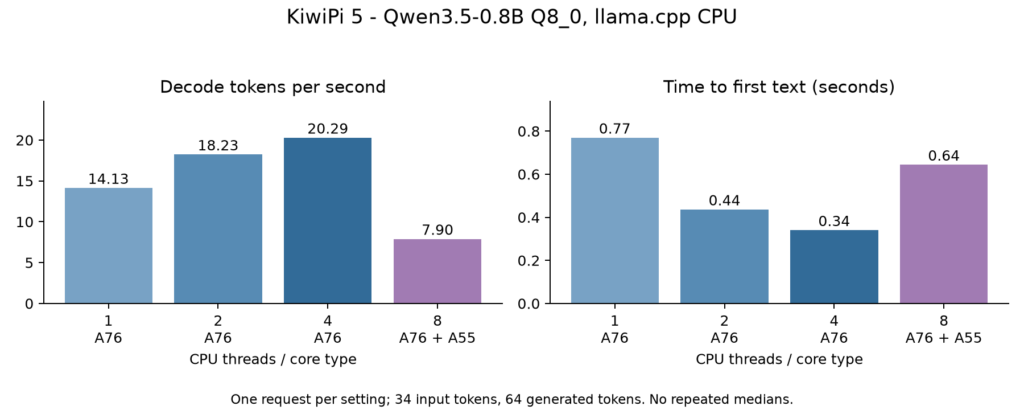
Four threads returned the first text after 0.340 seconds. Eight took 0.644 seconds and decoded at less than half the four-thread rate. All four requests completed, and their saved output text was identical.
Two threads were fairly close: 18.23 tokens/s against 20.29 for four. That’s about an 11% gain from two to four in these individual measurements. One thread managed 14.13 tokens/s. There’s enough here to justify checking affinity before buying another board, but not enough to rank settings to two decimal places across different workloads.
First text and decode speed also measure different things. Our first-text timer began after chat-template preparation, with the model already loaded, and included the local HTTP stream until its first non-empty text chunk. Decode speed came from llama.cpp’s predicted_per_second counter. Neither number includes model loading or the wait for cooldown.
What the slowdown tells us
The eight-thread result doesn’t prove that the A55 cores caused the slowdown. They joined the workload at the same time as the worker count increased. Synchronization, shared-memory traffic and scheduling are possible explanations, but this probe didn’t measure those effects separately.
It also didn’t test four generation threads with eight prompt-processing threads. That would be another configuration, and potentially a useful one for longer inputs. This prompt had only 34 tokens; it tells us little about processing a document or a long conversation history.
Temperature and memory
Before each configuration, the harness waited until every exposed thermal zone read below 50°C. The highest one-second temperature sample across the test was 64.7°C. Neither the 85°C temperature guard nor the low-memory guard stopped a request.
That isn’t evidence of sustained thermal stability. The runs were short, their order was fixed at 1, 2, 4 and 8, and CPU frequency wasn’t logged. Our guide to monitoring Linux CPU temperature covers the sensor and frequency checks for a longer test. A temperature sample alone won’t diagnose throttling.
The server process’s peak resident-memory counter stayed around 1,718MiB in every case. That’s a process measurement, not total board memory or the model’s download size. Thread count barely changed this particular reading; it didn’t turn a small model into a larger memory workload.
Trying the same settings
The command below shows the four-thread server configuration. Run it from the llama.cpp installation directory containing build and models, and substitute your model path if needed. It binds only to the board’s loopback address, so this isn’t a command for publishing a chatbot on the network.
Bash
taskset -c 4-7 ./build/bin/llama-server \
   -m ./models/Qwen3.5-0.8B-Q8_0.gguf \
   -t 4 -tb 4 -c 2048 -ngl 0 -np 1 \
   --host 127.0.0.1 --port 8097 \
   --jinja --no-cache-prompt --perf --no-webui
Starting that server doesn’t reproduce the whole measurement. Our harness then applied the chat template with thinking disabled and sent a streaming completion request with a 64-token cap, top_k=1, top_p=0.95, temperature 0.8, repeat penalty 1.1 and seed 42. Keep those request settings when comparing another thread count.
For a follow-up, repeat each setting several times, vary their order and keep the same model and prompts. Then change generation threads and prompt-processing threads independently. Include a longer input and a sustained request sequence before settling on a default.
The RKLLM installation and NPU tests cover a different execution path. CPU thread tuning doesn’t transfer directly to the NPU runtime, and a faster CPU request doesn’t settle how either path behaves under continuous load.
Our Qwen3.5-4B NPU benchmark is separate again. This thread probe used the 0.8B Q8_0 file throughout. It gives no measured four-thread speed for the 4B model, and no basis for multiplying its results to predict one.
FAQ
Should llama.cpp use every CPU core?
Not automatically. Four A76 threads were fastest in this probe, while eight mixed-core threads were slowest. Treat four as a setting to verify on a comparable setup, rather than a rule for every RK3588-family workload.
Does 0.340 seconds mean cold-start time?
No. The model was ready before the request timer started. Starting the process and loading the model take additional time.
Did more threads improve answer quality?
We didn’t measure quality. Every run returned the same truncated text; changing thread count here changed timing, without demonstrating a better answer.