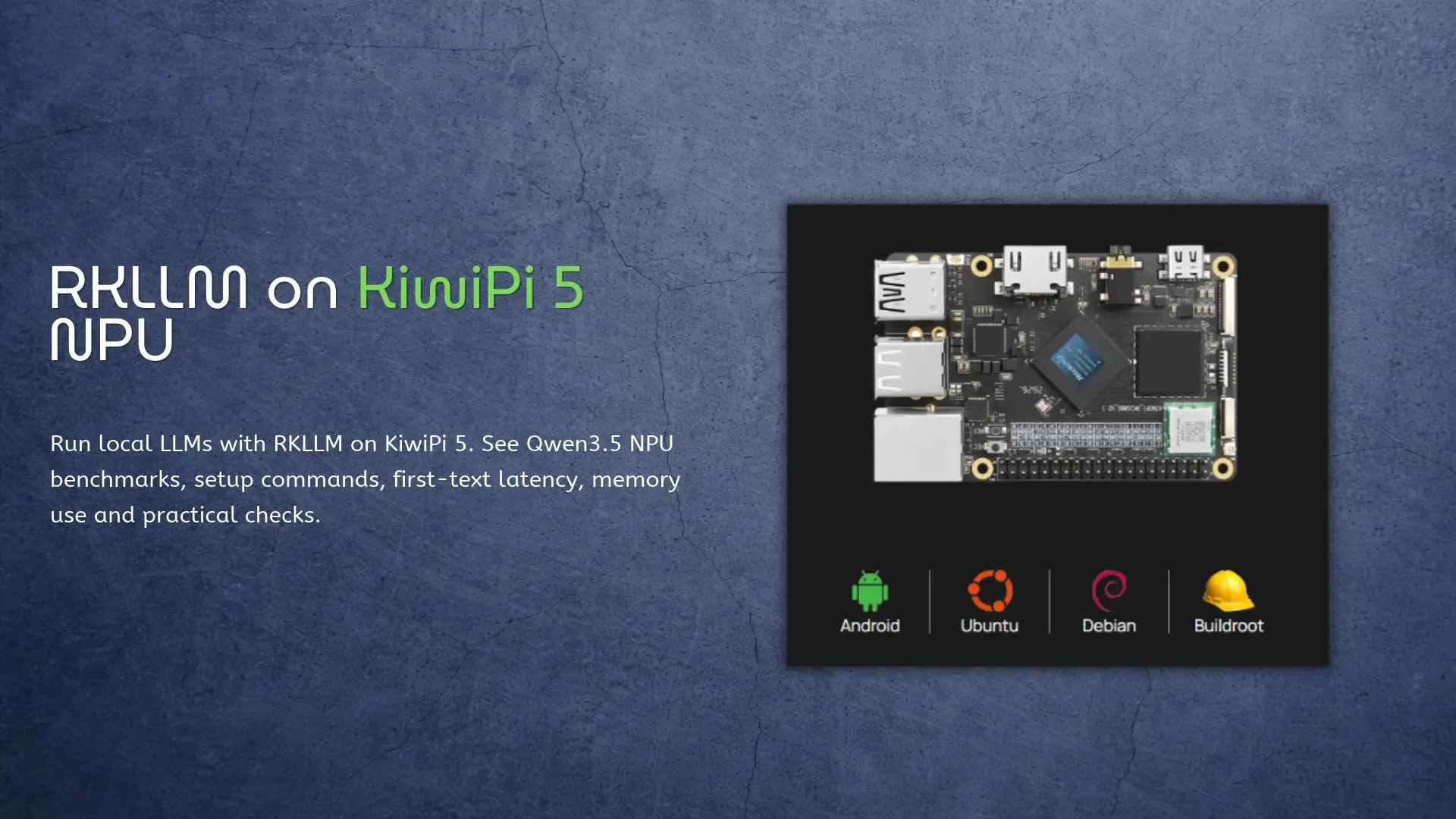
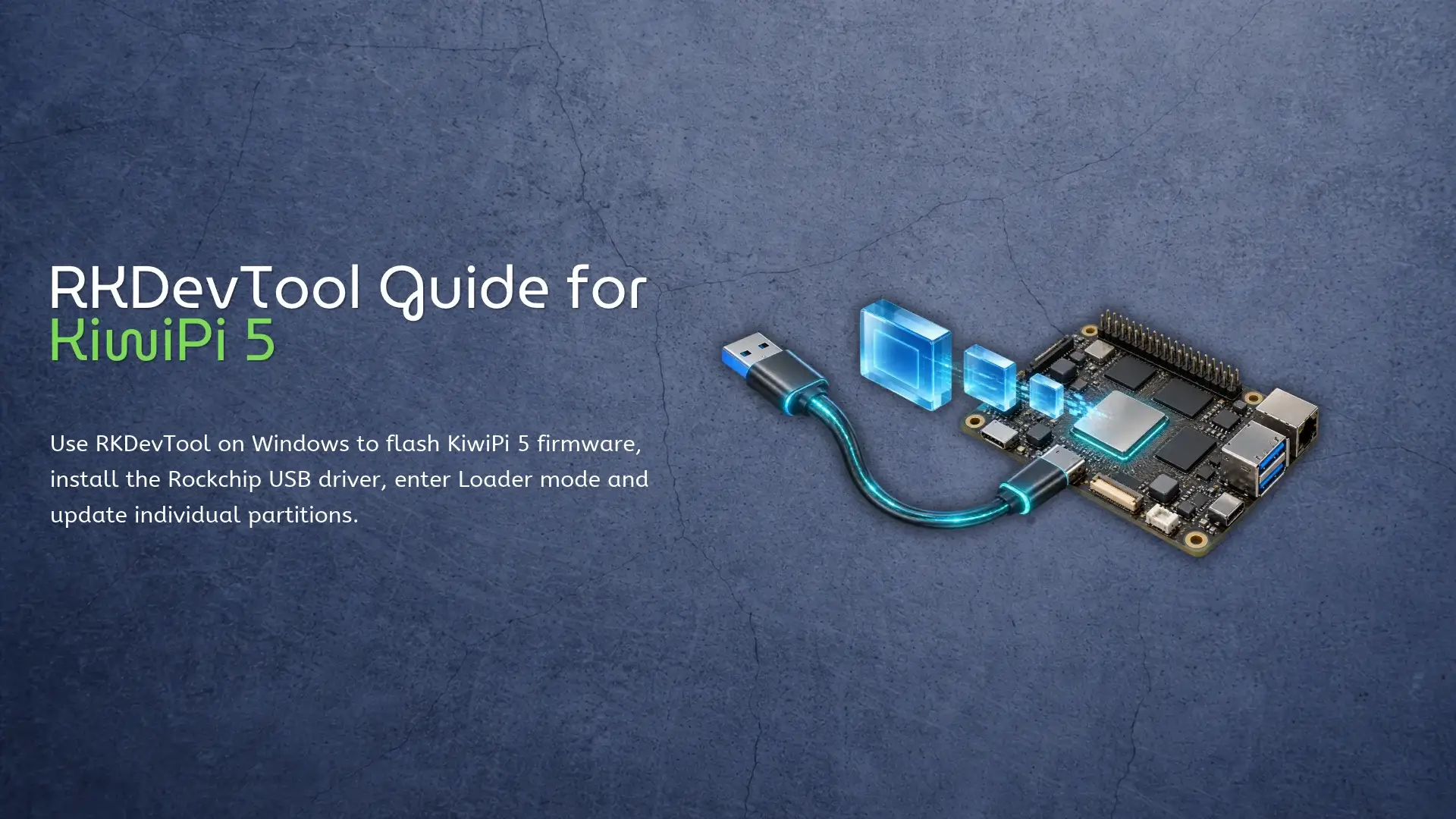
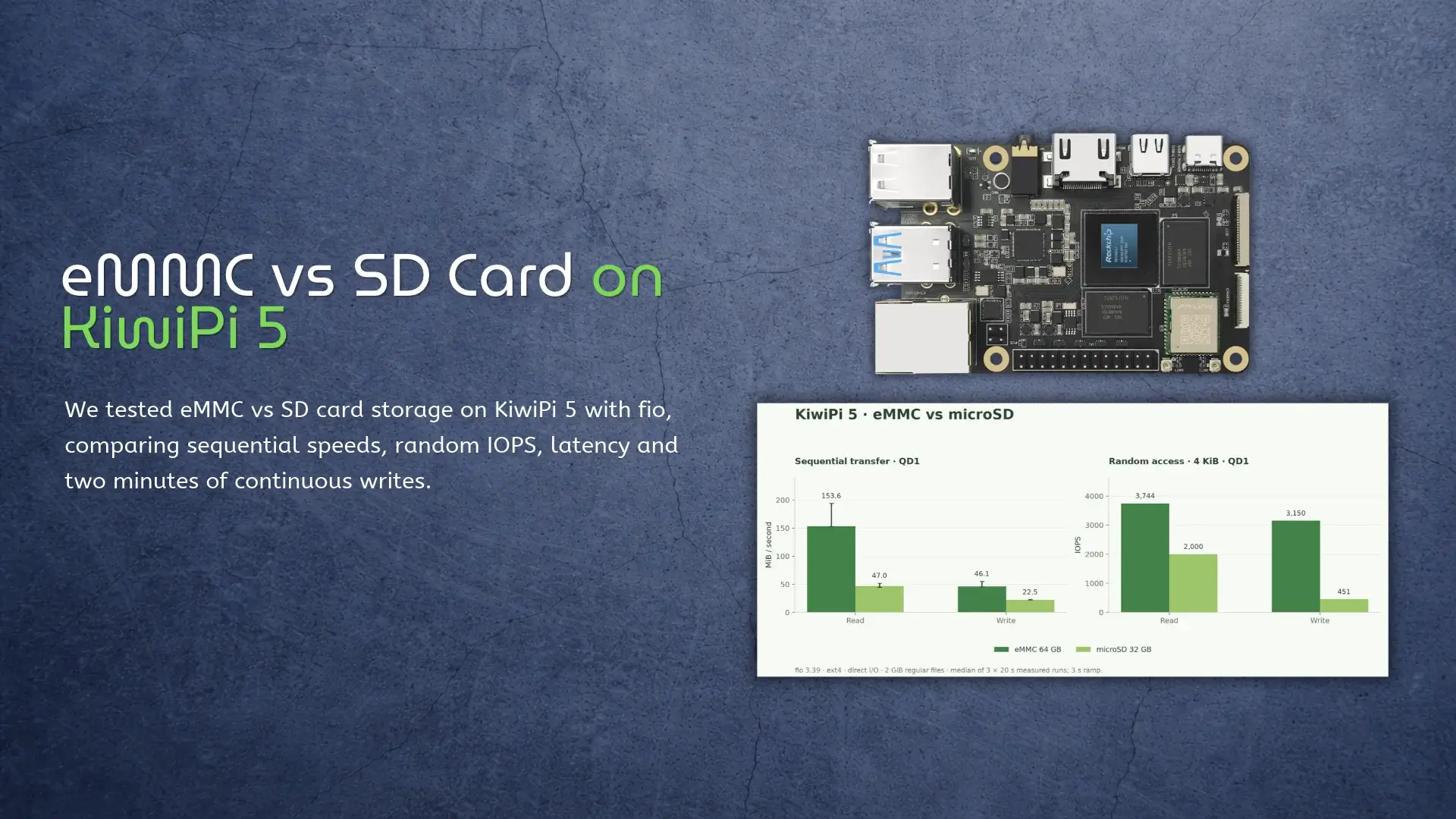
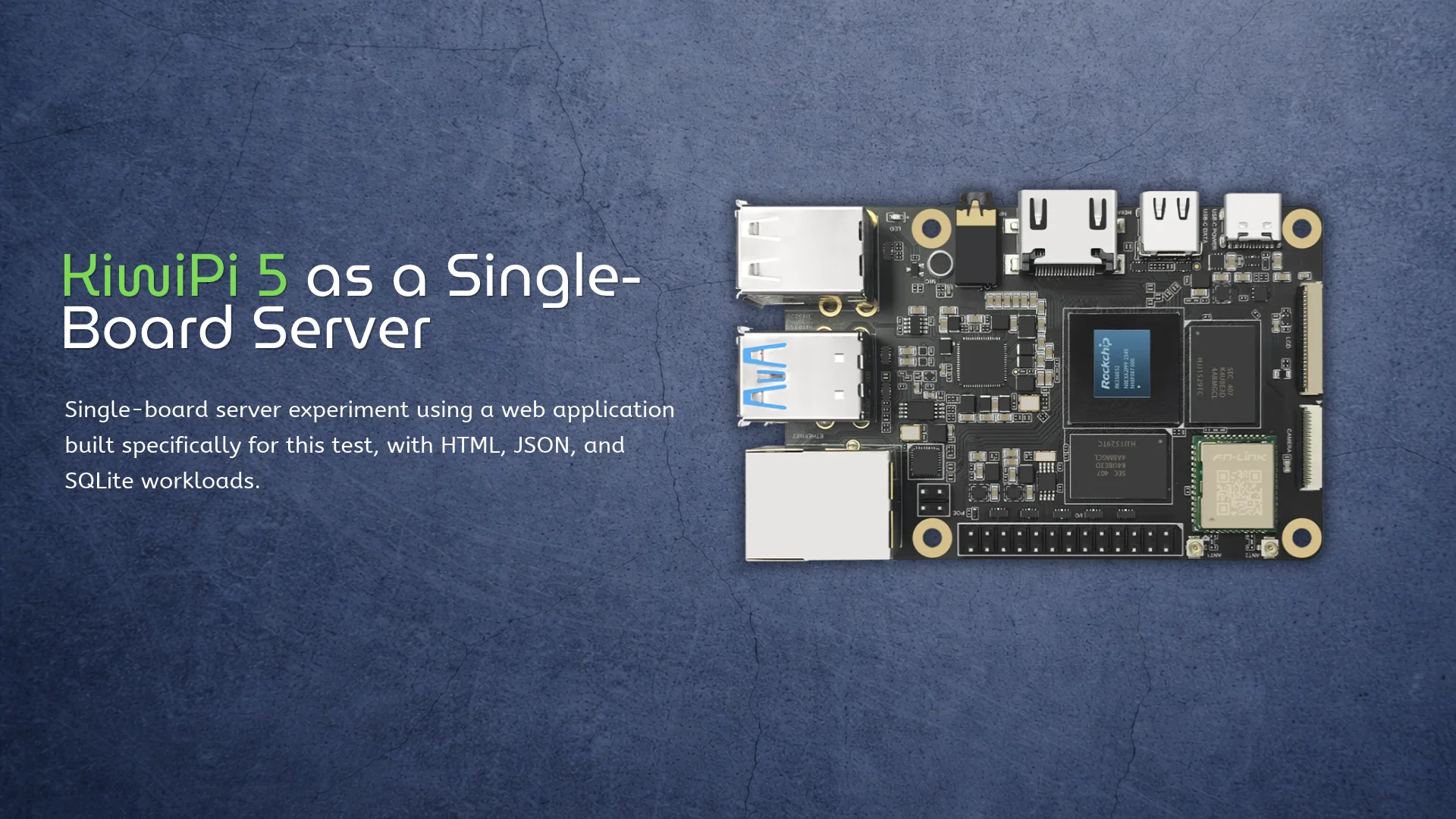
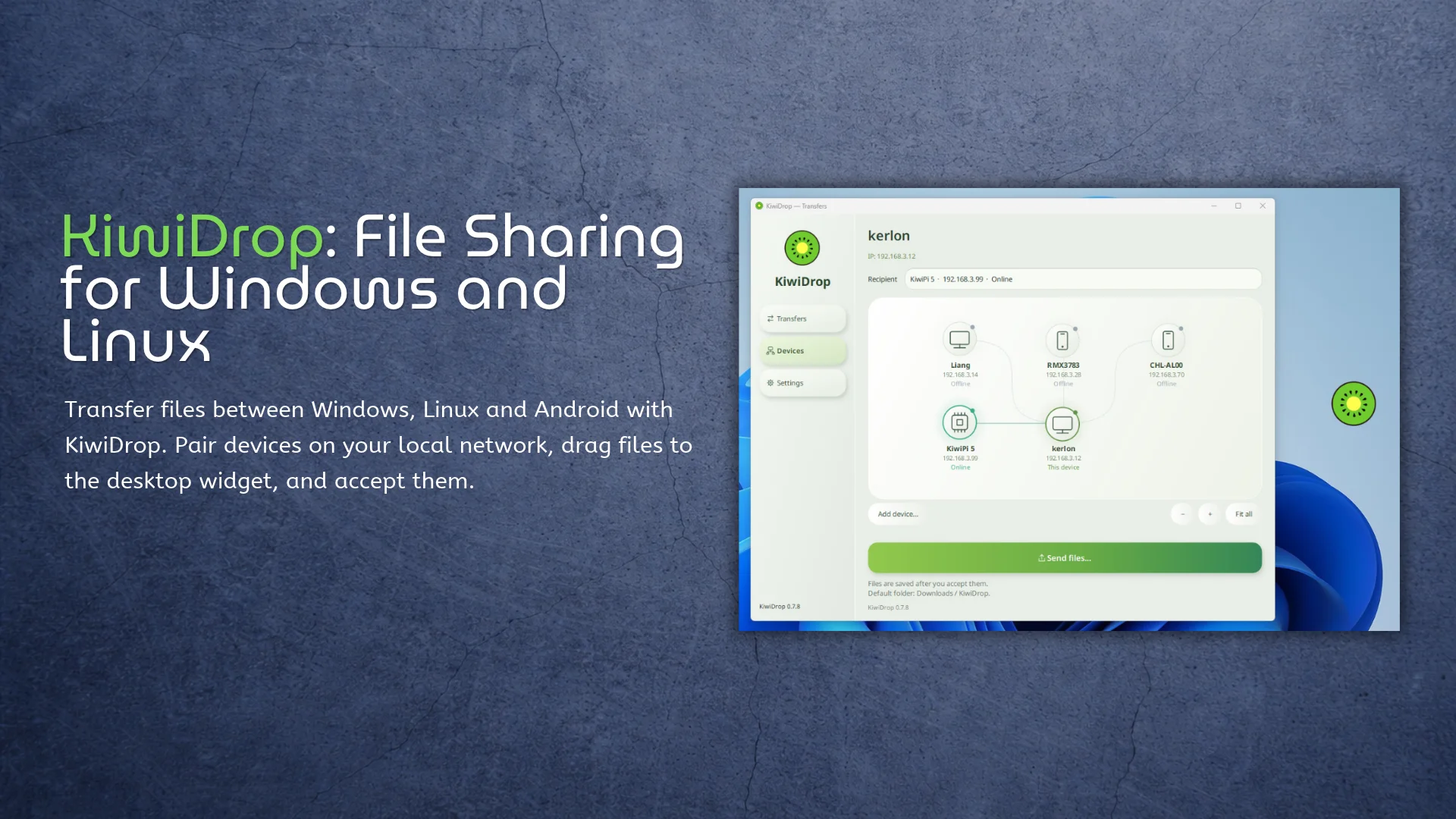
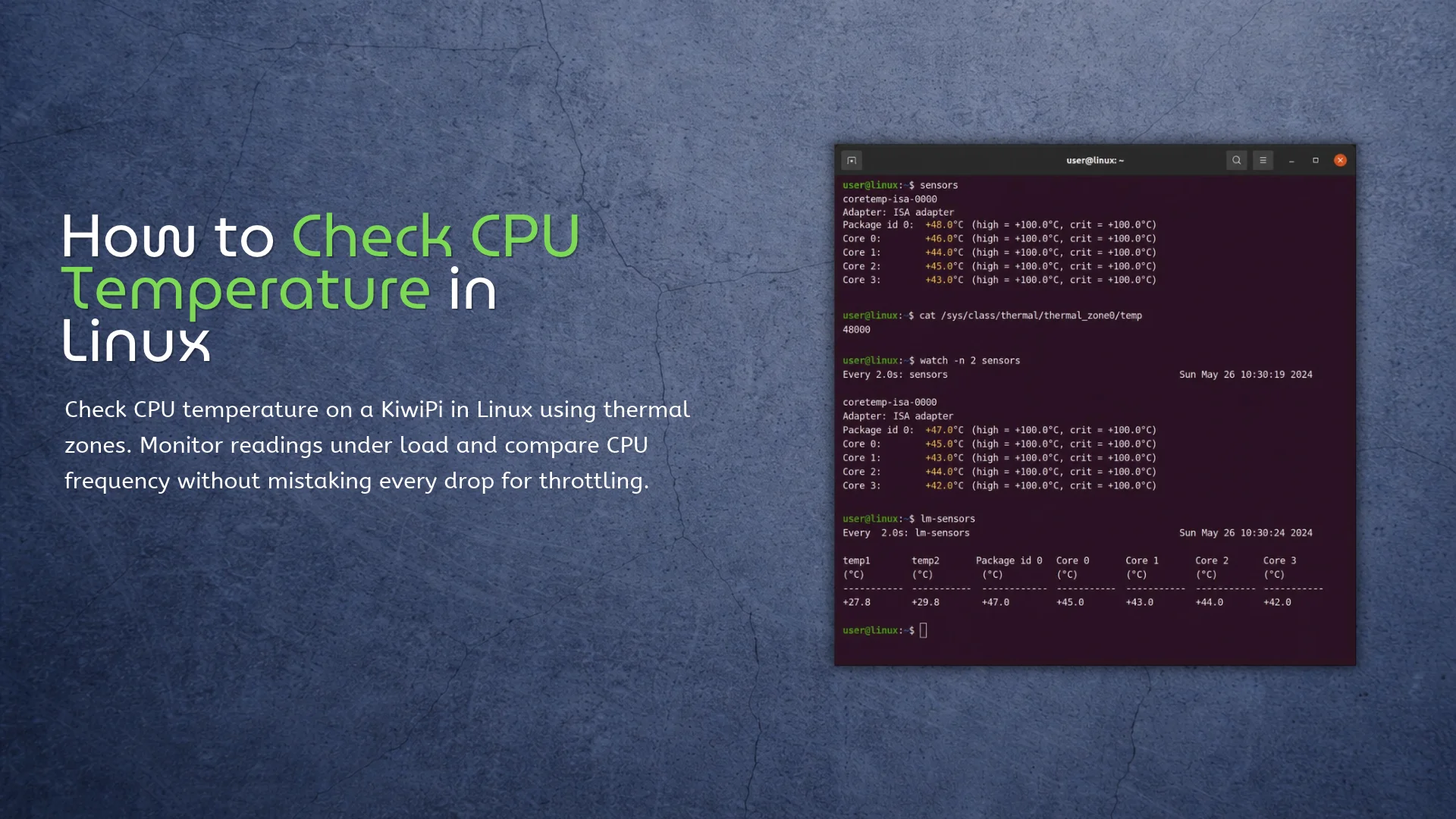
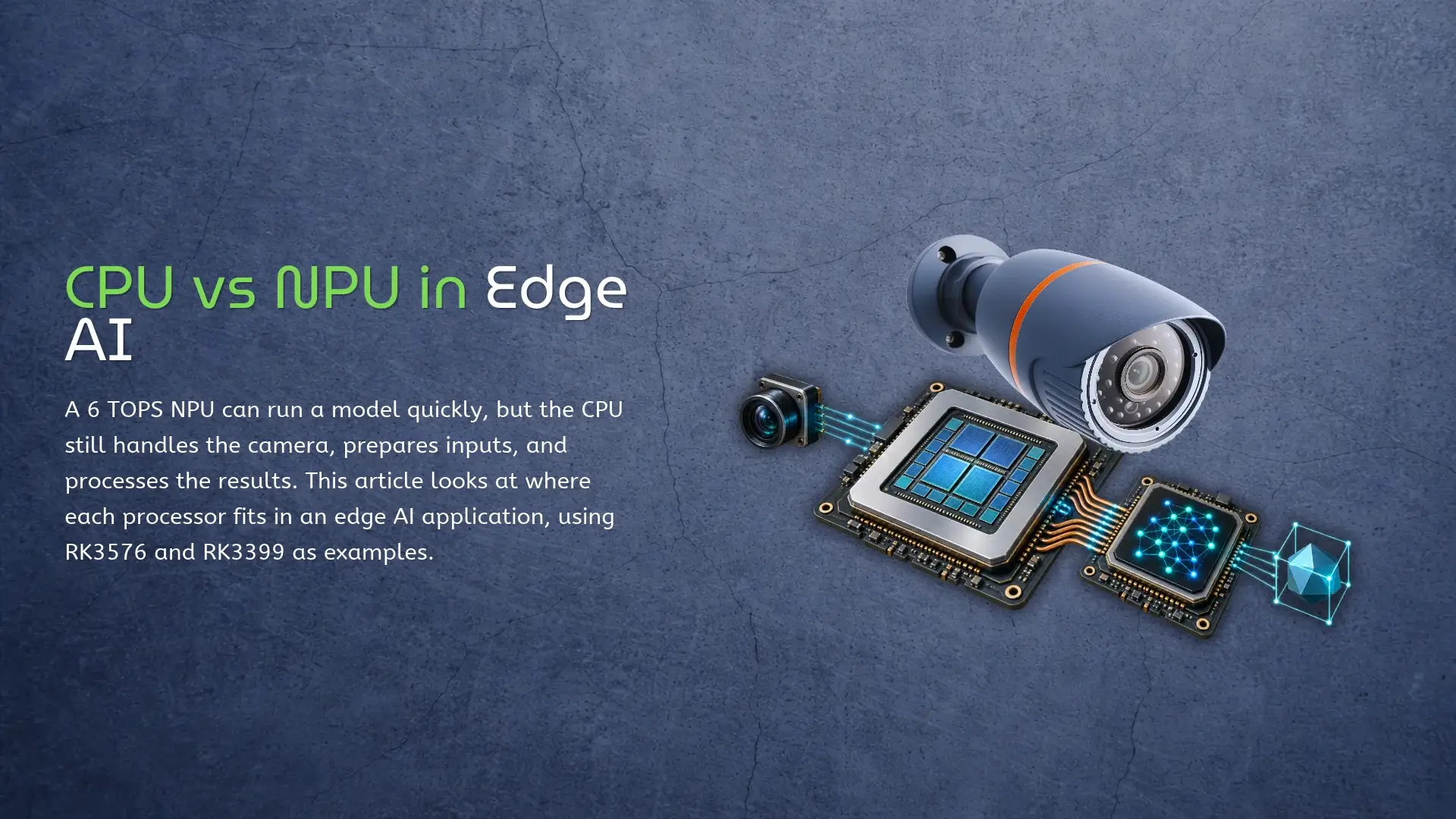
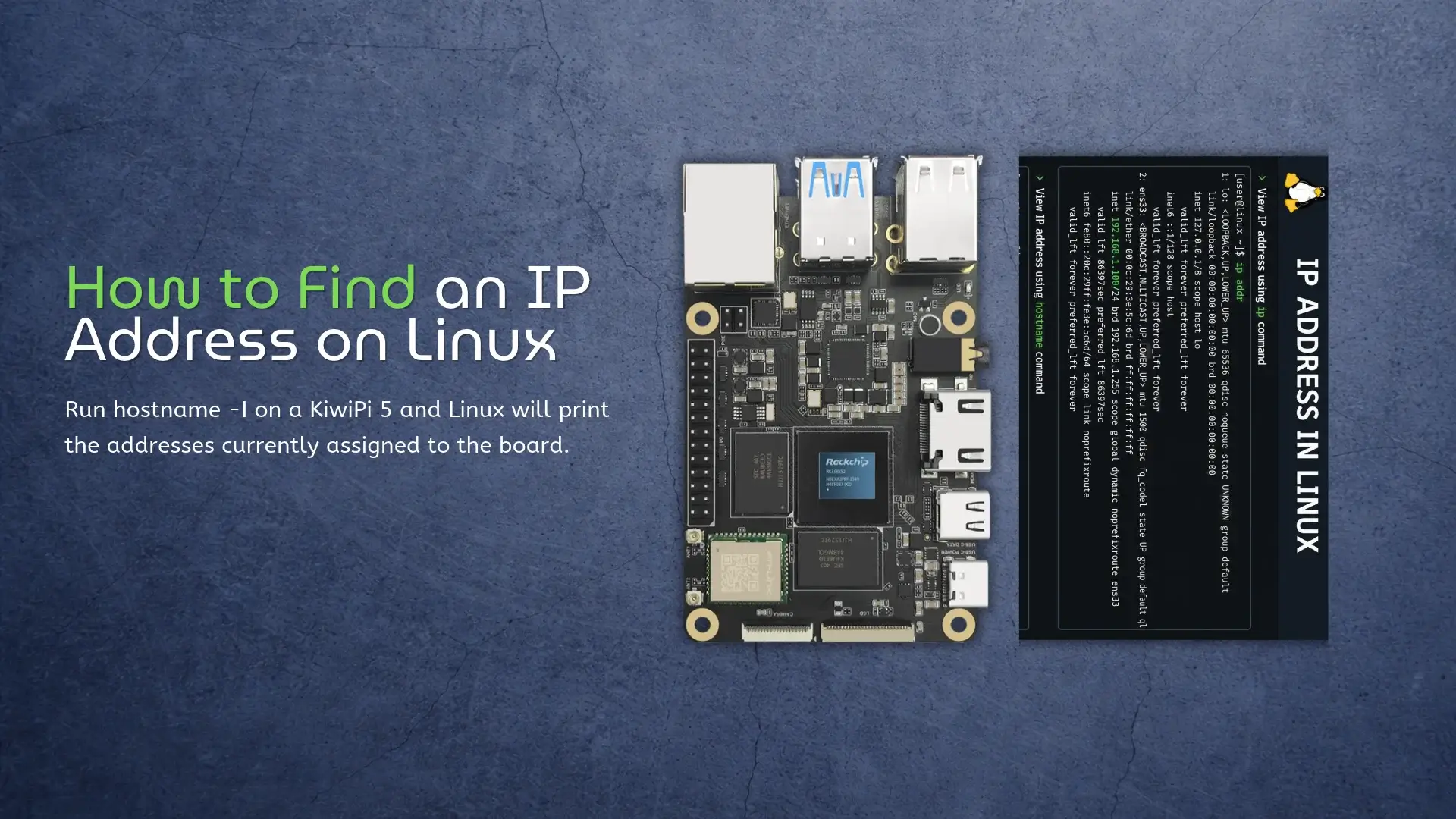
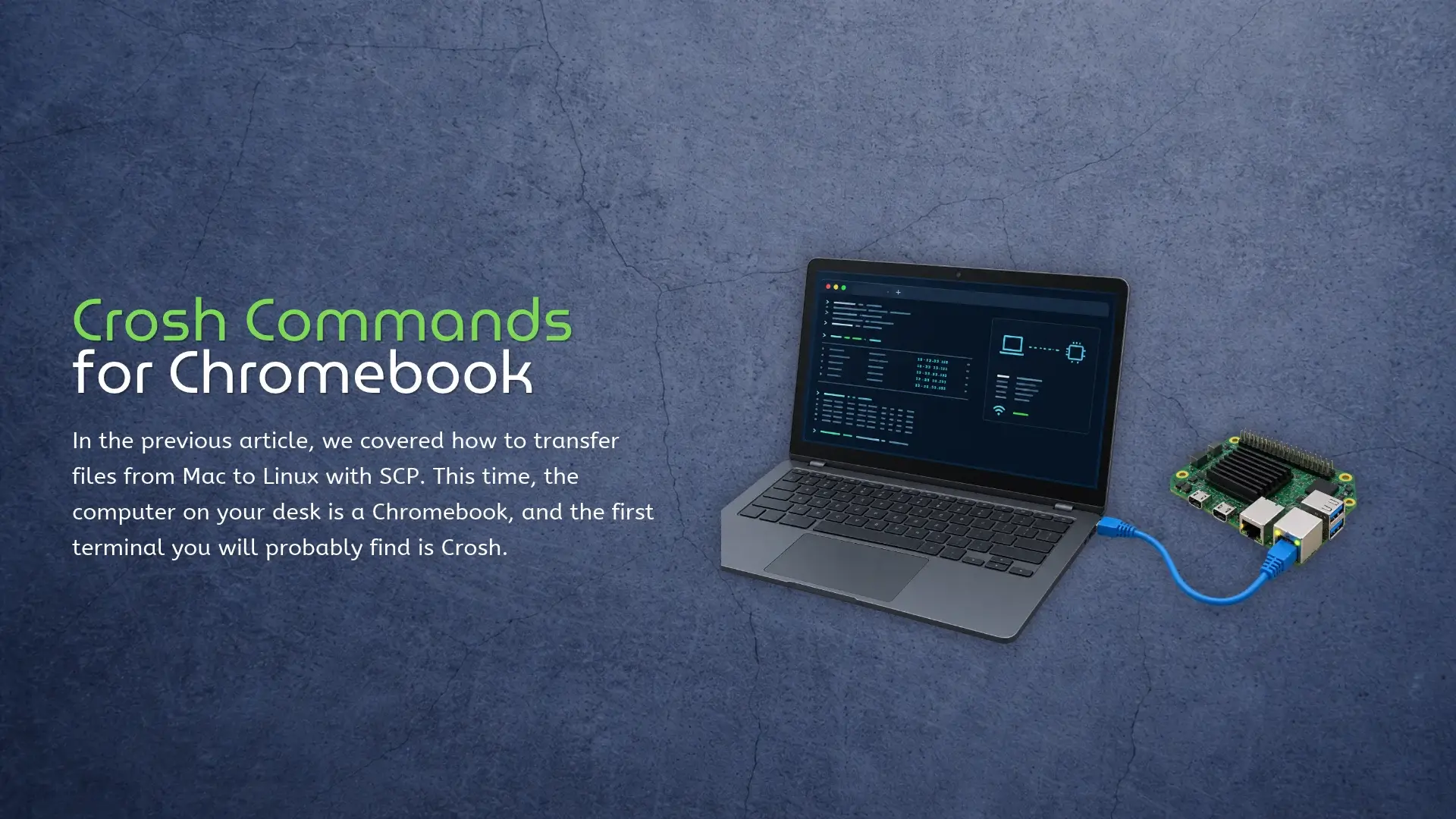
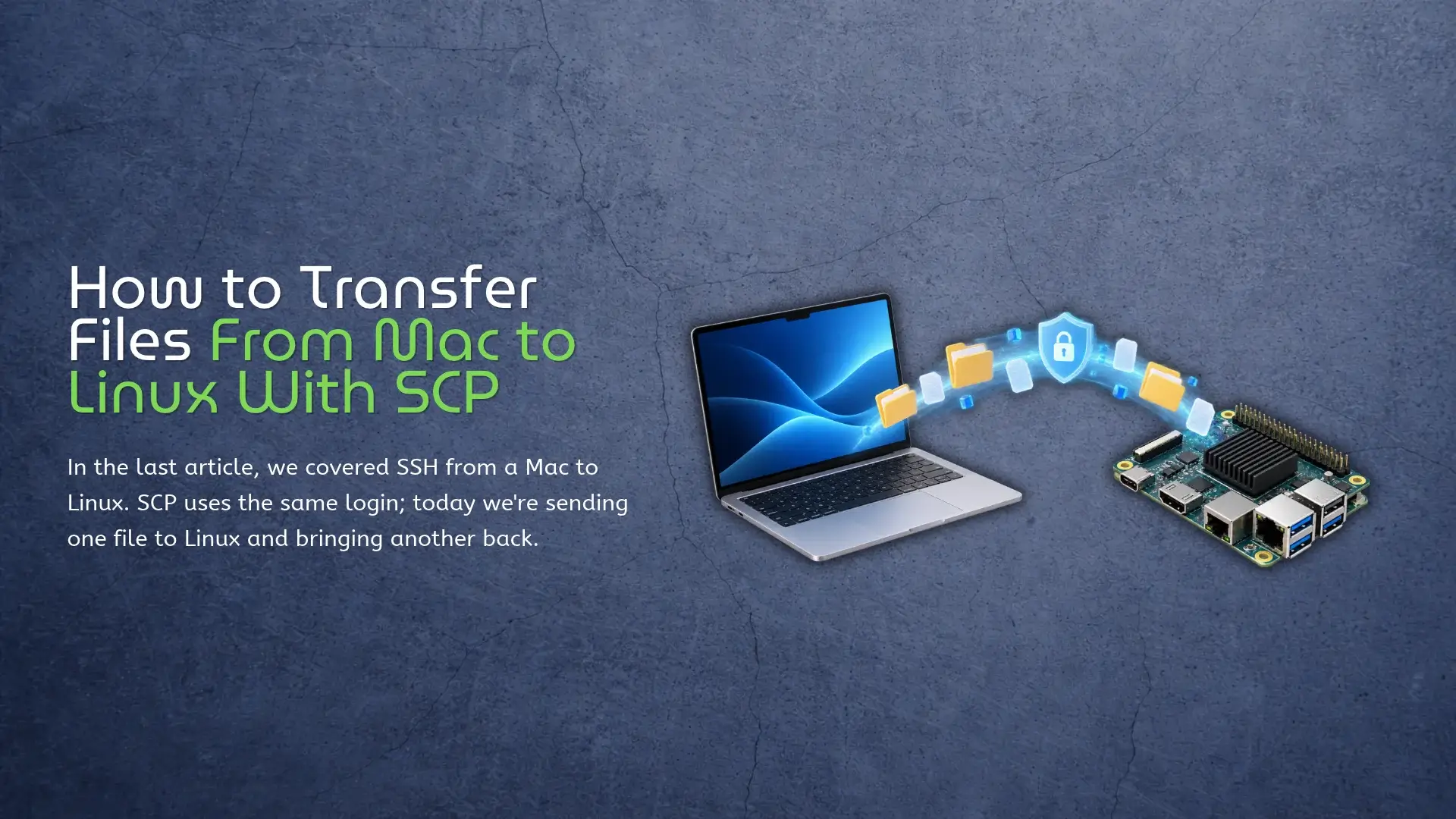
All Comparison AI KiwiPi Series Others Benchmark Test RKLLM on KiwiPi 5 NPU RKLLM ran Qwen3.5-0.8B at 15.01 tokens/s on our 8GB KiwiPi 5, with Qwen3.5-2B reaching 8.57 tokens/s on the same short input. Both used W8A8 models on the board’s RK3588S NPU. We completed 58 requests across the two models without an inference error. Some answers were still wrong. That’s a useful distinction for a local assistant: getting text back is the first test, and checking what it says comes next. The board and RKLLM setup The test board was a KiwiPi 5 V20 running Ubuntu 24.04.3 LTS and Linux 6.1.141. Models lived on its eMMC system disk. The RK3588 platform specifications cover the wider hardware; these results belong to this RK3588S board and software image. Component Tested configuration Board KiwiPi 5 V20, RK3588S, 8GB RAM System Ubuntu 24.04.3 LTS, ARM64, Linux 6.1.141 NPU software RKNPU driver 0.9.8; RKLLM Runtime 1.3.1 Model files Qwen3.5-0.8B and 2B, W8A8, converted with Toolkit 1.3.0 Cooling Heatsink and fan; no enclosure Background applications GNOME desktop and KiwiDrop Storage and swap eMMC with ext4; swap disabled Physical setup of the RK3588S-based KiwiPi 5 used to run Qwen3.5-0.8B and 2B through RKLLM. We left the desktop running and used the existing NPU governor. No October 22, 2026 AI, KiwiPi Series, Benchmark Test RKDevTool Guide for KiwiPi 5 RKDevTool writes firmware to Rockchip devices over USB from a Windows PC. On KiwiPi 5, the supplied instructions cover both a complete firmware package and updates to individual partitions, including rootfs on Linux images that have that partition. Our Rockchip Batch Tool guide covers the other Windows flashing utility. Here we’re using RKDevTool’s own upgrade and partition-download pages; the similarly named rkdeveloptool for Linux and macOS has a different interface and workflow. Download RKDevTool and install the driver Check the KiwiPi flashing tools folder for the Windows package. Once you have it, extract the whole archive and keep its configuration files beside RKDevTool.exe, rather than copying the executable into another directory on its own. Use the RKDevTool and DriverAssistant 5.13 recommended for your KiwiPi 5 firmware. Keep the complete extracted package together, including its configuration files. DriverAssistant 5.13 RKDevTool_Release You also need firmware for the exact KiwiPi 5 hardware revision and storage configuration. The manual provides a KiwiPi Ubuntu 24.04 image and KiwiPi Android 15 firmware, among other options. Confirm whether the download is a complete Rockchip upgrade package or separate partition images – an .img extension doesn’t distinguish them. Back up files before proceeding. If Linux still boots, our October 20, 2026 KiwiPi Series, Others eMMC vs SD Card on KiwiPi 5 The 64GB eMMC on our KiwiPi 5 read sequential data at 153.6MiB/s, against 47.0MiB/s for a 32GB microSD card. Its biggest lead came with small random writes: roughly 3,150 operations per second, compared with 451 on the card. That’s a sevenfold difference in one workload. Our eMMC vs SD card test used a SanDisk Ultra 32GB A1 card; these numbers describe that card and the board’s eMMC in this setup, rather than every device you might buy. What we tested We used an 8GB KiwiPi 5 with the RK3588S, running Ubuntu 24.04.3 LTS and Linux 6.1.141. The operating system stayed on eMMC throughout; fio tested ordinary files on both drives, without formatting the system partition. The SanDisk Ultra 32GB A1 card appeared as SD32G in Linux, and the eMMC as 064G38. Both filesystems used ext4 with rw,relatime, which removes a filesystem-format difference from the comparison, but leaves the devices’ controllers and flash configuration as variables. eMMC packages flash memory with a controller, usually installed on the board. A microSD card also has its own controller, inside a removable package; the connector alone doesn’t establish how quickly either device handles small writes. And their starting conditions weren’t equal. The eMMC was October 19, 2026 Others, Benchmark Test KiwiPi 5 as a Single-Board Server We ran a Python web application on an 8GB KiwiPi 5 and tested it over Gigabit Ethernet. We built the application, KiwiPi Server Lab, specifically for this experiment; it’s a test program, not a released monitoring product. At 32 concurrent connections, this single-board server returned a median 5,063 HTML responses per second. Reading 120 history records from SQLite brought that down to 1,481. The board and server configuration stayed the same; the requests did different work and returned different amounts of data. The KiwiPi 5 test system The board ran Ubuntu 24.04.3 LTS, kernel 6.1.141, and Python 3.12.3. Its RK3588S has four Cortex-A55 and four Cortex-A76 cores, with 8GB of installed RAM. The app and database lived on eMMC, and both the board and the separate Windows load-generator PC used wired Gigabit Ethernet. The installed image exposed CPU frequency limits of 1.8GHz and 2.352GHz, with the schedutil governor changing clocks automatically. That’s the configuration behind these results, even though the product page lists a different maximum A76 frequency. Swap was off. We left GNOME and the KiwiDrop local file sharing app running. During the 30-second baseline, total CPU usage already averaged 37.3%, with the SoC at 41.3°C. We used a October 15, 2026 KiwiPi Series, Benchmark Test How to Use Rockchip Batch Tool Rockchip Batch Tool writes a packaged Rockchip firmware image to a compatible device over USB. On Windows, the application runs as RKBatchTool.exe and needs the Rockchip USB driver to communicate with a device in its flashing mode. The firmware must match the device’s hardware revision, including its storage and memory configuration. A package intended for another board can load into the tool and still be wrong for the device you’re about to flash. Get the tool and firmware together Start with the device manufacturer’s firmware download and flashing instructions. Use the RKBatchTool package supplied or recommended there, including its driver. A download described as the newest version elsewhere doesn’t establish support for your particular board. Woxter’s Scriba firmware instructions, for example, show RKBatchTool 1.8. That confirms a documented use of 1.8 for those devices; it doesn’t make 1.8 the latest release or a recommendation for every Rockchip processor. Older guides also describe older Windows versions, so check the supplied driver’s compatibility with your PC. The firmware needs the same attention. Batch Tool works with a unified Rockchip firmware package, commonly called update.img, containing components such as the bootloader and partition images. An ordinary raw disk image may also end in October 15, 2026 Benchmark Test KiwiDrop: File Sharing for Windows and Linux KiwiDrop lets you transfer files between Windows and Linux over a local network. It also has an Android app for phones running Android 10 or later, with device pairing and a desktop widget for sending files. Say you’ve built an application on the Windows PC and want to send its archive to a KiwiPi. Select the paired board, drop the archive onto the kiwi widget, and accept it on the board. The repository’s screenshots show that setup with a Windows desktop and a KiwiPi 5 running Linux. KiwiDrop is still a test version. The screenshots below show desktop version 0.7.8; download the current package from the project’s releases rather than looking for that particular version. Send a file from the desktop The floating kiwi widget gives you a small drop target without keeping the main window in front of your work. Once you’ve selected a recipient, drag a file onto it to send it to that device. For a build archive or a few saved frames, that’s a useful bit of interface to have within reach. Its context menu opens the transfer list, recipients, devices, settings, and downloads folder. You can also hide the widget when you don’t need it. October 13, 2026 Others How to Check Disk Space in Linux Run df -h / to check free space on the filesystem containing the Linux root directory. The Avail column shows how much space remains available for ordinary users. On a KiwiPi running Ubuntu 24.04.3 LTS, you can run it in a local terminal or connect to Linux from macOS and check over SSH. If you’re about to copy files with SCP, check the destination first. An archive needs room for the download and, if you’re extracting it on the board, the extracted files too. Check free space with df df -h / Read Size, Used, Avail, and Use% together. Mounted on identifies the mountpoint, which is / for this check. The -h option gives you readable units such as M and G; you don’t have to work through a long block count to see whether another model or disk image will fit. You can also give df a directory. For example, this checks the filesystem holding your home directory, then a possible data directory: df -h “$HOME” df -h /mnt/data That second command requires an existing /mnt/data directory. And the number belongs to its containing filesystem. It doesn’t tell you how much data sits inside the folder—use du for that. October 9, 2026 Others How to Check CPU Temperature in Linux On a KiwiPi running Linux, you can read the kernel’s thermal sensors through /sys/class/thermal/thermal_zone*/temp. Each zone also has a type file, and that name matters: the first zone in the directory isn’t automatically the CPU. The names depend on the board image and its device tree. Your KiwiPi 5 and KiwiPi 5 Pro may expose different zone labels from another RK3588 board, even though the command to list them is the same. Find the CPU thermal zone Start with this in a terminal on the board: for zone in /sys/class/thermal/thermal_zone*; do[ -r “$zone/temp” ] || continueprintf ‘%s %s %sn’ “$(basename “$zone”)” “$(cat “$zone/type”)” “$(cat “$zone/temp”)”done The three fields are the zone directory, its type, and the raw temperature. A reading of 59000 means 59°C; Linux reports these values in millidegrees Celsius (see the kernel’s thermal sysfs interface documentation). Find the zone labeled for the CPU or SoC before you use it as a processor reading. You can also try sensors, the command supplied by the lm-sensors package. On the KiwiPi Ubuntu 24.04.3 LTS image, install it if the command is missing: sudo apt updatesudo apt install lm-sensorsThen read the sensors once or refresh them every two seconds:sensorswatch -n 2 sensors September 29, 2026 Benchmark Test CPU vs NPU in Edge AI Rockchip’s RK3576 has eight CPU cores and a dedicated NPU rated at 6 TOPS for INT8, with a sparsity footnote attached to that figure. An application still uses the CPU to feed that NPU, handle its output, and run the rest of the system. The 6 TOPS figure doesn’t cover the rest of that work. The NPU runs supported parts of a neural network; it doesn’t take over the camera driver, Linux, or all the code around the model. The model is one part of the job Take an object detector connected to a camera. The application has to get a frame into memory and prepare an input the model accepts – often a particular size, color order, and pixel format. Some boards can offload parts of that work to an image processor or a 2D engine. The CPU still organizes the job and deals with anything those blocks don’t handle. Then the NPU runs the model. This is the part a figure like 6 TOPS describes, under the conditions Rockchip used for that rating. It isn’t the frame rate of the finished camera application. Our guide to interpreting NPU TOPS ratings explains what that number measures. The model might September 23, 2026 Comparison, AI, Others Find Your IP Address on Linux: 5 Methods Run hostname -I on a KiwiPi 5 and Linux will print the addresses currently assigned to the board. On a typical home network, the result might look like this: hostname -I 192.168.1.50 That 192.168.1.50 address is the one you would normally use for SSH, SCP file transfers, or a web interface from another device on the same network. You may get two or three results instead. Linux can hold several addresses at once, and a KiwiPi connected over both Ethernet and Wi-Fi will usually have a separate address for each interface. Check the Address on KiwiPi hostname -I is convenient because it leaves out most of the interface detail. It also leaves you to decide which result matters. For the full view described by the Linux IP address manual, use: ip address show Look for an inet line under the active Ethernet or Wi-Fi interface. Names vary between images, but end0, eth0, and wlan0 are common. Ignore 127.0.0.1 under lo, since another computer cannot reach it. There is a shorter version that hides interfaces which are down: ip -br address show up Its output is easier to read when both Ethernet and Wi-Fi are enabled. If they show 192.168.1.50/24 and September 21, 2026 KiwiPi Series, Others Crosh Commands for Chromebook: What Actually Works In the previous article, we covered how to transfer files from Mac to Linux with SCP. This time, the computer on your desk is a Chromebook, and the first terminal you will probably find is Crosh. Press Ctrl + Alt + T on a Chromebook and Crosh opens in a browser tab. Start with help. It prints the commands available on that Chromebook, which is more useful than copying a list written for a different ChromeOS release. The official Crosh command reference makes the same point: the available tools vary by release, channel, device policy, and Developer Mode. Crosh is a small troubleshooting console, not Bash or a Chromebook version of Windows Command Prompt. Many online lists mix standard Crosh, the Developer Mode shell, and Linux Terminal. A copied command may return unknown command simply because it does not exist on your build. Start With Your Crosh Commands List Open Crosh and run: help help_advanced The first shows common commands; the second includes less frequently used ones. ChromeOS releases, device policies, channels, and hardware can change the result, so the list on the screen wins. Tab completion works, while help battery_test shows the syntax for one command. Network Commands Worth September 18, 2026 Others How to Transfer Files From Mac to Linux With SCP In the last article, we covered SSH from a Mac to Linux. SCP uses the same login; today we’re sending one file to Linux and bringing another back. Say model.onnx is sitting in Downloads on the Mac, and the Linux user is alex at 192.168.1.50, which is the address of the machine you want to reach. Run this in Terminal on the Mac: scp ~/Downloads/model.onnx alex@192.168.1.50:/home/alex/ That’s it. Enter the same password you use for SSH, and model.onnx lands in /home/alex/. One surprisingly common point of confusion: you don’t SSH into the board first. The command runs on the computer that has the local file – in this case, the Mac. Where SCP Puts the File SCP reads from left to right. The first path is the source, and the second is where it goes: scp source destination The colon after the IP address is doing most of the work here. Everything before it identifies the Linux login; everything after it is a path on that Linux machine. Without the colon, you’ve written two local paths and scp has no remote host to contact. You can also give the copied file a new name: scp ~/Downloads/model.onnx alex@192.168.1.50:/home/alex/detector.onnx The original file September 16, 2026 KiwiPi Series, Others No posts found 1 2 3 4 5