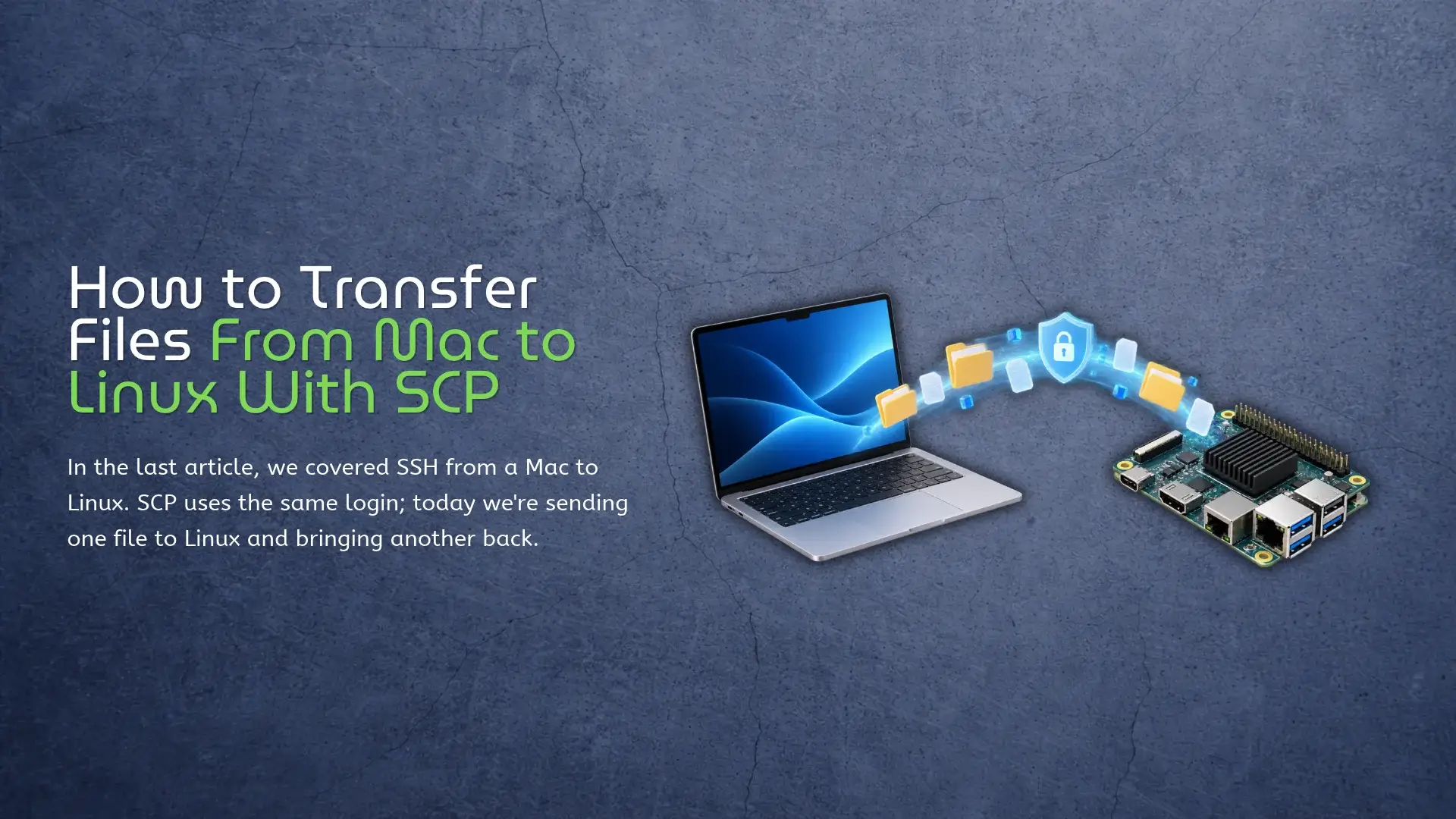
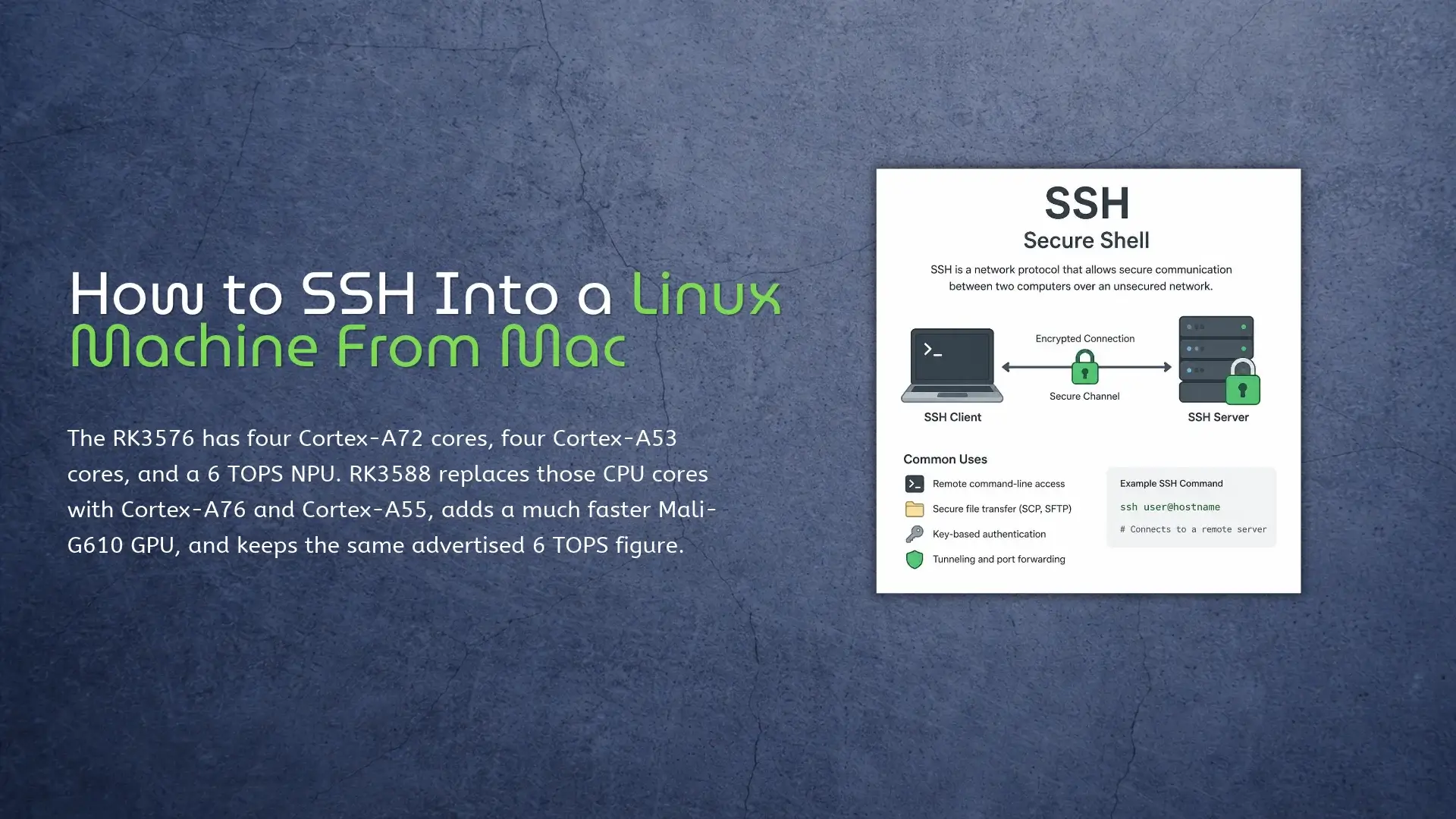
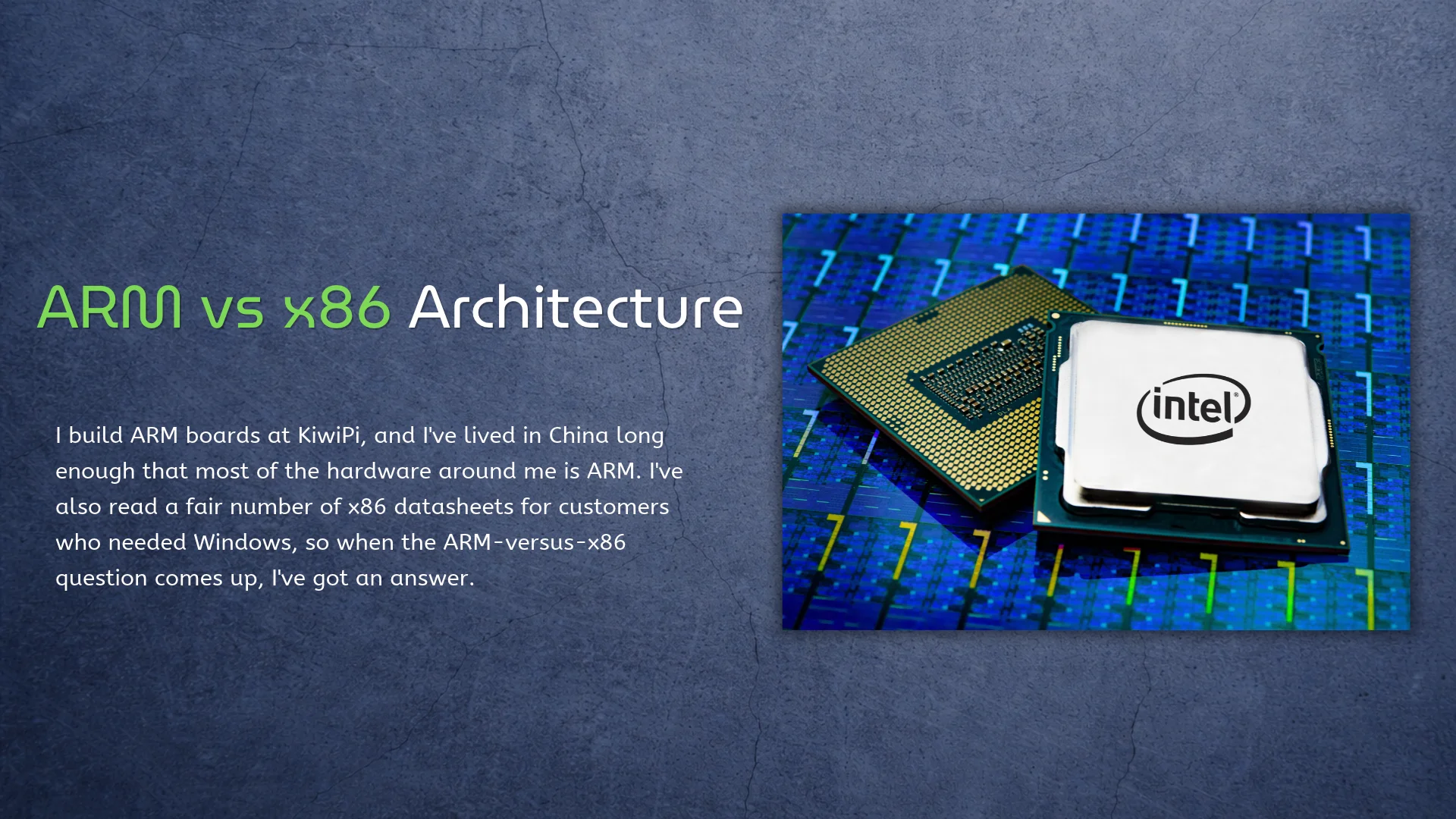
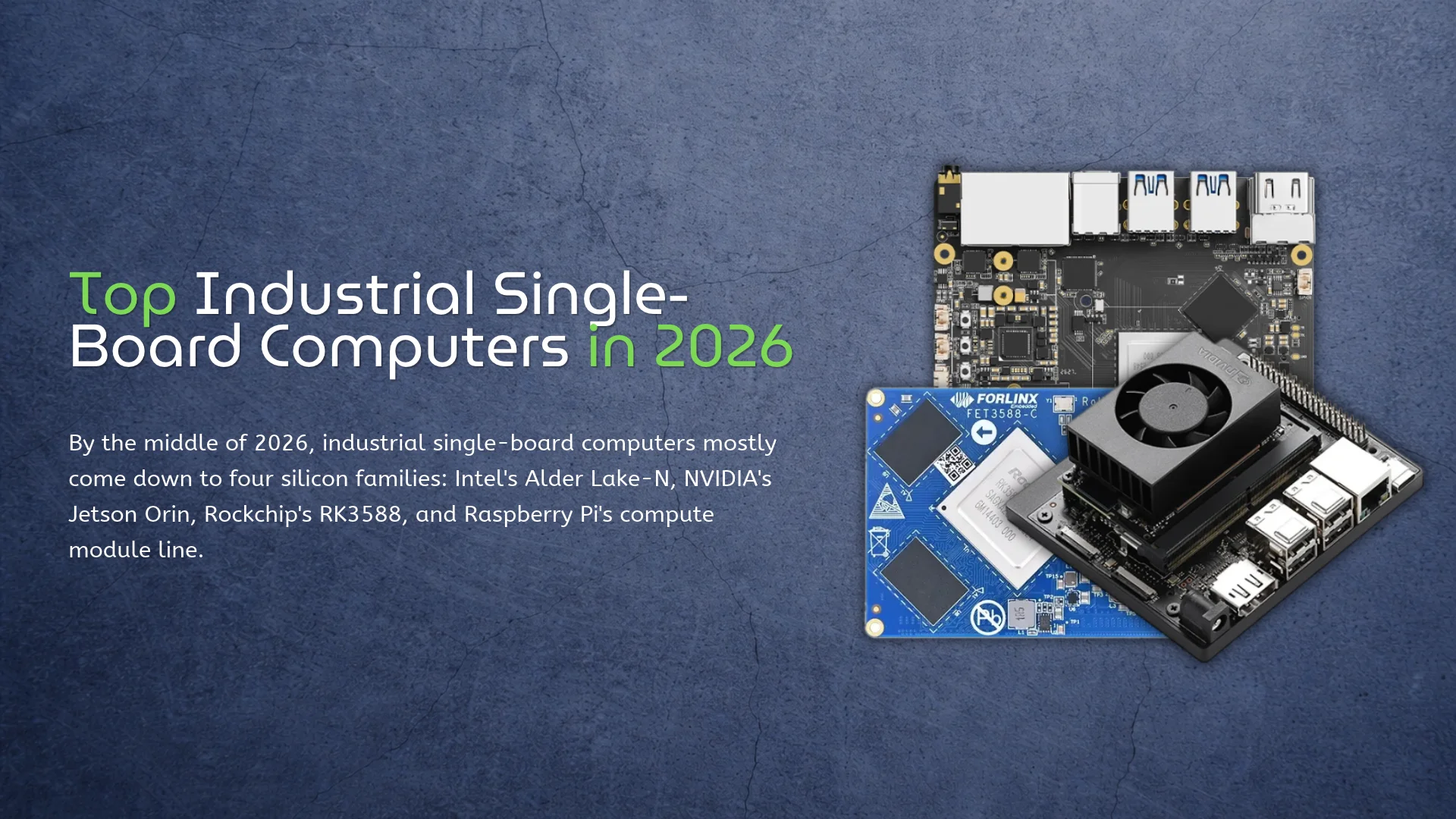
All Comparison AI KiwiPi Series Others Benchmark Test Crosh Commands for Chromebook: What Actually Works In the previous article, we covered how to transfer files from Mac to Linux with SCP. This time, the computer on your desk is a Chromebook, and the first terminal you will probably find is Crosh. Press Ctrl + Alt + T on a Chromebook and Crosh opens in a browser tab. Start with help. It prints the commands available on that Chromebook, which is more useful than copying a list written for a different ChromeOS release. The official Crosh command reference makes the same point: the available tools vary by release, channel, device policy, and Developer Mode. Crosh is a small troubleshooting console, not Bash or a Chromebook version of Windows Command Prompt. Many online lists mix standard Crosh, the Developer Mode shell, and Linux Terminal. A copied command may return unknown command simply because it does not exist on your build. Start With Your Crosh Commands List Open Crosh and run: help help_advanced The first shows common commands; the second includes less frequently used ones. ChromeOS releases, device policies, channels, and hardware can change the result, so the list on the screen wins. Tab completion works, while help battery_test shows the syntax for one command. Network Commands Worth September 18, 2026 Others How to Transfer Files From Mac to Linux With SCP In the last article, we covered SSH from a Mac to Linux. SCP uses the same login; today we’re sending one file to Linux and bringing another back. Say model.onnx is sitting in Downloads on the Mac, and the Linux user is alex at 192.168.1.50, which is the address of the machine you want to reach. Run this in Terminal on the Mac: scp ~/Downloads/model.onnx alex@192.168.1.50:/home/alex/ That’s it. Enter the same password you use for SSH, and model.onnx lands in /home/alex/. One surprisingly common point of confusion: you don’t SSH into the board first. The command runs on the computer that has the local file – in this case, the Mac. Where SCP Puts the File SCP reads from left to right. The first path is the source, and the second is where it goes: scp source destination The colon after the IP address is doing most of the work here. Everything before it identifies the Linux login; everything after it is a path on that Linux machine. Without the colon, you’ve written two local paths and scp has no remote host to contact. You can also give the copied file a new name: scp ~/Downloads/model.onnx alex@192.168.1.50:/home/alex/detector.onnx The original file September 16, 2026 KiwiPi Series, Others How to SSH Into a Linux Machine From Mac Open Terminal on the Mac and enter: ssh alex@192.168.1.50 Replace alex with the Linux account name and 192.168.1.50 with the address of the machine you want to reach. There is no SSH client to install on the Mac. macOS already includes OpenSSH, although Apple’s Terminal connection guide also describes a menu-based connection method. For a KiwiPi 5 Linux board, the easiest setup is to put the Mac and the board on the same local network. Ethernet removes a few variables during the first boot. Wi-Fi is fine once the board has joined the correct network. Prepare the Linux Machine Install the SSH server The Mac already has an SSH client. The Linux machine needs the server half. Debian and Ubuntu images use the openssh-server package. Some board images include it; others don’t. Run this on the Linux machine: sudo apt update sudo apt install openssh-server sudo systemctl enable –now ssh Then check the service instead of assuming the package installer started it: systemctl status ssh –no-pager Look for: Active: active (running) Other distributions may call the service sshd. That difference is worth checking before spending half an hour debugging the network. The Ubuntu OpenSSH server documentation uses ssh.service for current September 14, 2026 Others How to Change File Permissions in Linux chmod u+x deploy.sh is probably the command you need when a copied script returns Permission denied. It gives the file’s owner execute permission and leaves the other mode bits alone. This often happens after copying files to a Linux machine with SCP, since SCP preserves the original file mode. That’s the easy case. Before changing anything, run ls -l and check whether the problem is actually the mode, the owner, or the filesystem. Throwing 777 at all three is how a small permissions issue turns into a weird security issue. Check the File First Start with the file itself: Bashls -l deploy.sh Output-rw-r–r– 1 user user 842 Sep 10 10:20 deploy.sh Here’s the useful part. The first character says what the entry is (- means a regular file), and the next nine characters come in three groups: rw- for the owner, r– for the group, and r– for everyone else. So the owner can read and edit this file. Nobody can execute it. The letters are exactly what they look like: r is read, w is write, and x is execute. The selectors are nearly as simple. u means owner, g means group, o means other users, and a means September 10, 2026 Others RK3576 vs RK3588 in KiwiPi Boards Today we take a closer look at the differences between the RK3576 and RK3588, and how they shape the experience on the KiwiPi 4 and KiwiPi 5 boards:1) The KiwiPi 4 runs Rockchip’s RK3576 and comes with 3GB of RAM and 64GB of UFS storage. It’s an 85 × 56mm board with Gigabit Ethernet and connections for cameras and a display. 2) The KiwiPi 5 Pro uses RK3588, with up to 32GB of RAM, four USB 3.0 host ports, two 2.5GbE ports, and an M.2 slot for a 2280 NVMe SSD. Both processors have eight CPU cores and an advertised 6 TOPS NPU. I compared the documentation for these boards, including KiwiPi 5 and 5B. There are no side-by-side benchmarks here, so I won’t put a percentage on the performance difference. If you are upgrading from an older four-core board, our RK3568 vs RK3576 comparison covers that step before moving to RK3588. USB and NVMe connections You can connect a USB 3.0 drive to KiwiPi 4 and still have its two USB 2.0 ports available for a keyboard and mouse. For a small computer running off its onboard UFS, that’s a fairly useful arrangement. The USB drive can hold recordings September 9, 2026 Comparison, KiwiPi Series ARM vs x86 Architecture I build ARM boards at KiwiPi, and I’ve lived in China long enough that most of the hardware around me is ARM. I’ve also read a fair number of x86 datasheets for customers who needed Windows, so when the ARM-versus-x86 question comes up, I’ve got an answer. It’s not really CISC versus RISC anymore, that fight is settled anyway. The real choice is software and power. Origins x86 is ancient. The instruction set goes back to 1978, it never broke compatibility, and it still runs inside every Intel and AMD chip. AMD added 64-bit in 2003 as x86-64, and Intel followed. Intel 8086 (1978): the instruction set that never stopped. Photo: Thomas Nguyen / Wikimedia Commons, CC BY-SA 4.0 ARM went the other way. A small team in 1985 bet on cheap, low-power silicon for a British desktop, and by 1990 that design was a licensing company. ARM never made chips; it sold the idea, so Apple builds its own, Qualcomm builds its own, and others build their own. Even Rockchip does, following a path from MP3 players to SBCs. AArch64 went 64-bit in 2011, and Apple moved the Mac over in 2020. [caption id=”attachment_10485″ align=”aligncenter” September 4, 2026 Comparison, Others Top Industrial Single-Board Computers in 2026 By the middle of 2026, industrial single-board computers mostly come down to four silicon families: Intel’s Alder Lake-N, NVIDIA’s Jetson Orin, Rockchip’s RK3588, and Raspberry Pi’s compute module line. The boards around that silicon differ in ways a CPU table can’t show. Full transparency, because it changes how you read the rest: I work at KiwiPi, and our KiwiPi 5 Pro shows up below. Everything here is written from datasheets and vendor documentation. I haven’t benchmarked a single one of these boards, including our own. Temperature, Longevity, and Software A consumer board is happy in a room. Put that same board in a machine cabinet, an outdoor box, or an unheated depot, and the spec sheet starts telling the truth. Operating temperature, how many years the vendor keeps selling the same board, and whether the Linux image still receives fixes are what separate industrial hardware from desk toys. CPU speed has very little to do with it, whatever the marketing says. Software decides more of these purchases than the silicon does. x86 runs Windows and dependable, boring Ubuntu; a Jetson module means CUDA and TensorRT; a Rockchip NPU means the RKNN runtime and a vendor image that actually exposes the September 3, 2026 Comparison, KiwiPi Series, Others Rockchip RK3562: Specs and Uses Rockchip introduced the RK3562 in February 2023. It has four Cortex-A53 cores running at up to 2.0 GHz, a Mali-G52 2EE GPU, a 1 TOPS NPU, and an ISP for cameras up to 13 megapixels. The company listed tablets, translation pens, robot vacuum cleaners, and industrial equipment as target products. That sounds like a rather random collection of hardware, but it makes more sense once you look past the CPU. RK3562 isn’t really an SBC processor in the usual sense. You can build a small Linux board around it, but the chip was designed for products with their own display, camera, and fixed list of jobs. Four Cortex-A53 Cores and Mali-G52 Graphics The four Cortex-A53 cores are the least interesting part. They can run Android, handle an appliance interface, and keep a few background services moving. But Cortex-A53 was already old when RK3562 arrived, and it isn’t especially fast at browser work, compilation, or anything that leans heavily on one CPU core. For a translation pen or robot vacuum, that’s probably fine. Those devices don’t need twenty browser tabs or a desktop full of applications. They run the software the manufacturer built for them, usually on the same hardware for September 1, 2026 Others Rockchip RK3528: Built for 4K Boxes Rockchip RK3528 combines four Cortex-A53 cores, Mali-450 graphics, and a 4K60 video decoder in a chip made for IPTV, OTT, and other inexpensive media devices. It also supports DDR4 or LPDDR4X memory, HDMI 2.0b, USB 3.0, PCIe 2.1, and two different Ethernet paths. If you need camera input or AI acceleration, the RK3562 adds an NPU and better GPU while keeping the same CPU family. This is not a small RK3588. RK3528 has no NPU or modern GPU. The useful part is the media hardware: it decodes current 10-bit video formats without asking the CPU to do the heavy work. Rockchip RK3528 Specifications Component Rockchip RK3528 CPU 4x Arm Cortex-A53, 64-bit Armv8-A GPU Arm Mali-450 Memory 32-bit DDR4, LPDDR4, or LPDDR4X; up to 4GB address space Video decoding H.264, H.265, and AVS2 up to 4K60; older formats up to 1080p60 Video encoding H.264 and H.265 up to 1080p60; JPEG encoding Display HDMI 2.0b up to 4K60; PAL/NTSC CVBS Storage eMMC 5.1, SD 3.0, and serial flash Expansion USB 3.0 or single-lane PCIe 2.1 through a shared PHY; USB 2.0 host Networking Gigabit Ethernet MAC plus a separate 10/100 Ethernet MAC and PHY NPU None Four Cortex-A53 Cores Four Cortex-A53 cores August 27, 2026 Others KiwiPi 5 Pro Power Supply Guide KiwiPi recommends a 30W USB-C PD adapter for the KiwiPi 5 Pro board, with 12V/2.5A as the preferred output. The board accepts 5-20V through the lower of its two stacked USB-C ports. A 15W phone charger is below that recommendation. The KiwiPi 5 Pro hardware manual says 5V/3A may be enough for a light load, while adapters rated at 10W or less may not boot the board normally. Supplies in the 18-25W range sit in between: normal operation is possible, although a heavier peripheral load may make the system unstable. The Two USB-C Ports Power Input The lower USB-C connector, closest to the PCB, is the power input. PD 3.1, QC, and BC1.2 are supported on this port. It is an input only. The specifications list no data transfer, output voltage, or output current for the lower connector, so it cannot replace the USB-C port above it for flashing or a display connection. KiwiPi 5 Pro features two dual USB 3.0 connectors, providing four USB 3.0 ports for high-speed peripherals. USB-C Data Port The connector above it has a different job. It is connected to the RK3588 Type-C0 controller and provides USB 3.0 OTG, firmware flashing, August 27, 2026 KiwiPi Series Allwinner vs Rockchip: Which SBC Platform Is Better? Allwinner H700 ends up in $50 retro handhelds. Rockchip RK3588 ends up on boards with NVMe, multiple camera inputs, dual Ethernet and enough RAM to run local AI models. Calling Allwinner the cheap option and Rockchip the fast one is easy. It also doesn’t answer the useful question: how much of that extra Rockchip hardware will your device actually use? H700 is much slower than RK3588. It is also fast enough for most 8-bit, 16-bit and original PlayStation games. RK3588 can do far more, but buying it to drive one display and launch a few lightweight applications would be a strange use of the money. That’s the real Allwinner vs Rockchip argument. It isn’t about which company makes the better chip. It is about when good enough stops being good enough. H700 wins by doing less Allwinner’s H700 has four Cortex-A53 cores, Mali-G31 graphics and no NPU. None of that sounds exciting. The chip’s more useful feature is its video engine: it supports 10-bit 4K60 decoding, along with HDMI 2.0, LVDS, RGB and CVBS display outputs. That combination makes sense in a cheap handheld. Older console emulation doesn’t need PCIe, USB 3.0 or an AI accelerator. It needs enough single-threaded August 25, 2026 Comparison, KiwiPi Series, Others What Does TOPS Mean in Edge AI? You’re choosing hardware for an edge AI project. One board has a 6 TOPS NPU, a DeepX module offers 25 TOPS, and NVIDIA’s Jetson Orin Nano Super is rated at 67 TOPS. So the Jetson is roughly eleven times faster than the 6 TOPS board… right? Not really. It might be much faster for your model, and probably will be for some workloads. But TOPS is not a benchmark result. It’s the maximum number of certain operations the hardware can theoretically complete every second, usually at a specific numerical precision and under the right conditions. That’s useful information. It just isn’t the answer people often want it to be. The number is real. The comparison often isn’t TOPS means trillions of operations per second. In AI specifications, a multiplication and addition are commonly counted as two operations. That means a 6 TOPS accelerator can theoretically perform six trillion supported operations per second – or three trillion complete multiply-accumulate calculations, depending on how you prefer to count them. The first catch is precision. Rockchip rates the RK3588 NPU at 6 TOPS using INT8 calculations. NVIDIA lists 67 INT8 TOPS for the Jetson Orin Nano Super. At least those two numbers are August 19, 2026 Benchmark Test No posts found 1 2 3 4 5 6