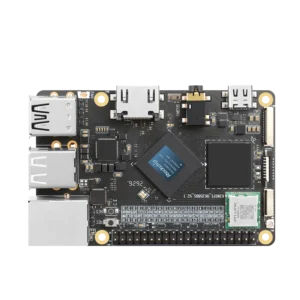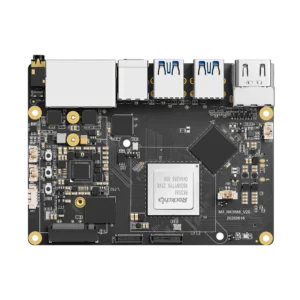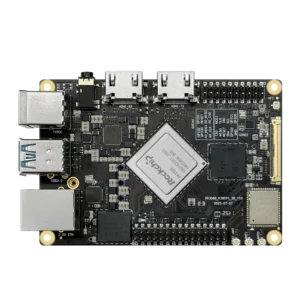


I’ve been testing RK3588 boards for a while. Every time I write about them, someone asks: “Should I get the regular RK3588 or save a few bucks with the RK3588S?”
Fair question. Same 8-core CPU. Same GPU. Same 6 TOPS NPU. On paper, almost identical. In practice? There are differences. Some matter. Some don’t.
Let me break down what I’ve found.
What’s Actually Different
Rockchip stripped some things out to make the S version cheaper.
- PCIe lanes: RK3588 has more. You get full NVMe speed, AI accelerators, maybe even an external GPU if you’re crazy. RK3588S has fewer. NVMe works but it’s bottlenecked. Most users won’t care. Power users will.
- Memory: RK3588 handles up to 32GB LPDDR5. RK3588S tops out at 16GB LPDDR4X. If you’re running VMs or large AI models, that limit stings. For most SBCs shipping with 8GB? You won’t notice.
- Display outputs: RK3588 drives four displays. RK3588S does two. Digital signage or multi-monitor setup? Full version. Tablet or single-screen device? You won’t care.
Real-World Impact
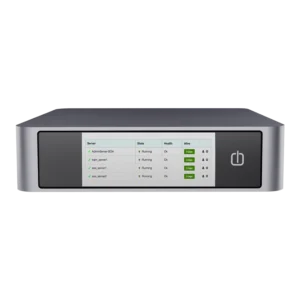
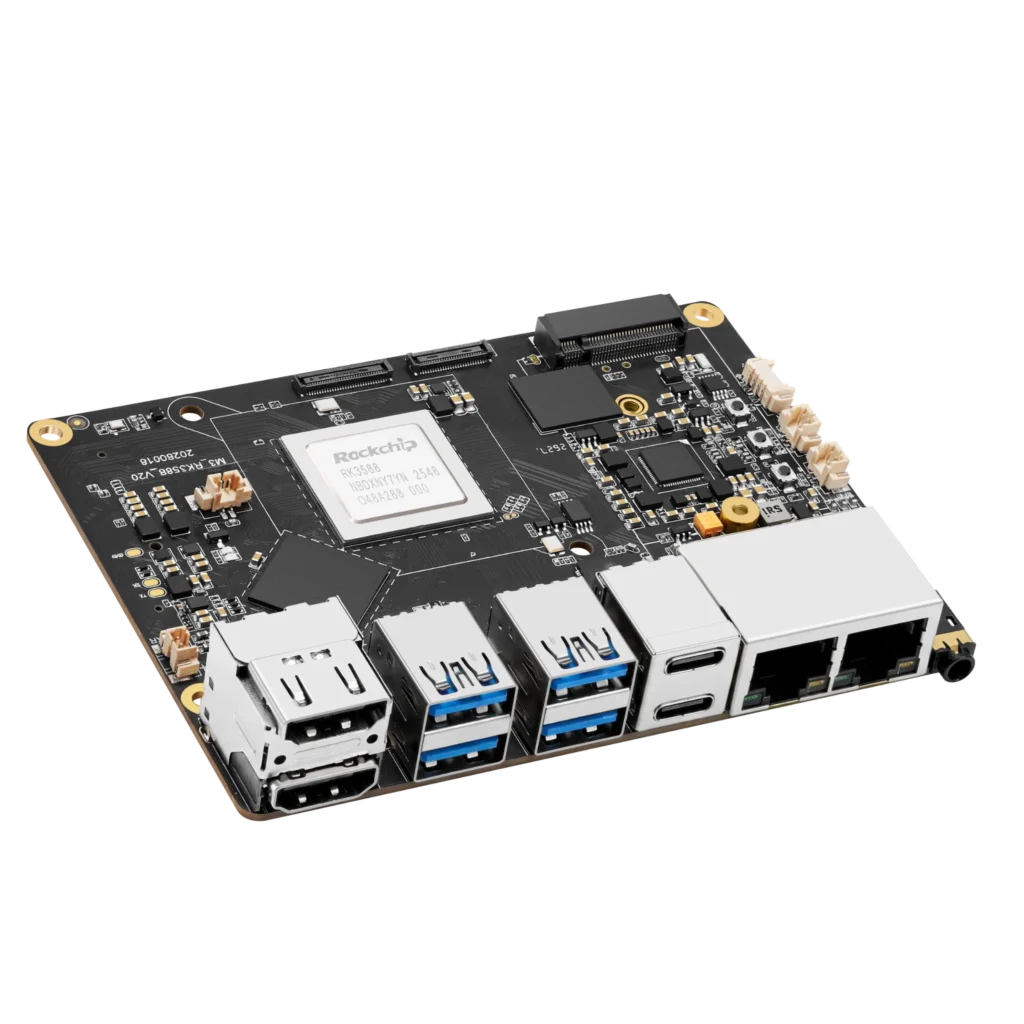
The Kiwi Box 5 uses the full RK3588. Dual 2.5GbE, NVMe at full speed, multiple displays. It handles everything.
RK3588S boards I’ve tested feel just as fast day-to-day. UI is snappy. Video plays fine. Basic AI runs at the same speed. You only notice the difference under heavy load – intensive multitasking, multiple displays, or large file transfers.
Thermals: RK3588S runs slightly cooler because fewer active I/O blocks. Not huge, but enough to matter in fanless designs.
The full RK3588 technical breakdown covers everything you’d want to know.
The Value Question
Price difference is usually $20-30. Sometimes less.
Building one-off for yourself? Get the full RK3588. Headroom is worth it. Building 10,000 units? That $30 per board adds up. RK3588S makes sense.
What frustrates me: Rockchip doesn’t make this distinction clear. Both chips marketed as “flagship AI processors.” Same marketing TOPS. You have to dig into the datasheets to spot the differences. Most people don’t.
The Thermal Trade-Off I Didn’t Expect
RK3588S is easier to cool. Fewer active blocks, less heat. For fanless designs or compact enclosures, that’s a real advantage.
I’ve seen RK3588 SBCs that need active cooling to sustain full performance. RK3588S versions can sometimes get away with passive heatsink. If thermal constraints are tight, that might be the deciding factor.
My Take
No universal right answer. Depends on what you’re building.
Battery-powered, handheld, tablet – RK3588S. Lower cost, better thermal profile.
Server, high-end SBC, edge AI box – full RK3588. Extra PCIe lanes and memory bandwidth worth the price.
Not sure? Get the full RK3588, price difference is small enough that you’re better off with the headroom. You can always not use extra features. You can’t add them later. If you’re also weighing the newer mid-range Rockchip option, that comparison covers the trade-offs.
The Bottom Line
Rockchip made two good chips. One fully featured. One cost-optimized. Neither is bad.
The mistake is not understanding which fits your use case. Don’t buy the S because it’s cheaper if you need the full capabilities. Don’t overspend on the full version if your project will never use those extra lanes.
Twenty dollars doesn’t seem like much. But if you’re building at scale, or if every watt matters, or if space is tight – the RK3588S is the right call. Just make sure you’re making that call for the right reasons.
The difference between RK3588 and RK3588S is relatively small compared with the jump from an older platform. As explained in our Rockchip RK3328 specifications and use cases, that processor relies on four Cortex-A53 cores, a Mali-450 GPU, and has neither PCIe nor an NPU. Moving from RK3328 to either RK3588 variant is a major generational upgrade; choosing between RK3588 and RK3588S is mostly about I/O, memory, and expansion options.