

Adding object detection to an RK3568 controller gives the board image preparation and model inference to handle alongside its control software. Saving video adds encoding and storage writes to the same device.
I’d time those jobs on the existing board first. If recording makes a control task miss its deadline, find out where the delay comes from before ordering a replacement. Moving to RK3576 is worth evaluating, but replacing working sensor drivers and a tested Linux image is part of that job too.
Adding camera work to the controller
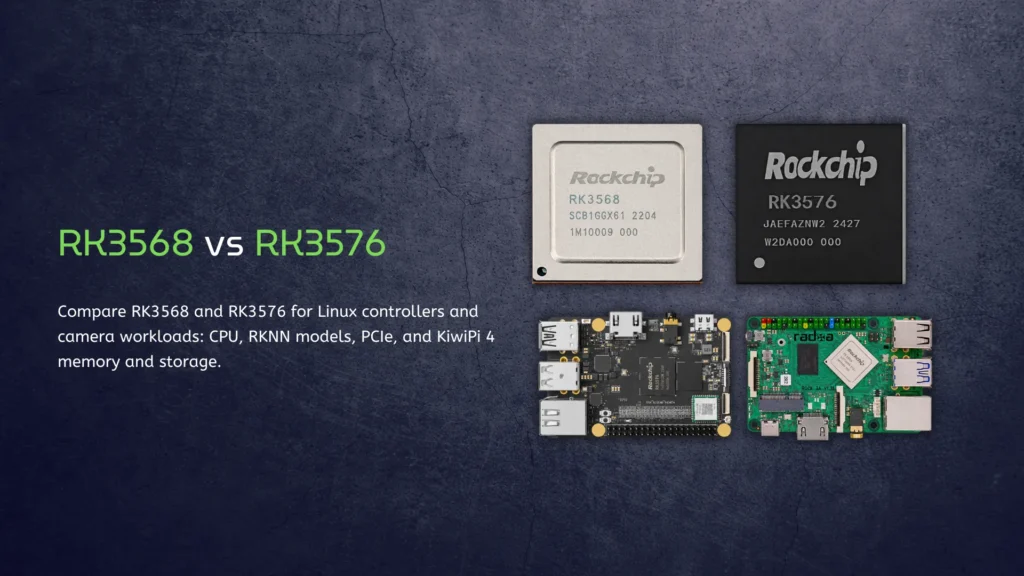
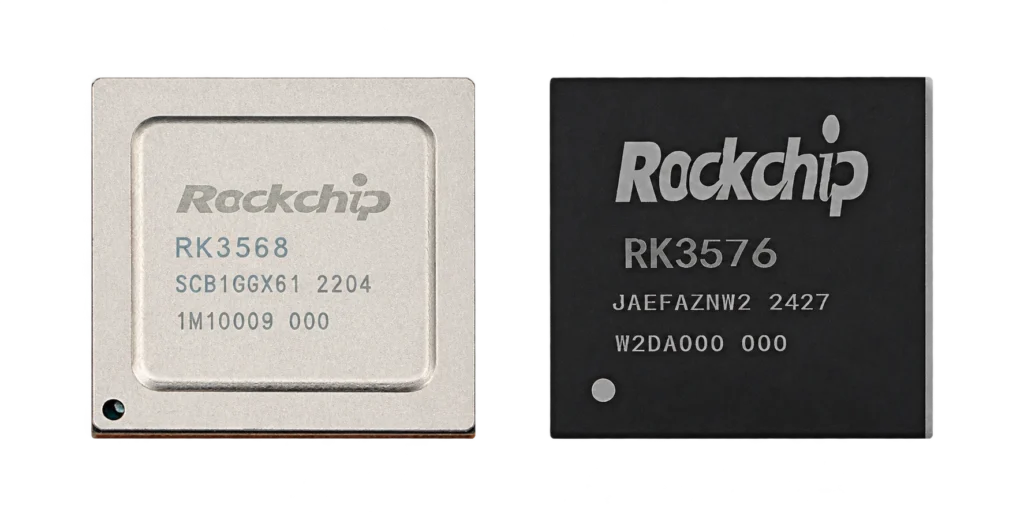
RK3568 has four Cortex-A55 cores and a 1 TOPS NPU. The RK3568 processor overview covers its networking, storage, and display interfaces; there’s enough hardware for a controller that also runs a local interface and a few services. Adding a camera doesn’t automatically require replacing it.
RK3576 adds four Cortex-A72 cores alongside four Cortex-A53 cores. Those A72 cores are the more useful addition for CPU-heavy application code. The RK3576 hardware and software overview covers the wider platform; on KiwiPi 4, the published CPU configuration runs A72 cores up to 2.2GHz and A53 cores up to 1.8GHz.
| SoC capability | RK3568 | RK3576 |
| CPU | 4× Cortex-A55 | 4× Cortex-A72 + 4× Cortex-A53 |
| GPU | Mali-G52 2EE | Mali-G52 MC3 |
| Published NPU rating | 1 TOPS | 6 TOPS at INT8, with sparsity qualification |
| H.264/H.265 encoding | Up to 1080p60 | Up to 4K60 |
| PCIe | PCIe 3.0 x2 or 2× x1, plus PCIe 2.1 | PCIe 2.1 through single-lane combo interfaces |
| Selected memory support | DDR4, LPDDR4/LPDDR4X | LPDDR4/LPDDR4X/LPDDR5 |
| UFS | Not listed in the brief | UFS 2.0 |
For example, keep the existing control service running while decoding frames, resizing them, and filtering detections. Record response times with all of that active. That test will tell you more about the upgrade than an eight-core label, and it doesn’t require guessing a performance multiplier from the clock speeds.
Recording and inference are separate jobs
Video recording gives you a more definite specification difference. Rockchip lists H.264/H.265 encoding up to 1080p60 for RK3568 and up to 4K60 for RK3576. A requirement to record 4K video therefore gives RK3576 a capability the RK3568 encoder doesn’t provide.
That’s the encoder’s job, though. It compresses video; it doesn’t run the detector. A camera application can record at one resolution and pass smaller frames to its model, so test the recording and inference paths together rather than using either frame rate for the whole application.
Converting the model for RK3576
The NPU figures need another qualification. RK3576’s brief datasheet prints 6 TOPS at INT8 with an asterisk for sparsity. RK3568 carries a 1 TOPS rating. Dividing those numbers doesn’t predict a sixfold reduction in inference time, especially for a model that doesn’t benefit from the advertised sparsity conditions.
Both chips appear in Rockchip’s RKNN-Toolkit2 support list. That’s useful if you already have a conversion workflow for RK3568: you can work within the same toolkit family. It doesn’t make the compiled model file interchangeable between chips, or remove the need to match the runtime and kernel driver.
Rebuild for the RK3576 target from the source model, keep the calibration data consistent, and check the converted output before timing it. Use representative images, including the difficult ones. A faster detector that misses the event you need to report hasn’t solved the controller’s problem.
Check the storage connection before moving
Storage is where the comparison takes a less obvious turn. The RK3568 interface specifications include PCIe 3.0 with two lanes, configurable as one x2 link or two x1 links. RK3576’s brief lists PCIe 2.1 through single-lane combo interfaces shared with SATA, and on one interface USB 3.0 as well.
So don’t assume the newer CPU gives an existing NVMe setup a faster connection. Check how the replacement board assigns those interfaces and what it actually exposes. An onboard SSD socket, a ribbon connector, and an unpopulated header need different parts and different space in an enclosure.
KiwiPi 4 memory and storage
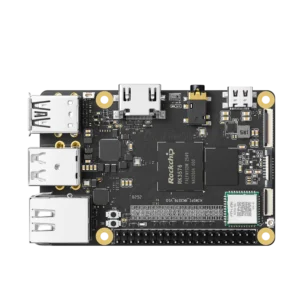
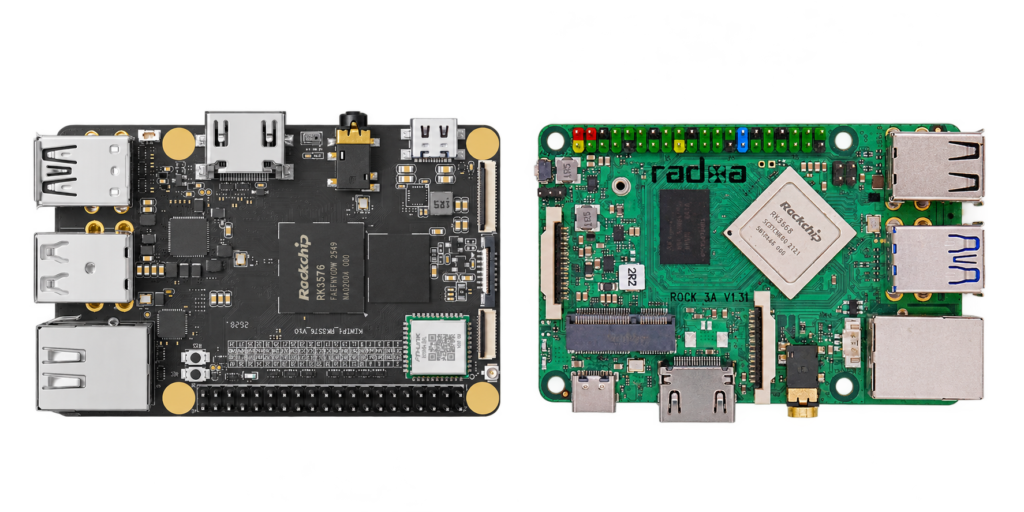
KiwiPi 4 is a concrete RK3576 option: the listed configuration has 3GB of LPDDR4 and 64GB of UFS storage, on an 85 × 56mm board with Gigabit Ethernet. Those are board specifications. RK3576’s support for other memory types or interfaces doesn’t put them on every board using the chip.
Budget the 3GB around the complete application. Linux, frame buffers, inference tensors, and the control service all need RAM; 64GB of UFS provides file storage. Check peak memory with recording active, particularly if the existing RK3568 board has more installed RAM than the replacement.
Moving the application and camera
The OS migration also needs its own test. Start with an image built for the replacement board, install the application and its dependencies, then restore configuration and data. Copying the old boot card across doesn’t supply the new board’s bootloader, device tree, or peripheral setup.
A MIPI camera needs particular attention. Confirm the sensor driver, connector pinout, and ISP tuning with the board vendor; the connector shape alone isn’t enough. Then repeat the test with the enclosure closed and the intended cooling fitted. Keep watching the control service while the video workload runs.
Keep image processing in the camera
There’s another option if the controller itself has no performance problem: process images inside a separate camera and send events back. The RV1106 camera deployment guide covers a small camera-oriented platform, including its limited memory and target-specific software. That approach adds another device to maintain, but can leave the existing controller in place.
For a camera that needs more resources, RV1126B imaging and inference covers a larger camera-oriented processor. Evaluate the sensor, model, and communication protocol together. Splitting the system only helps if the camera returns the information the controller needs within the required time.
Before replacing the original board
If a larger SBC is necessary, the RK3576 and RK3588 board comparison covers the next step within Rockchip. The RK3588 versus Allwinner A733 comparison examines storage and expansion, while RK3588 versus Amlogic A311D2 includes board revisions and Linux media support. Those checks belong on the purchase list alongside CPU performance.
Before retiring the original board, test cold starts, camera reconnection, and recovery after the recording drive fills. Confirm that the control task still meets its deadline during each test. That’s the behavior the replacement has to preserve.
FAQ
Is RK3576 faster than RK3568
RK3576 adds four Cortex-A72 cores and a higher advertised NPU rating. The improvement for a particular application needs a matched test; neither core count nor TOPS establishes a fixed speed ratio.
Can I reuse an RK3568 RKNN model
Keep the source model and conversion inputs, then build for the RK3576 target. Validate the output and use a compatible runtime and driver on the replacement board.
Does RK3576 have faster PCIe
No. RK3568 includes PCIe 3.0, while RK3576 lists PCIe 2.1 combo interfaces. Actual SSD connectivity depends on the board layout and interface configuration.