

Today we take a closer look at the differences between the RK3576 and RK3588, and how they shape the experience on the KiwiPi 4 and KiwiPi 5 boards:
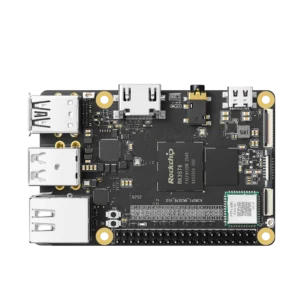
1) The KiwiPi 4 runs Rockchip’s RK3576 and comes with 3GB of RAM and 64GB of UFS storage. It’s an 85 × 56mm board with Gigabit Ethernet and connections for cameras and a display.
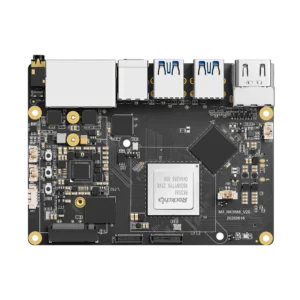
2) The KiwiPi 5 Pro uses RK3588, with up to 32GB of RAM, four USB 3.0 host ports, two 2.5GbE ports, and an M.2 slot for a 2280 NVMe SSD. Both processors have eight CPU cores and an advertised 6 TOPS NPU.
I compared the documentation for these boards, including KiwiPi 5 and 5B. There are no side-by-side benchmarks here, so I won’t put a percentage on the performance difference.
USB and NVMe connections
You can connect a USB 3.0 drive to KiwiPi 4 and still have its two USB 2.0 ports available for a keyboard and mouse. For a small computer running off its onboard UFS, that’s a fairly useful arrangement. The USB drive can hold recordings or backups without taking over the system disk.
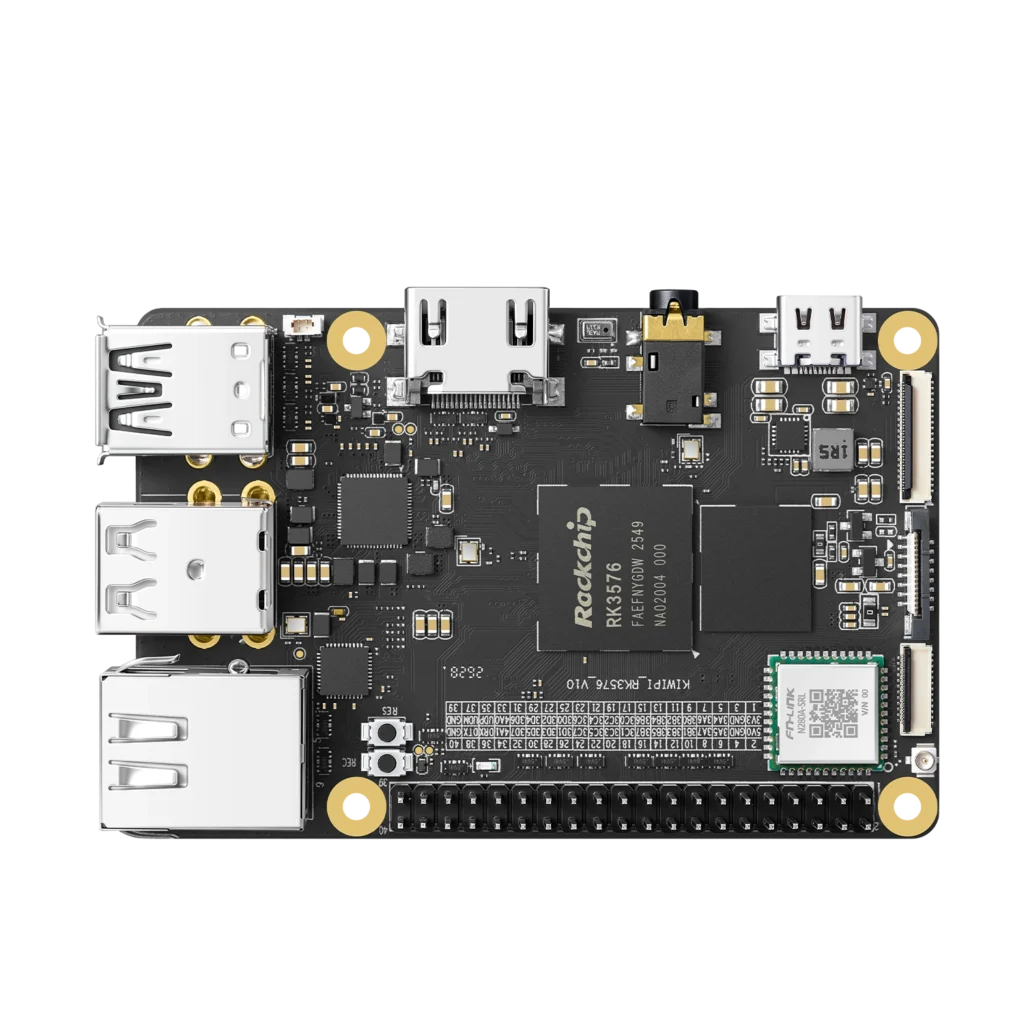
Add a second fast drive, though, and you’ve used the one USB 3.0 host port. You’ll need a hub, or you’ll have to accept USB 2.0 speed on that second drive.
KiwiPi 5 Pro gives you four USB 3.0 host ports, plus PCIe 3.0 x4 for an NVMe drive. That’s enough connectors for the SSD and several USB devices without a hub (not a promise that all four USB ports can sustain full speed together). Its two 2.5GbE connections are also useful if the computer sits between two networks.
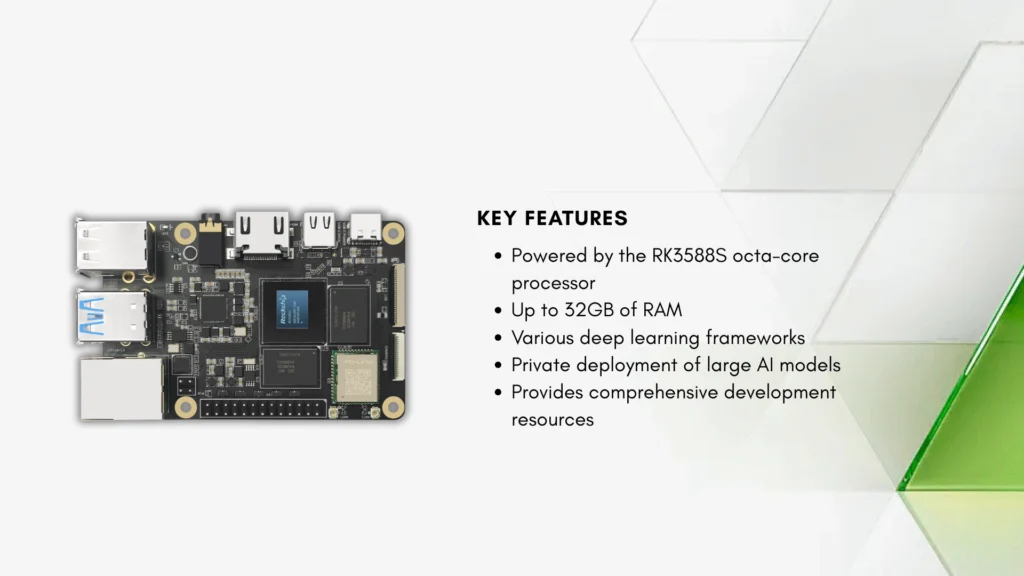
KiwiPi 5 and RK3588S
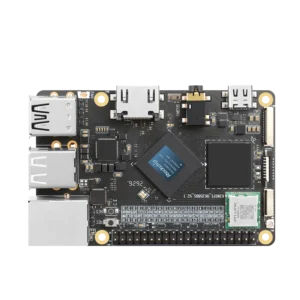
The KiwiPi 5 RK3588S board gives you another option. It has two USB 3.0 host ports and two USB 2.0 ports, with the Cortex-A76/A55 CPU and Mali-G610 graphics used in the RK3588 family. You don’t need the Pro just to get those compute blocks.
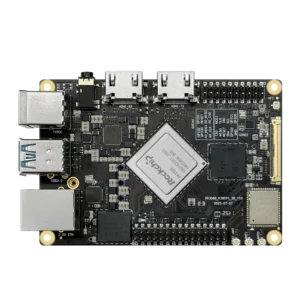
KiwiPi 5B uses the full RK3588 too. It belongs in the comparison, but check its own connector layout rather than carrying the Pro’s port list across to it.
CPU and video processing
KiwiPi lists the performance cores on both KiwiPi 4 and KiwiPi 5 at 2.2GHz. On the 4 they’re Cortex-A72 cores; on the 5 they’re Cortex-A76. The smaller cores change from Cortex-A53 to Cortex-A55 as well, so clock speed alone won’t tell you how quickly either board finishes a job.
For a Linux desktop, I’d lean toward the A76-based board. A browser and a compiler both give the CPU plenty to do, and a development machine will probably run more software than you originally planned for it. A kiosk running one application is easier to size: you can test that application instead of buying spare capacity for whatever might come next. The Rockchip RK3576 processor guide covers the chip’s other interfaces in more detail.
| Hardware | RK3576 | RK3588 |
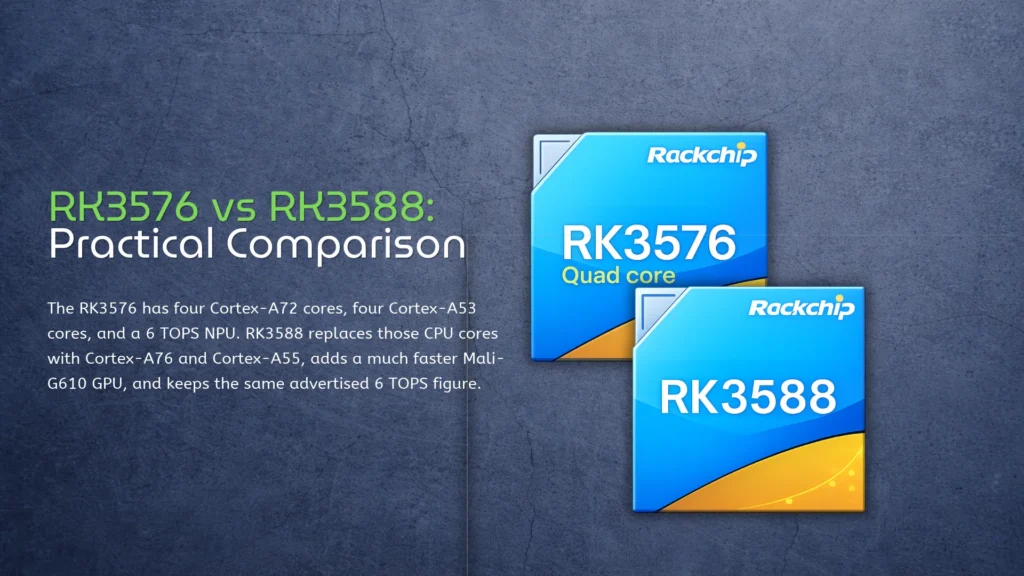
| CPU | 4× Cortex-A72 + 4× Cortex-A53 | 4× Cortex-A76 + 4× Cortex-A55 |
| GPU | Mali-G52 MC3 | Mali-G610 MP4 |
| Memory bus | 32-bit | 64-bit |
| Advertised NPU rating | 6 TOPS INT8, sparsity footnote | 6 TOPS |
| PCIe | PCIe 2.1 combo interfaces | Includes PCIe 3.0 x4 |
| Example boards | KiwiPi 4 | KiwiPi 5 Pro, KiwiPi 5B |
The GPU changes from Mali-G52 MC3 to Mali-G610 MP4. That gives the RK3588 family a stronger starting point for 3D rendering, although the Linux driver and application still have to support the acceleration you want. Video playback is a separate question—the GPU’s model number doesn’t describe the hardware decoder.
Decoder limits
Rockchip’s official RK3576 brief datasheet lists H.265, VP9 and AV1 decoding at up to 4K120, with H.264 decoding at up to 4K60. H.264/H.265 encoding reaches 4K60. The official RK3588 processor specifications include 8K video capabilities; its H.265 decoding can reach 8K60 and H.264/H.265 encoding up to 8K30.
Those are codec-specific limits, not settings that apply to every video file. For signage playing a known 4K playlist, check the files and player first; an 8K decoder won’t improve a 4K source.
NPU ratings and available RAM
There’s a footnote worth reading on RK3576. Rockchip prints 6 TOPS at INT8 with an asterisk referring to sparsity. That qualification belongs beside the number: you shouldn’t assume an arbitrary dense model will achieve the advertised rate, or that it will match RK3588 because both product pages say 6 TOPS.
An actual model benchmark would settle much more of this than another TOPS comparison. Our explanation of NPU performance ratings covers the measurements to look for.
What 6 TOPS Leaves Out
For example, an object detector needs frames in the right size and format before inference starts. Afterward, the application may filter detections, track objects, draw boxes, or save an event. Time spent doing those things still counts when you’re waiting for a result, even if the NPU finished its part quickly.
Memory Bandwidth and RAM
RK3588 has a 64-bit memory interface against RK3576’s 32-bit interface. At equivalent memory transfer rates, that allows twice the theoretical bandwidth, shared by the blocks accessing RAM. Actual bandwidth also depends on the installed memory and its configuration; it isn’t a two-times multiplier for the whole application.
On KiwiPi 4, the listed configuration has 3GB of RAM. KiwiPi 5 lists an 8GB configuration and options up to 32GB, as does KiwiPi 5 Pro. If a model, frame buffers and the operating system already exceed 3GB, that’s a reason to choose another configuration before worrying about which NPU finishes first. The 64GB of UFS on KiwiPi 4 is storage, not extra working memory.
More RAM will let more data fit. It won’t make an unsupported model run on the NPU.
Test the Complete Workload
Before committing to either board, check the supplied Linux image with the camera, display and model you intend to use. For AI work, include model conversion and the matching RKNN runtime in that check. Then measure the complete application long enough to expose thermal throttling, rather than accepting the first inference result after boot.
If it meets the required response time on KiwiPi 4, you have a useful result. If it doesn’t, find out whether the delay is in inference, frame handling or memory use before ordering the replacement board.
FAQ
Is RK3576 a drop-in replacement for RK3588?
No. They are different chips, with different packages and interfaces. Moving an existing hardware design between them requires board-level changes, not just a different system image.
Does KiwiPi 5 use the full RK3588?
No, it uses RK3588S. KiwiPi 5 Pro and KiwiPi 5B use RK3588. The S version retains the main CPU and GPU configuration but reduces the available I/O.
Does 64GB of UFS help a model fit in 3GB of RAM?
UFS can store the model file. The application still needs enough working memory to execute it, along with its buffers and the operating system.